Aspire 4530/4230 Series Service Guide
Revision History
Copyright
III
Conventions
Preface
Page
Table of Contents
Viii
Aspire 4530/4230 Series
Microsoft Windows Vista Environment Test
Table of Contents
Features
Chapter
Dimensions
Power Subsystem
Communication
Privacy Control
Environment
System Block Diagram
AMD Griffin SabieLion
Icon Description
Your Acer Notebook tour
Front View
Closed Front View
Left View
Right View
Rear View
Bottom View
Indicators
Easy-Launch Buttons
HDD
Icon Function Description
Touch Pad Basics with fingerprint reader
Function Left Button Right Button Main Touch Pad
Using the Keyboard
Lock Keys and embedded numeric keypad
Windows Keys
Key Description
Hot Keys
Hotkey Icon Function Description
US dollar sign
Euro symbol
Special Key
Using the System Utilities
Acer GridVista dual-display compatible
Page
Hardware Specifications and Configurations
Processor Specification
Cache Specification
CPU Fan True Value Table DTS degree C Active Fan Speed rpm
0MB
System Memory Specification
Memory Combinations Slot Total Memory
LAN Interface Specification
Bluetooth Interface Specification
Wireless Module 802.11b/g Specification
Hard Disk Drive Interface Specifications
RPM
Combo Drive Module
Super Multi Drive Specification
CD-DA DAE CAV CD-ROM
Sata
DVD
DVD-ROM
DVD-R
Audio Interface Specification
Video Memory Specification
USB Interface Specification
Ohci
System Board Major Chips Controller
Keyboard Specification
Battery Specification
LCD Specification
LCD Inverter Specification
AC Adapter Specification
System Power Management Acpi mode
Chapter
Bios Setup Utility
Navigating the Bios Utility
Information
Parameter Description
Option Ahci Mode
Main
Parameter Description Format/Option
Yyyy
Advanced
Parameter Description Submenu Items
SMU
MAC LAN
S5 WOL
MXM LVDS/TV
MXM CRT/DVI
Disabled or
Security
Parameter Description Option
Clear or Set
Setting a Password
Removing a Password
Changing a Password
Boot
IDE 4 Toshiba MK1646GSX S1
Power
Griffin Mode or Disabled
Enabled or Auto
Hipm
Parameter Description Option
0x8B Setup interrupt vector and present bit in Equipment
0XDF
Sdxe
Top View
CPU H/W Monitor IC
Bottom View
Ddrii SO-DIMM
Clearing Password Check and Bios Recovery
Clearing Password Check
Steps for Clearing Bios Password Check
Hardware Open Gap Description
Bios Recovery by Crisis Disk
Bios Recovery Boot Block
Bios Recovery Hotkey
Steps for Bios Recovery by Crisis Disk
FRU Field Replaceable Unit List
Description Part Number
Aspire 4530/4230 Exploded Diagram
Main Assembly
LCD Assembly
Category Description Part Number Adapter
Battery
Aspire 4530/4230 FRU List
Case/Cover/Bracket Assembly
Category Description Part Number Cable
Super Multi Drive
Category Description Part Number
Combo Module
Sata LF F/W3.AAA
Sata II LF F/WC31P
W3.AAA
LF F/WLB113J
Category Keyboard Description Part Number
LCD Module 14.1 IN. Wxgag Assy W/ANTENNA CCD
LCD 14.1 Wxga AU B141EW04-V4 LF Glare 200NITS
LCD 14.1 Wxga CMO N141I3-L02 LF Glare 200NITS 16MS
Inverter Board
LCD Cable
LCD Cover IMR W/MIC, Camera CABLE, Antenna
LCD Bezel for CCD
Miscellaneous
Memory
Heatsink
Screw List
Category Description Part Number Screw List
Model Definition and Configuration
Appendix a
Aspire 4530/4230 Series
Model Country Acer Part no Description
Appendix a 160
USA
Appendix a 162
AAP
Appendix a 164
USA
Appendix a 166
China
Appendix a 168
Appendix a
Appendix a 170
SO512MBII6
Appendix a 172
SO2GBII6 SO1GBII6
Appendix a 174
ATUZM80
Appendix a 176
3rd WiFi 603G16Mn
Appendix a 178
3rd WiFi 701G25Mi
Appendix a 180
3rd WiFi 824G32Mn
Appendix a 182
Test Compatible Components
Appendix B
Microsoft Windows Vista Environment Test
Vendor Type Description Adapter
Vendor Type Description
Bluetooth
Audio Codec
Camera
Card Reader
Online Support Information
Appendix C
188
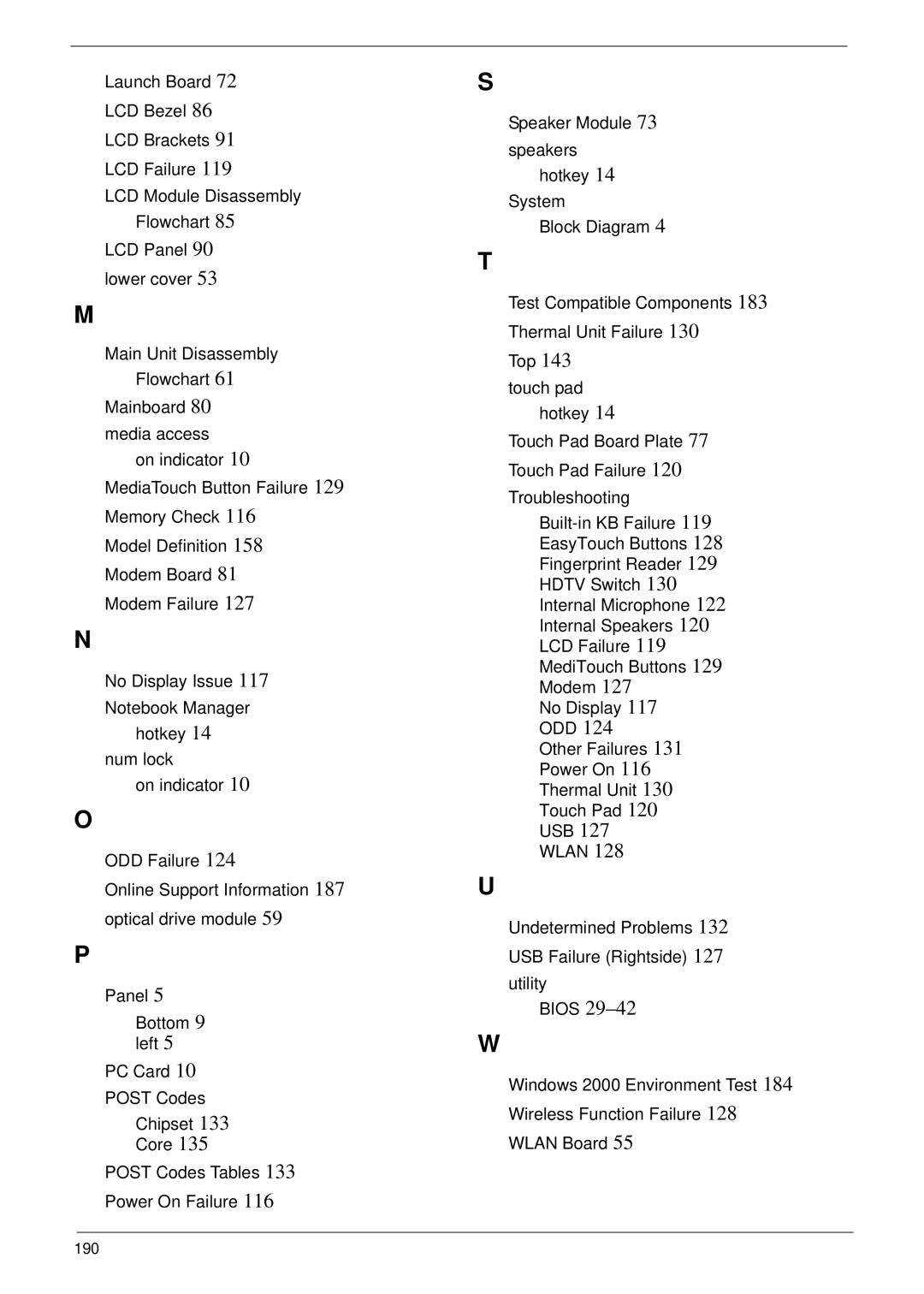
Index
190