Actiontec Broadband Router User Manual
To define a new connection with a fixed IP address:
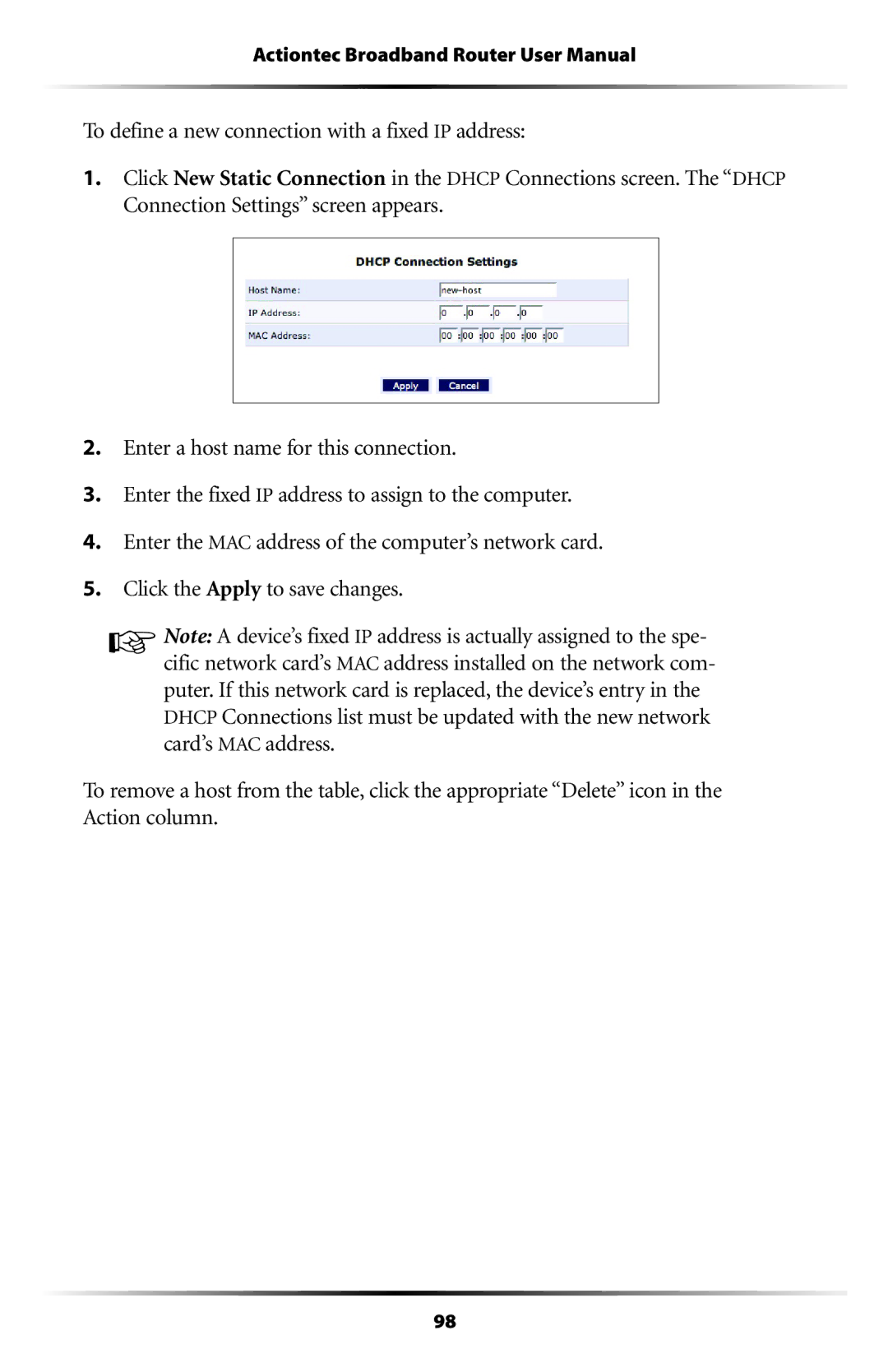
1.Click New Static Connection in the DHCP Connections screen. The “DHCP Connection Settings” screen appears.
2.Enter a host name for this connection.
3.Enter the fixed IP address to assign to the computer.
4.Enter the MAC address of the computer’s network card.
5.Click the Apply to save changes.
☞Note: A device’s fixed IP address is actually assigned to the spe- cific network card’s MAC address installed on the network com- puter. If this network card is replaced, the device’s entry in the DHCP Connections list must be updated with the new network card’s MAC address.
To remove a host from the table, click the appropriate “Delete” icon in the Action column.
98