Mode Dial
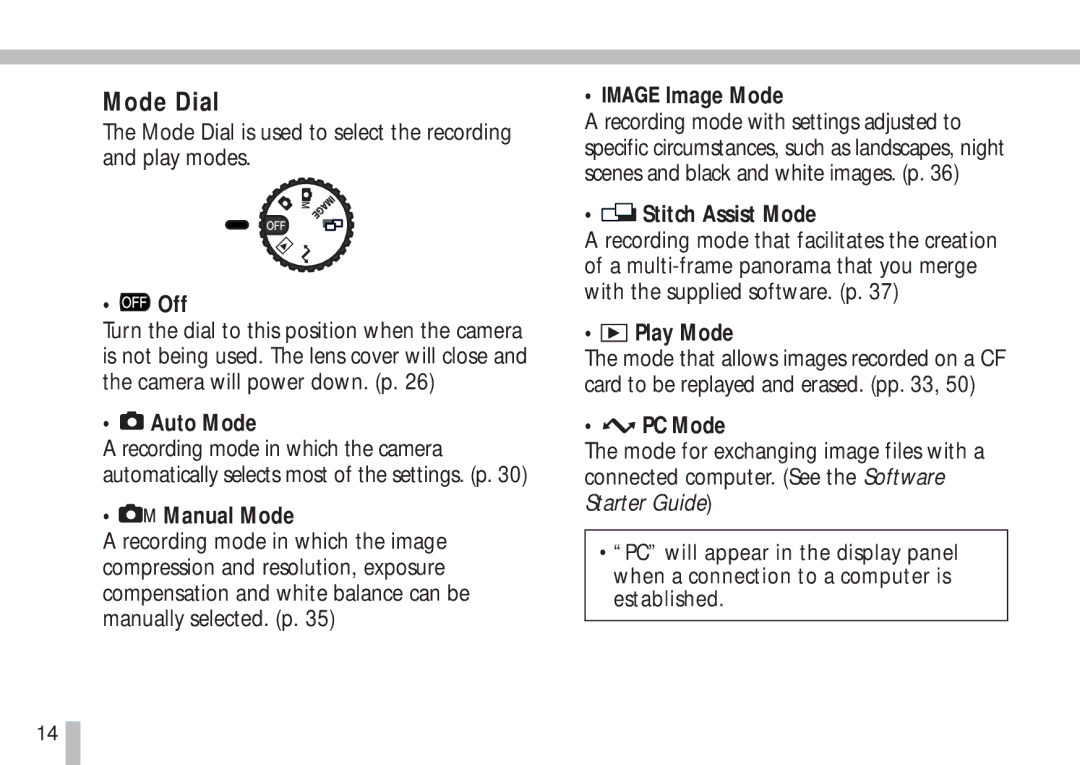
The Mode Dial is used to select the recording and play modes.
•  Off
Off
Turn the dial to this position when the camera is not being used. The lens cover will close and the camera will power down. (p. 26)
•  Auto Mode
A recording mode in which the camera automatically selects most of the settings. (p. 30)
•  Manual Mode
A recording mode in which the image compression and resolution, exposure compensation and white balance can be manually selected. (p. 35)
• 

 Image Mode
A recording mode with settings adjusted to specific circumstances, such as landscapes, night scenes and black and white images. (p. 36)
•  Stitch Assist Mode
A recording mode that facilitates the creation of a
•  Play Mode
The mode that allows images recorded on a CF card to be replayed and erased. (pp. 33, 50)
•  PC Mode
The mode for exchanging image files with a connected computer. (See the Software Starter Guide)
•“PC” will appear in the display panel when a connection to a computer is established.
14