Adjusting the Projector Function (“PRJ - ADJ” menu) (Continued)
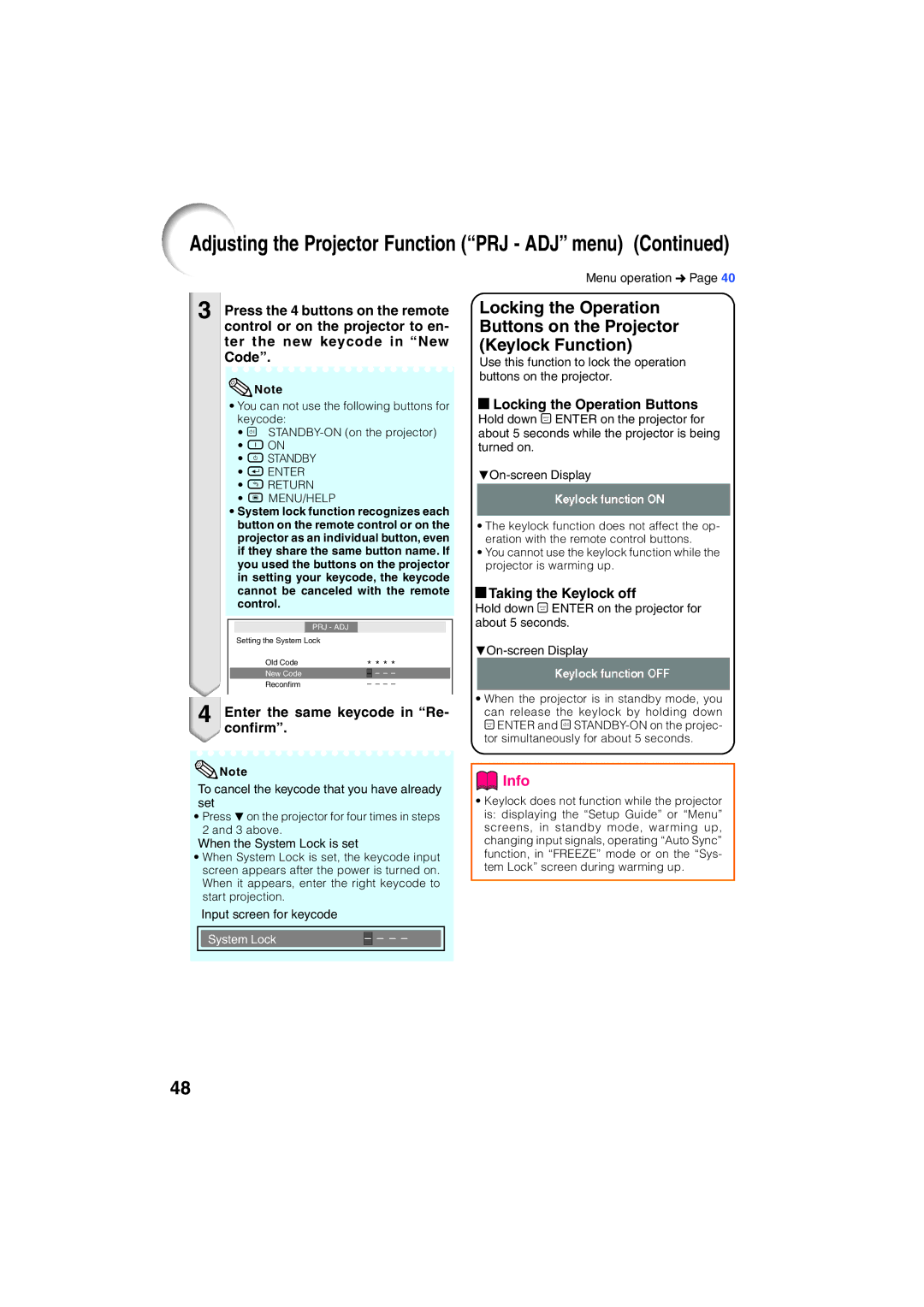
3 Press the 4 buttons on the remote control or on the projector to en- ter the new keycode in “New Code”.
 Note
Note
•You can not use the following buttons for keycode:
•o
•f ON
•e STANDBY
•h ENTER
•l RETURN
•B MENU/HELP
•System lock function recognizes each button on the remote control or on the projector as an individual button, even if they share the same button name. If you used the buttons on the projector in setting your keycode, the keycode cannot be canceled with the remote control.
|
| PRJ - ADJ |
|
|
|
|
|
|
| Setting the System Lock |
|
|
|
|
|
| |
| Old Code | * * * * |
| |||||
| New Code |
| – | – | – | – |
| |
| Reconfirm |
| – – – – |
| ||||
4 Enter the same keycode in “Re- confirm”.
 Note
Note
To cancel the keycode that you have already set
•Press Ron the projector for four times in steps 2 and 3 above.
When the System Lock is set
•When System Lock is set, the keycode input screen appears after the power is turned on. When it appears, enter the right keycode to start projection.
Input screen for keycode
|
|
|
|
|
|
|
| System Lock | – | – | – | – |
|
|
|
|
|
|
|
|
Menu operation n Page 40
Locking the Operation Buttons on the Projector (Keylock Function)
Use this function to lock the operation buttons on the projector.
a Locking the Operation Buttons
Hold down p ENTER on the projector for about 5 seconds while the projector is being turned on.
•The keylock function does not affect the op- eration with the remote control buttons.
•You cannot use the keylock function while the projector is warming up.
aTaking the Keylock off
Hold down p ENTER on the projector for about 5 seconds.
•When the projector is in standby mode, you
can release the keylock by holding down p ENTER and o
 Info
Info
•Keylock does not function while the projector is: displaying the “Setup Guide” or “Menu” screens, in standby mode, warming up, changing input signals, operating “Auto Sync” function, in “FREEZE” mode or on the “Sys- tem Lock” screen during warming up.
48