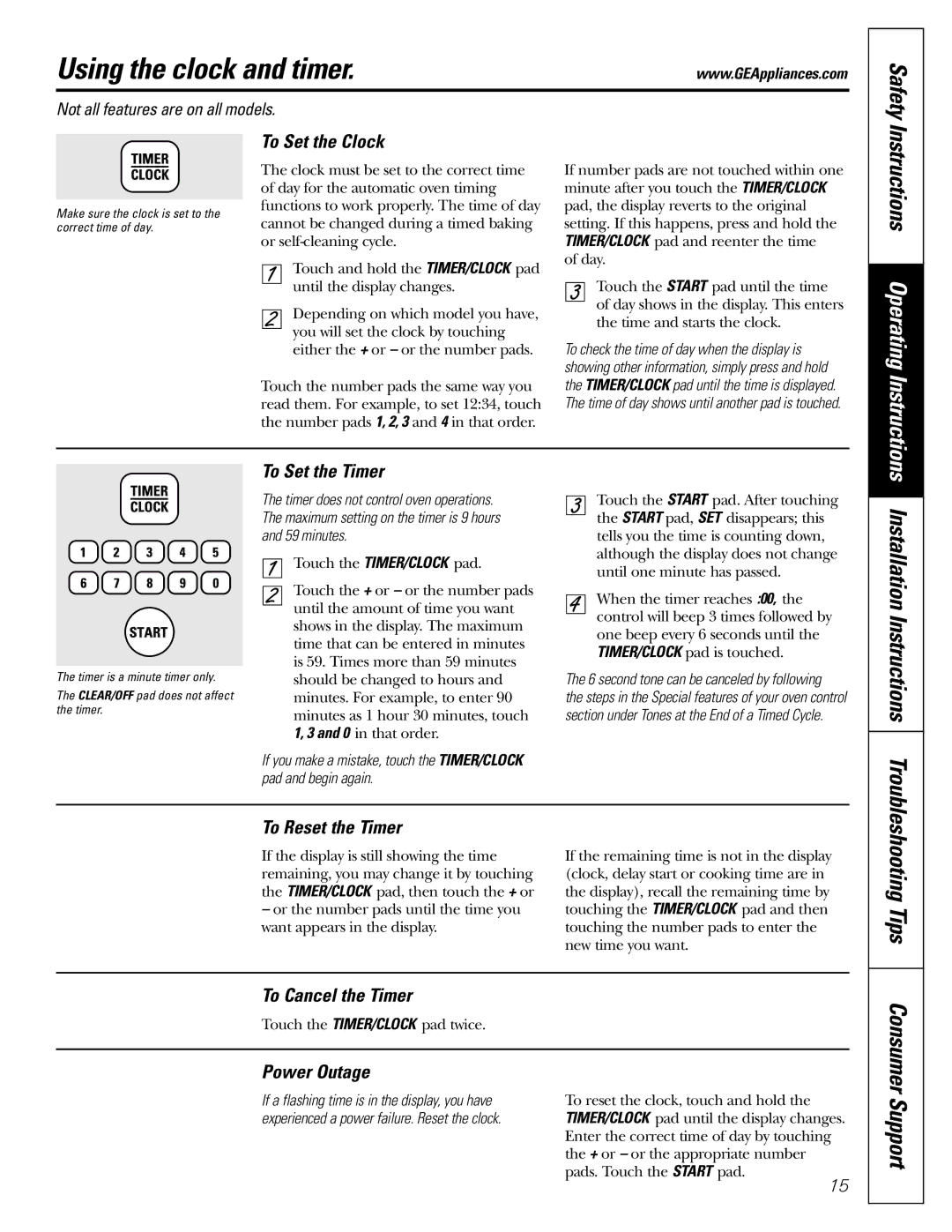
Using the clock and timer.

www.GEAppliances.com

Not all features are on all models.

Safety

Make sure the clock is set to the correct time of day.

To Set the Clock

The clock must be set to the correct time of day for the automatic oven timing functions to work properly. The time of day cannot be changed during a timed baking or self-cleaning cycle.

Touch and hold the TIMER/CLOCK pad until the display changes.

Depending on which model you have, you will set the clock by touching either the + or or the number pads.

Touch the number pads the same way you read them. For example, to set 12:34, touch the number pads 1, 2, 3 and 4 in that order.

If number pads are not touched within one minute after you touch the TIMER/CLOCK pad, the display reverts to the original setting. If this happens, press and hold the TIMER/CLOCK pad and reenter the time

of day.

Touch the START pad until the time of day shows in the display. This enters the time and starts the clock.

To check the time of day when the display is showing other information, simply press and hold the TIMER/CLOCK pad until the time is displayed. The time of day shows until another pad is touched.

Instructions Operating Instructions

The timer is a minute timer only.

The CLEAR/OFF pad does not affect the timer.

To Set the Timer

The timer does not control oven operations. The maximum setting on the timer is 9 hours and 59 minutes.

Touch the TIMER/CLOCK pad.

Touch the + or or the number pads until the amount of time you want shows in the display. The maximum time that can be entered in minutes is 59. Times more than 59 minutes should be changed to hours and minutes. For example, to enter 90 minutes as 1 hour 30 minutes, touch 1, 3 and 0 in that order.

If you make a mistake, touch the TIMER/CLOCK pad and begin again.

Touch the START pad. After touching the START pad, SET disappears; this tells you the time is counting down, although the display does not change until one minute has passed.

When the timer reaches :00, the control will beep 3 times followed by one beep every 6 seconds until the TIMER/CLOCK pad is touched.

The 6 second tone can be canceled by following

the steps in the Special features of your oven control section under Tones at the End of a Timed Cycle.

Installation Instructions

To Reset the Timer

If the display is still showing the time remaining, you may change it by touching the TIMER/CLOCK pad, then touch the + or

or the number pads until the time you want appears in the display.

If the remaining time is not in the display (clock, delay start or cooking time are in the display), recall the remaining time by touching the TIMER/CLOCK pad and then touching the number pads to enter the new time you want.

Troubleshooting Tips

To Cancel the Timer

Touch the TIMER/CLOCK pad twice.

Power Outage

If a flashing time is in the display, you have

To reset the clock, touch and hold the

experienced a power failure. Reset the clock.

TIMER/CLOCK pad until the display changes.


Enter the correct time of day by touching


the + or or the appropriate number


pads. Touch the START pad.


15

Consumer Support

Page 15
Image 15
GE JGBP99, JGBP36, JGBP83 manual Using the clock and timer, Installation Instructions

JGBP83, JGBP36, JGBP99 specifications

The GE JGBP99, JGBP36, and JGBP83 are part of General Electric's lineup of gas ranges that combine innovation with user-friendly design to offer excellent cooking performance. These ranges are known for their reliability, versatility, and advanced features, catering to both amateur cooks and seasoned chefs.

Starting with the GE JGBP99, this model stands out with its sleek design and powerful performance capabilities. It features a convection oven that circulates heat for even cooking and browning. The JGBP99 is equipped with a self-cleaning function, which saves time and effort by using high heat to burn away food residue. Its Precise Air Convection system ensures that food is cooked to perfection, whether baking cookies or roasting a turkey. The oven's extra-large capacity allows for cooking multiple dishes simultaneously, making it ideal for family meals and gatherings.

Meanwhile, the GE JGBP36 model offers impressive engineering combined with an elegant appearance. It sports a high-performance 15,000 BTU burner, which delivers rapid heating for boiling or searing, while its simmer burner is perfect for delicate sauces. This model features a continuous grates design that enhances cooking flexibility, allowing pots and pans to slide easily from burner to burner. The JGBP36 also highlights the convenience of having an integrated oven light and large viewing window, so monitoring progress without opening the door is effortless.

On the other hand, the GE JGBP83 offers a multifunctional experience with its advanced cooking technologies. This model is accentuated by its powerful sealed burners, providing precise temperature management for various cooking techniques. The edge-to-edge cooktop maximizes cooking space and simplifies cleaning. The JGBP83 comes with multiple cooking modes, including bake, broil, and a specific pizza mode that ensures perfect crusts every time. Additionally, it includes smart features that allow users to monitor and control cooking remotely, enhancing modern kitchen connectivity.

In summary, the GE JGBP99, JGBP36, and JGBP83 represent some of the best gas ranges available, showcasing a mix of state-of-the-art technology and practical features. Each model is designed to accommodate different cooking styles while ensuring reliability and efficient performance. From advanced convection systems to versatile burner options, these ranges continue to be a popular choice for anyone looking to elevate their culinary experience. Whether it’s large family dinners or hosting gatherings, GE gas ranges deliver the quality and performance you need in a modern kitchen.