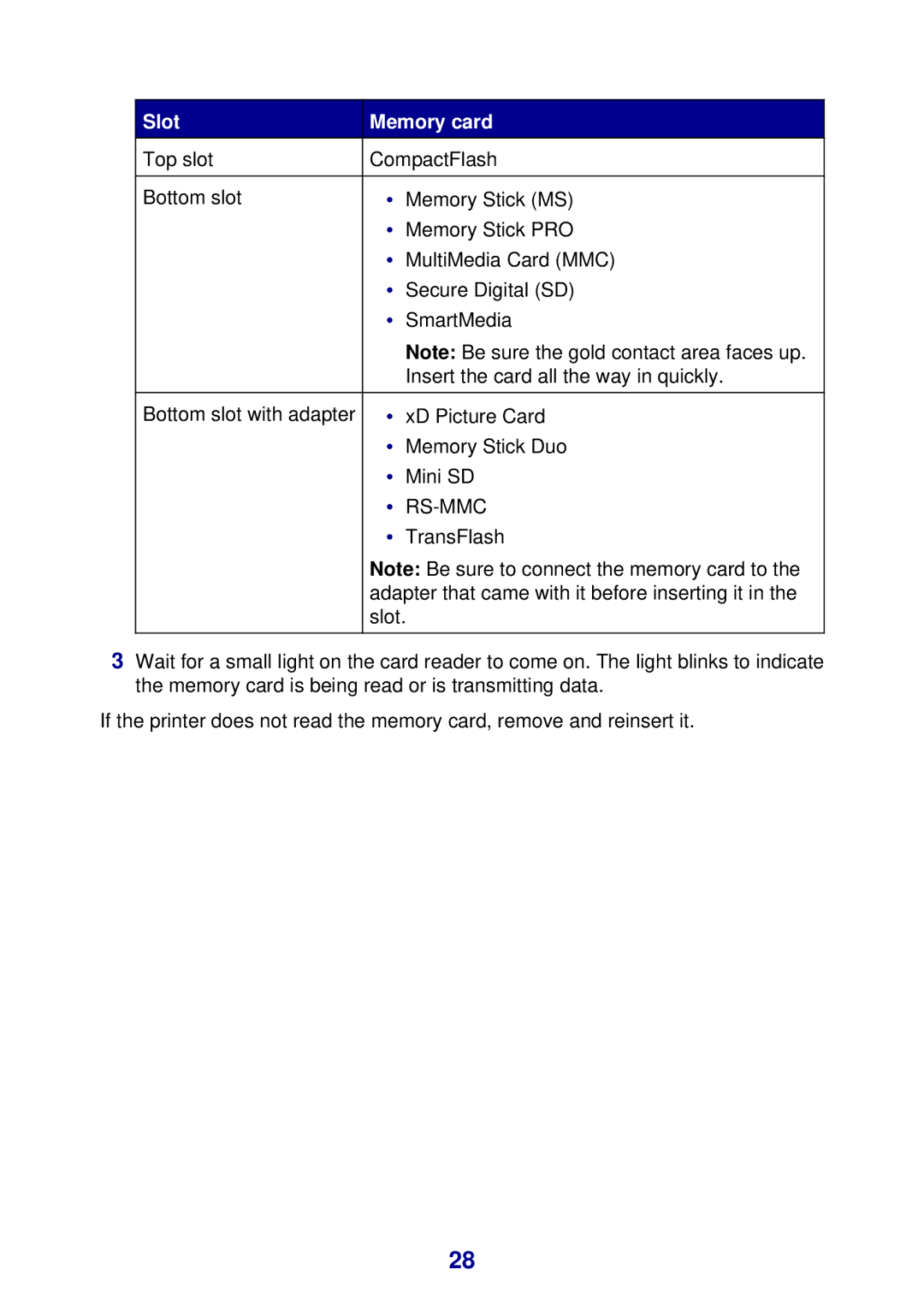
Slot | Memory card | ||
Top slot | CompactFlash |
| |
|
|
|
|
Bottom slot | • | Memory Stick (MS) | |
| • | Memory Stick PRO | |
| • | MultiMedia Card (MMC) | |
| • | Secure Digital (SD) | |
| • | SmartMedia | |
|
| Note: Be sure the gold contact area faces up. | |
|
| Insert the card all the way in quickly. | |
|
|
|
|
Bottom slot with adapter | • | xD Picture Card | |
| • | Memory Stick Duo | |
| • | Mini SD | |
| • |
| |
| • | TransFlash | |
| Note: Be sure to connect the memory card to the | ||
| adapter that came with it before inserting it in the | ||
| slot. | ||
|
|
|
|
3Wait for a small light on the card reader to come on. The light blinks to indicate the memory card is being read or is transmitting data.
If the printer does not read the memory card, remove and reinsert it.
28