Phone Overview
Phone Overview
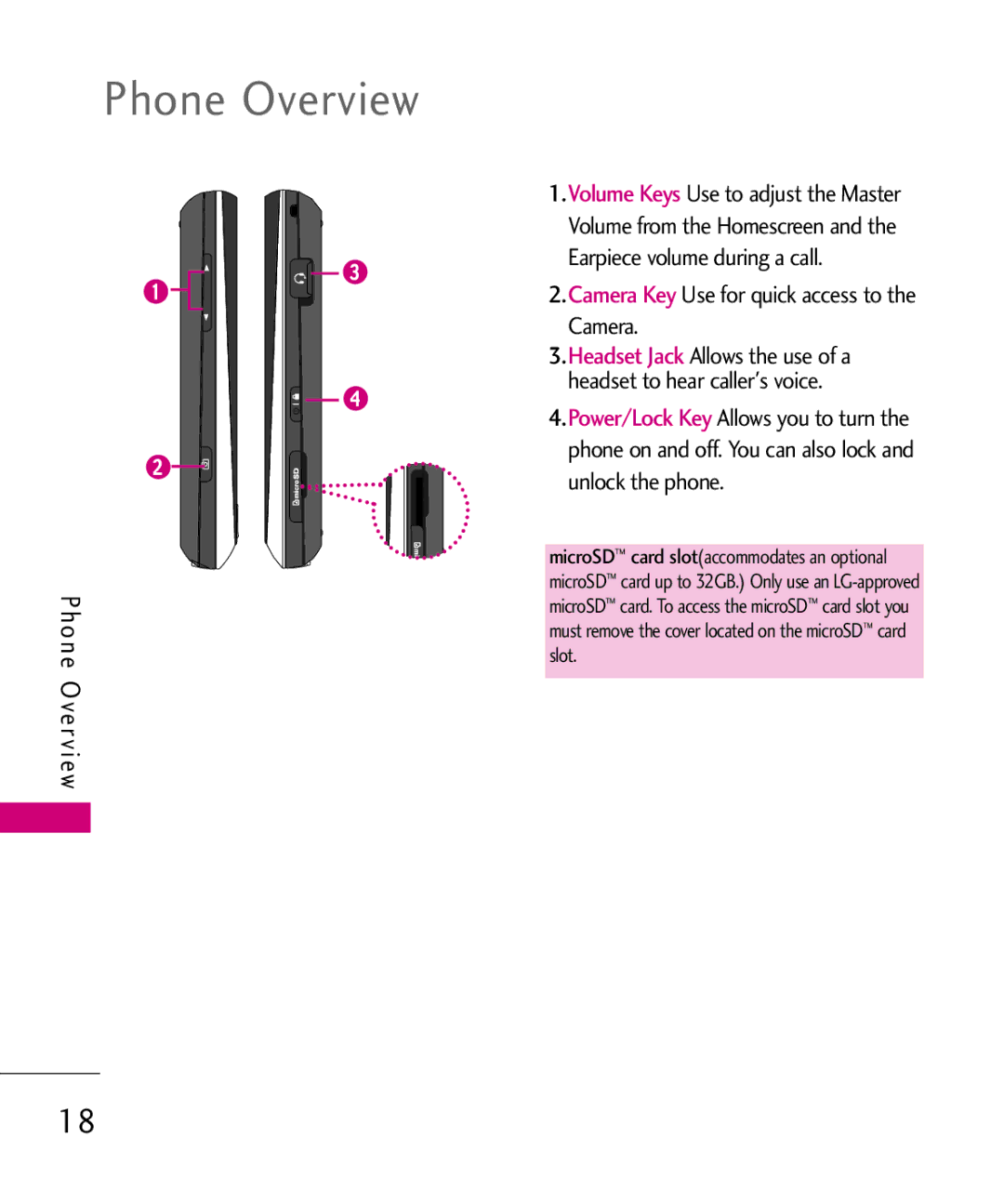
1.Volume Keys Use to adjust the Master Volume from the Homescreen and the Earpiece volume during a call.
2.Camera Key Use for quick access to the Camera.
3.Headset Jack Allows the use of a headset to hear caller's voice.
4.Power/Lock Key Allows you to turn the phone on and off. You can also lock and unlock the phone.
microSD™ card slot(accommodates an optional microSD™ card up to 32GB.) Only use an
18