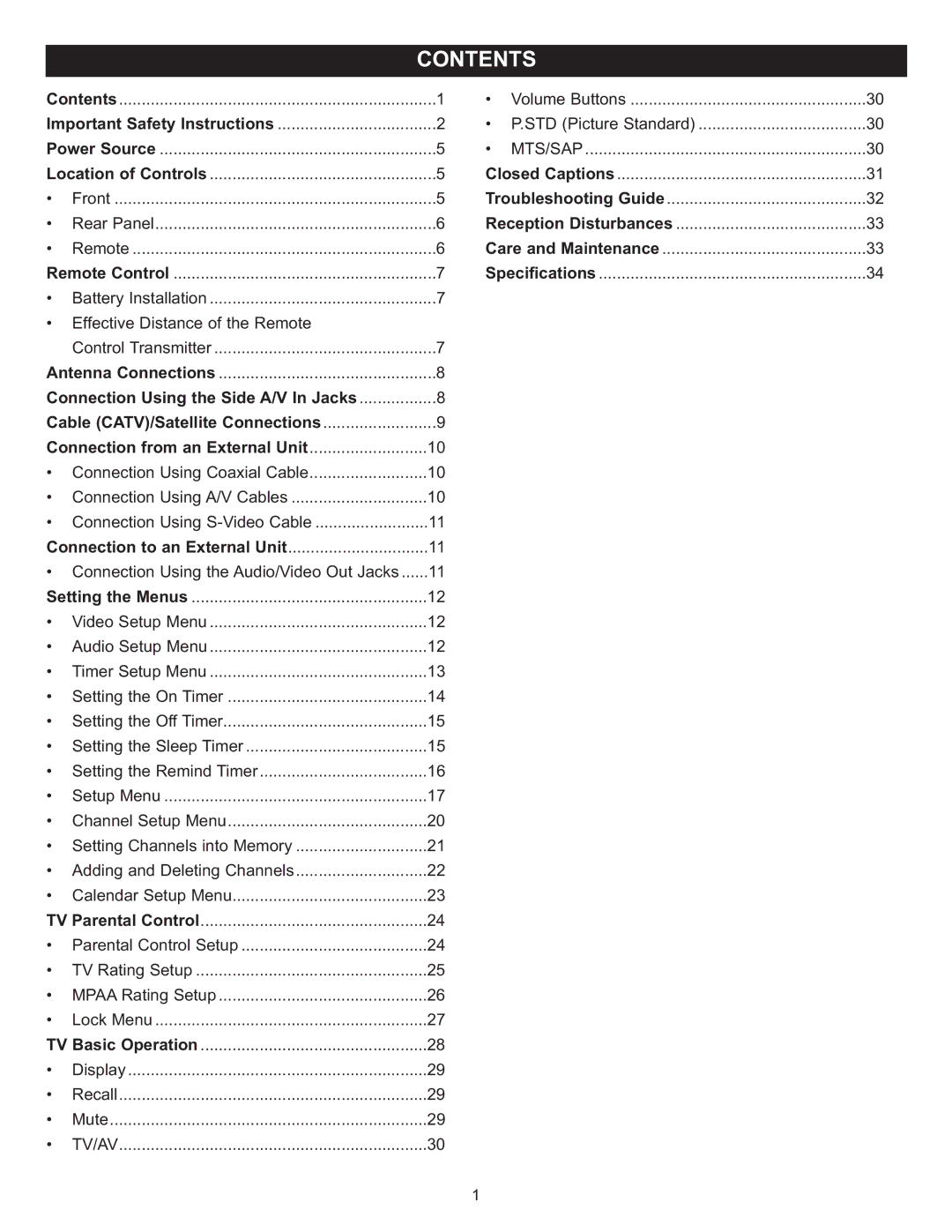
Contents | 1 | |
Important Safety Instructions | 2 | |
Power Source | 5 | |
Location of Controls | 5 | |
• | Front | 5 |
• | Rear Panel | 6 |
• | Remote | 6 |
Remote Control | 7 | |
• | Battery Installation | 7 |
• Effective Distance of the Remote |
| |
| Control Transmitter | 7 |
Antenna Connections | 8 | |
Connection Using the Side A/V In Jacks | 8 | |
Cable (CATV)/Satellite Connections | 9 | |
Connection from an External Unit | 10 | |
• Connection Using Coaxial Cable | 10 | |
• | Connection Using A/V Cables | 10 |
• Connection Using | 11 | |
Connection to an External Unit | 11 | |
• Connection Using the Audio/Video Out Jacks | 11 | |
Setting the Menus | 12 | |
• | Video Setup Menu | 12 |
• | Audio Setup Menu | 12 |
• | Timer Setup Menu | 13 |
• Setting the On Timer | 14 | |
• Setting the Off Timer | 15 | |
• Setting the Sleep Timer | 15 | |
• Setting the Remind Timer | 16 | |
• | Setup Menu | 17 |
• | Channel Setup Menu | 20 |
• Setting Channels into Memory | 21 | |
• Adding and Deleting Channels | 22 | |
• | Calendar Setup Menu | 23 |
TV Parental Control | 24 | |
• | Parental Control Setup | 24 |
• | TV Rating Setup | 25 |
• | MPAA Rating Setup | 26 |
• | Lock Menu | 27 |
TV Basic Operation | 28 | |
• | Display | 29 |
• | Recall | 29 |
• | Mute | 29 |
• | TV/AV | 30 |
• | Volume Buttons | 30 |
• | P.STD (Picture Standard) | 30 |
• | MTS/SAP | 30 |
Closed Captions | 31 | |
Troubleshooting Guide | 32 | |
Reception Disturbances | 33 | |
Care and Maintenance | 33 | |
Specifications | 34 | |
1