When the device is locked, calls still may be possible to the official emergency number programmed into your phone.
Adjust the earpiece volume
While in a call, press the Scroll right or Scroll left keys to adjust the volume of the earpiece.
When adjusting the volume, a bar chart appears in the display indicating the volume level.
Note: The earpiece volume cannot be adjusted when accepting a call during a Minibrowser session.
Using the loudspeaker
You can use the loudspeaker on your device during a call. Do not hold the device to your ear when the loudspeaker is active.
•To activate the loudspeaker, select Loudsp.
•To deactivate the loudspeaker during a call, select Handset.
The loudspeaker is deactivated automatically when a call (or a call attempt) ends or when certain enhancements are connected.
Options during a call
Many of the options that you can use during a call are network services. Check with your wireless service provider for more information.
1.Select Options during a call to display a list of options available during a call.
2.Select an option to activate the option or enter its submenu.
■ Keyguard
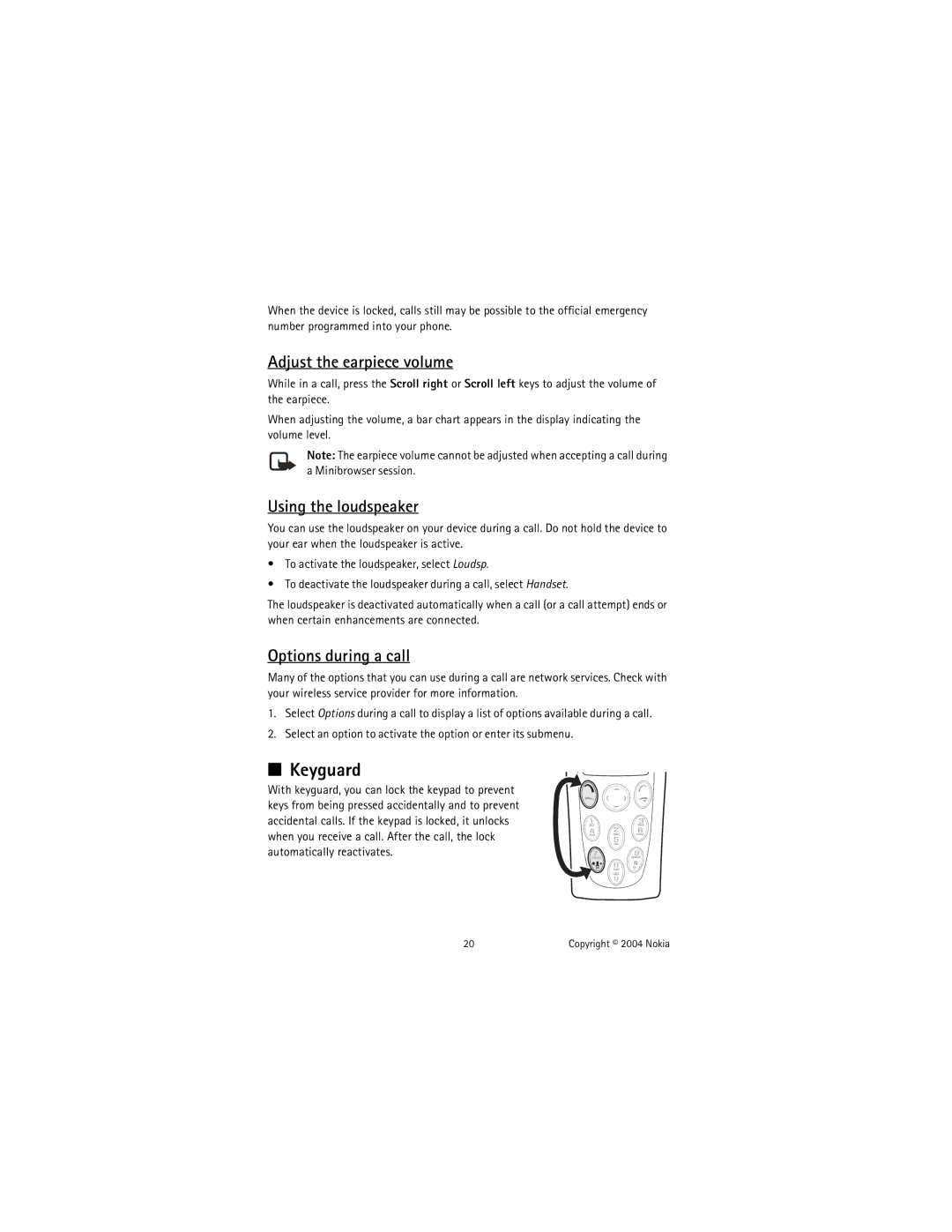
With keyguard, you can lock the keypad to prevent keys from being pressed accidentally and to prevent accidental calls. If the keypad is locked, it unlocks when you receive a call. After the call, the lock automatically reactivates.
20 | Copyright © 2004 Nokia |