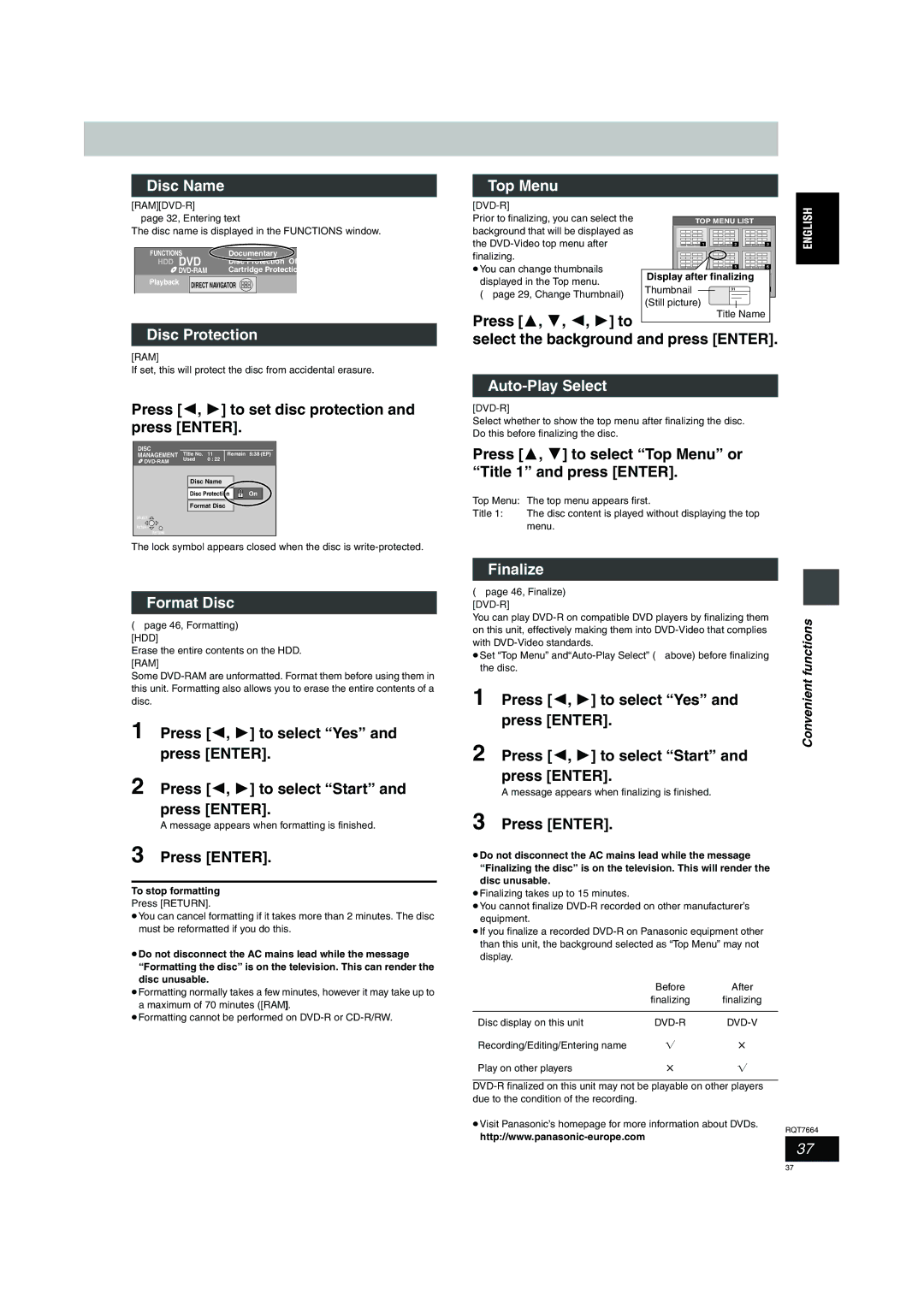
Disc Name
[RAM] [DVD-R]
➡page 32, Entering text
The disc name is displayed in the FUNCTIONS window.
FUNCTIONS | Documentary |
HDD DVD | Disc Protection Of |
Cartridge Protectio |
Playback | DIRECT NAVIGATOR |
Top Menu |
|
|
|
|
|
|
|
Prior to finalizing, you can select the | TOP MENU LIST |
| |
background that will be displayed as |
|
|
|
the | 1 | 2 | 3 |
finalizing. |
|
|
|
≥You can change thumbnails |
| 5 | 6 |
displayed in the Top menu. | Display after finalizing |
| |
Thumbnail |
|
| |
(➡page 29, Change Thumbnail) | 01 |
| |
(Still picture) |
|
| |
|
|
| |
Press [3, 4, 2, 1] to
Title Name
Disc Protection
[RAM]
If set, this will protect the disc from accidental erasure.
Press [2, 1] to set disc protection and press [ENTER].
DISC |
|
|
|
MANAGEMENT Title No. | 11 | Remain 5:38 (EP) | |
Used | 0 : 22 |
| |
|
|
| |
Disc Name
Disc Protection 
 On
On
Format Disc
SELECT 
ENTER
RETURN
The lock symbol appears closed when the disc is
Format Disc
(➡page 46, Formatting) [HDD]
Erase the entire contents on the HDD. [RAM]
Some
1 Press [2, 1] to select “Yes” and press [ENTER].
2 Press [2, 1] to select “Start” and press [ENTER].
A message appears when formatting is finished.
3 Press [ENTER].
To stop formatting
Press [RETURN].
≥You can cancel formatting if it takes more than 2 minutes. The disc must be reformatted if you do this.
≥Do not disconnect the AC mains lead while the message “Formatting the disc” is on the television. This can render the disc unusable.
≥Formatting normally takes a few minutes, however it may take up to a maximum of 70 minutes ([RAM]).
≥Formatting cannot be performed on
select the background and press [ENTER].
Auto-Play Select
[DVD-R]
Select whether to show the top menu after finalizing the disc. Do this before finalizing the disc.
Press [3, 4] to select “Top Menu” or “Title 1” and press [ENTER].
Top Menu: The top menu appears first.
Title 1: The disc content is played without displaying the top menu.
Finalize
(➡page 46, Finalize)
[DVD-R]
You can play | functions | ||
on this unit, effectively making them into | |||
| |||
with |
| ||
≥Set “Top Menu” |
| ||
the disc. | Convenient | ||
1 | Press [2, 1] to select “Yes” and | ||
| |||
press [ENTER].
2 Press [2, 1] to select “Start” and press [ENTER].
A message appears when finalizing is finished.
3 Press [ENTER].
≥Do not disconnect the AC mains lead while the message “Finalizing the disc” is on the television. This will render the disc unusable.
≥Finalizing takes up to 15 minutes.
≥You cannot finalize
≥If you finalize a recorded
| Before | After |
| finalizing | finalizing |
|
|
|
Disc display on this unit |
| |
Recording/Editing/Entering name | Y | t |
Play on other players | t | Y |
≥Visit Panasonic’s homepage for more information about DVDs.
RQT7664
37
37