Connections
Setting Up UltraRes Using Single Inputs
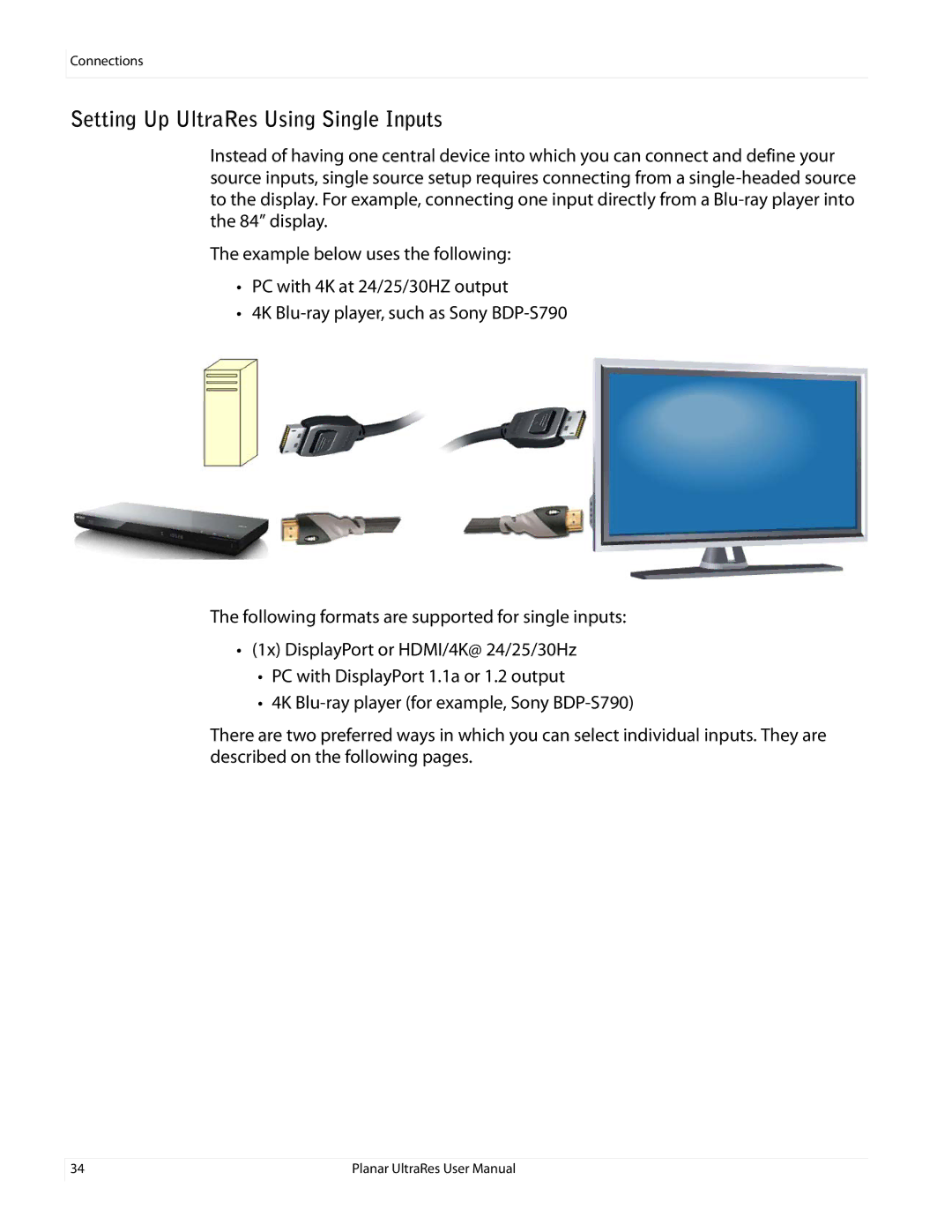
Instead of having one central device into which you can connect and define your source inputs, single source setup requires connecting from a
The example below uses the following:
•PC with 4K at 24/25/30HZ output
•4K
The following formats are supported for single inputs:
•(1x) DisplayPort or HDMI/4K@ 24/25/30Hz
•PC with DisplayPort 1.1a or 1.2 output
•4K
There are two preferred ways in which you can select individual inputs. They are described on the following pages.
34 | Planar UltraRes User Manual |