Panel Control
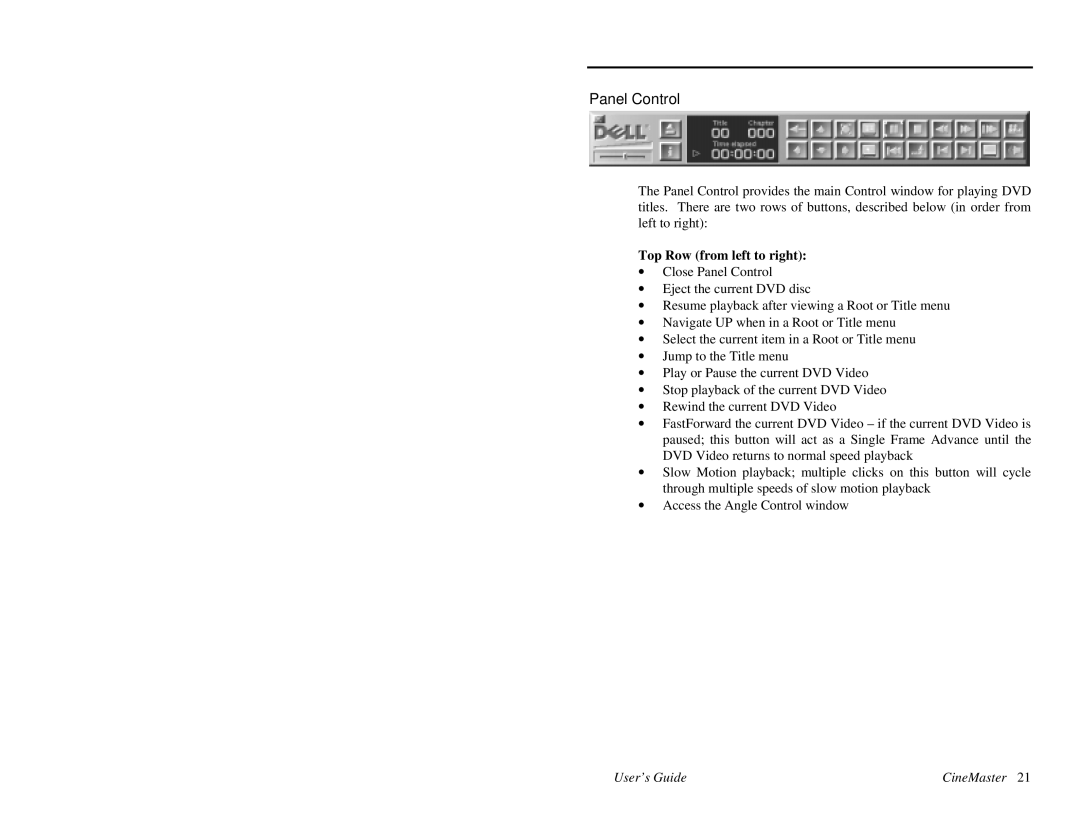
The Panel Control provides the main Control window for playing DVD titles. There are two rows of buttons, described below (in order from left to right):
Top Row (from left to right):
∙Close Panel Control
∙Eject the current DVD disc
∙Resume playback after viewing a Root or Title menu
∙Navigate UP when in a Root or Title menu
∙Select the current item in a Root or Title menu
∙Jump to the Title menu
∙Play or Pause the current DVD Video
∙Stop playback of the current DVD Video
∙Rewind the current DVD Video
∙FastForward the current DVD Video – if the current DVD Video is paused; this button will act as a Single Frame Advance until the DVD Video returns to normal speed playback
∙Slow Motion playback; multiple clicks on this button will cycle through multiple speeds of slow motion playback
∙Access the Angle Control window
User’s Guide | CineMaster 21 |