Setting Up the Machine on a Network
15
2
*1
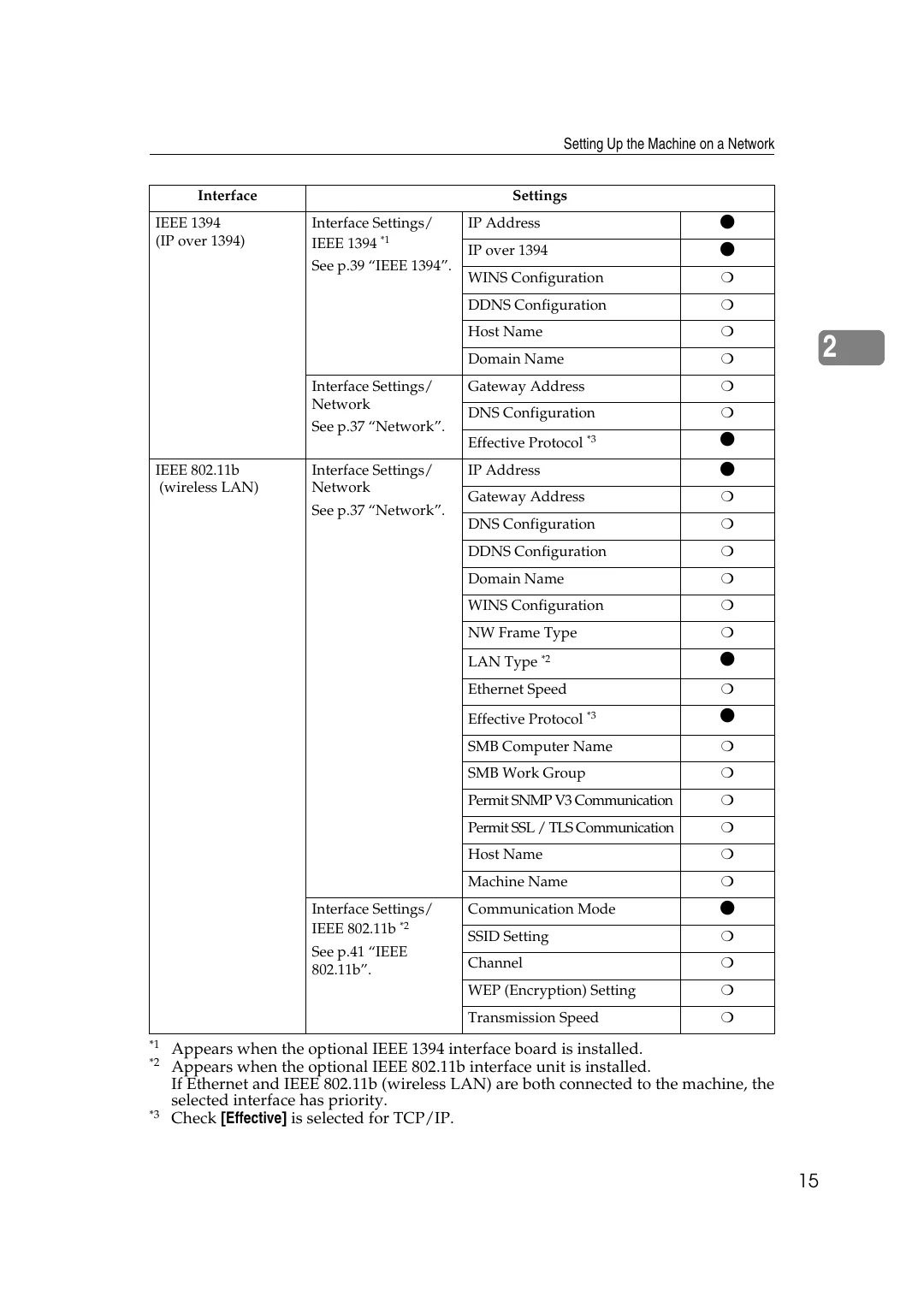
Appears when the optional IEEE 1394 interface board is installed.
*2
Appears when the optional IEEE 802.11b interface unit is installed.
If Ethernet and IEEE 802.11b (wireless LAN) are both connected to the machine, the
selected interface has priority.
*3
Check
[
Effective
]
is selected for TCP/IP.
IEEE 1394
(IP over 1394)
Interface Settings/
IEEE 1394
*1
See p.39 “IEEE 1394”.
IP Address
$
IP over 1394
$
WINS Configuration
❍
DDNS Configuration
❍
Host Name
❍
Domain Name
❍
Interface Settings/
Network
See p.37 “Network”.
Gateway Address
❍
DNS Configuration
❍
Effective Protocol
*3
$
IEEE 802.11b
(wireless LAN)
Interface Settings/
Network
See p.37 “Network”.
IP Address
$
Gateway Address
❍
DNS Configuration
❍
DDNS Configuration
❍
Domain Name
❍
WINS Configuration
❍
NW Frame Type
❍
LAN Type
*2
$
Ethernet Speed
❍
Effective Protocol
*3
$
SMB Computer Name
❍
SMB Work Group
❍
Permit SNMP V3 Communication
❍
Permit SSL / TLS Communication
❍
Host Name
❍
Machine Name
❍
Interface Settings/
IEEE 802.11b
*2
See p.41 “IEEE
802.11b”.
Communication Mode
$
SSID Setting
❍
Channel
❍
WEP (Encryption) Setting
❍
Transmission Speed
❍
Interface
Settings