Installing the Ribbon Cassette
Use the EPSON
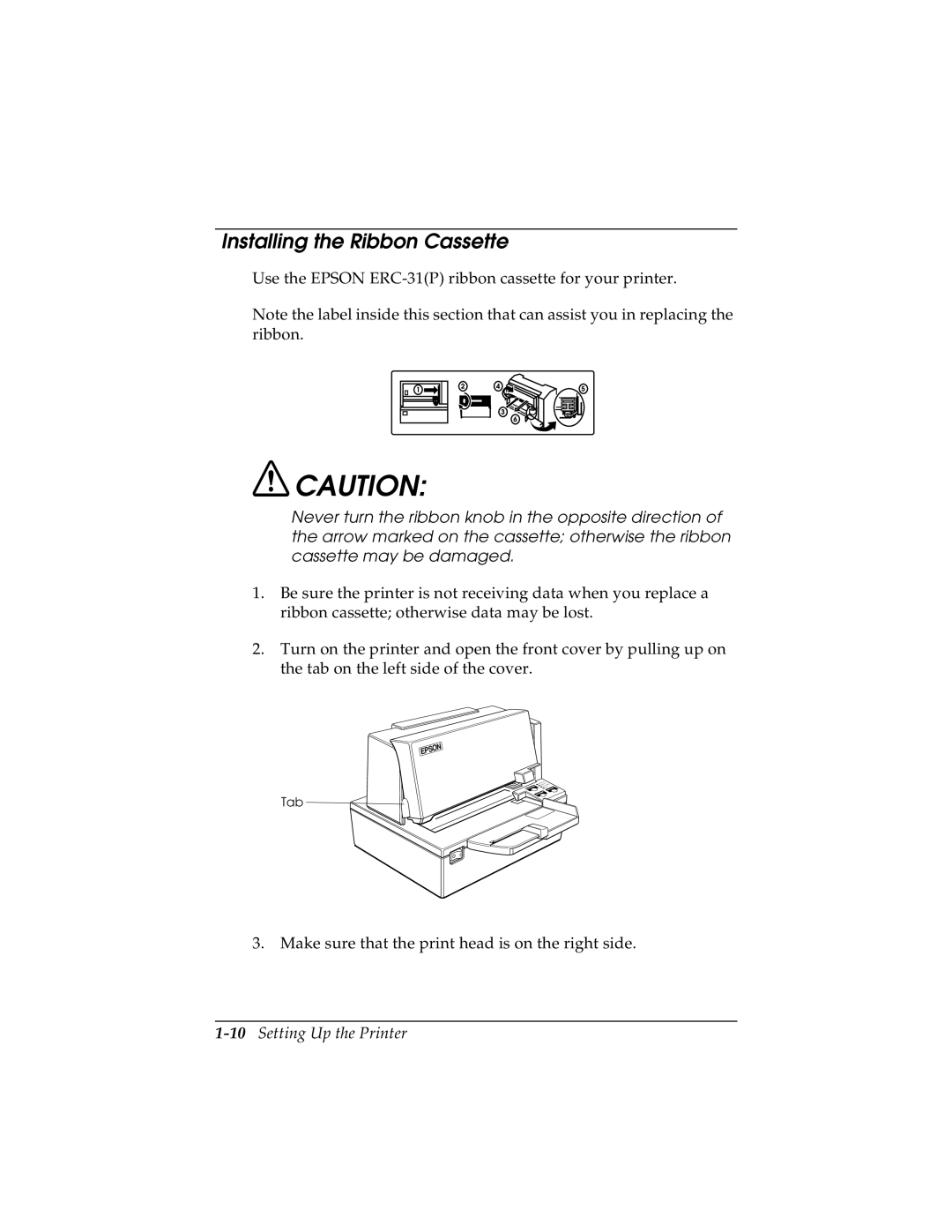
Note the label inside this section that can assist you in replacing the ribbon.
 CAUTION:
Never turn the ribbon knob in the opposite direction of the arrow marked on the cassette; otherwise the ribbon cassette may be damaged.
1.Be sure the printer is not receiving data when you replace a ribbon cassette; otherwise data may be lost.
2.Turn on the printer and open the front cover by pulling up on the tab on the left side of the cover.
Tab 

3. Make sure that the print head is on the right side.