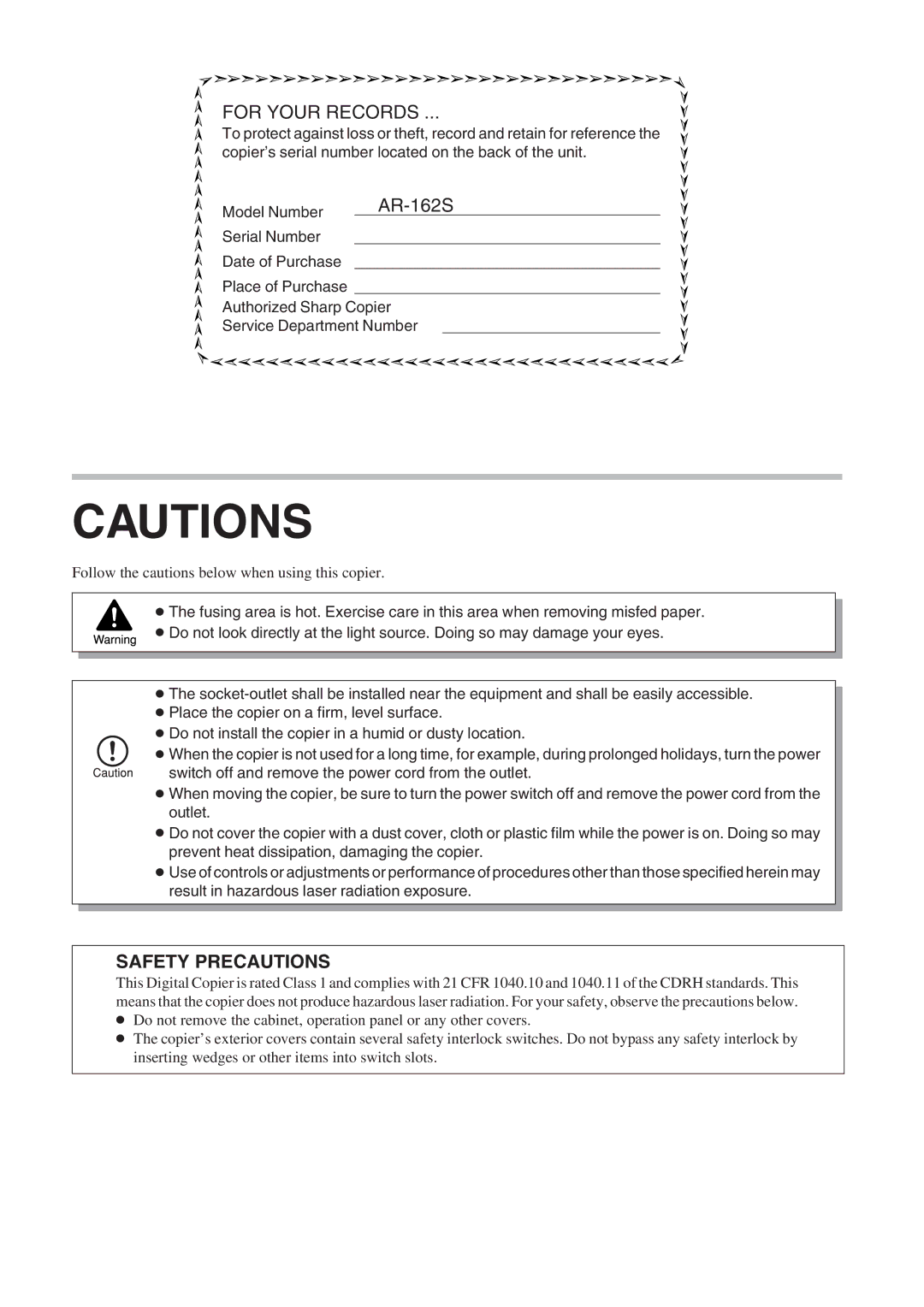
FOR YOUR RECORDS ...
To protect against loss or theft, record and retain for reference the copier’s serial number located on the back of the unit.
Model Number |
|
| |
Serial Number |
|
Date of Purchase |
|
Place of Purchase
Authorized Sharp Copier
Service Department Number
CAUTIONS
Follow the cautions below when using this copier.
●The fusing area is hot. Exercise care in this area when removing misfed paper.
●Do not look directly at the light source. Doing so may damage your eyes.
●The
●Place the copier on a firm, level surface.
●Do not install the copier in a humid or dusty location.
● When the copier is not used for a long time, for example, during prolonged holidays, turn the power switch off and remove the power cord from the outlet.
●When moving the copier, be sure to turn the power switch off and remove the power cord from the outlet.
●Do not cover the copier with a dust cover, cloth or plastic film while the power is on. Doing so may prevent heat dissipation, damaging the copier.
●Use of controls or adjustments or performance of procedures other than those specified herein may result in hazardous laser radiation exposure.
SAFETY PRECAUTIONS
This Digital Copier is rated Class 1 and complies with 21 CFR 1040.10 and 1040.11 of the CDRH standards. This means that the copier does not produce hazardous laser radiation. For your safety, observe the precautions below.
●Do not remove the cabinet, operation panel or any other covers.
●The copier’s exterior covers contain several safety interlock switches. Do not bypass any safety interlock by inserting wedges or other items into switch slots.