Using Your Computer Drives
Using the CD or DVD Drive
The CD-ROM, CD-RW, DVD-ROM, and DVD-R/RW drives allow you to perform several different actions (such as, store information, listen to music, view and create movies).
The DVD-ROM and DVD-R/RW drives take longer to begin playback than CD drives because they must determine the type of media being played. If any of the drives fail to play a disc, check to make sure that the disc is inserted with the label facing up (facing left on tower models) and properly seated in the drive.
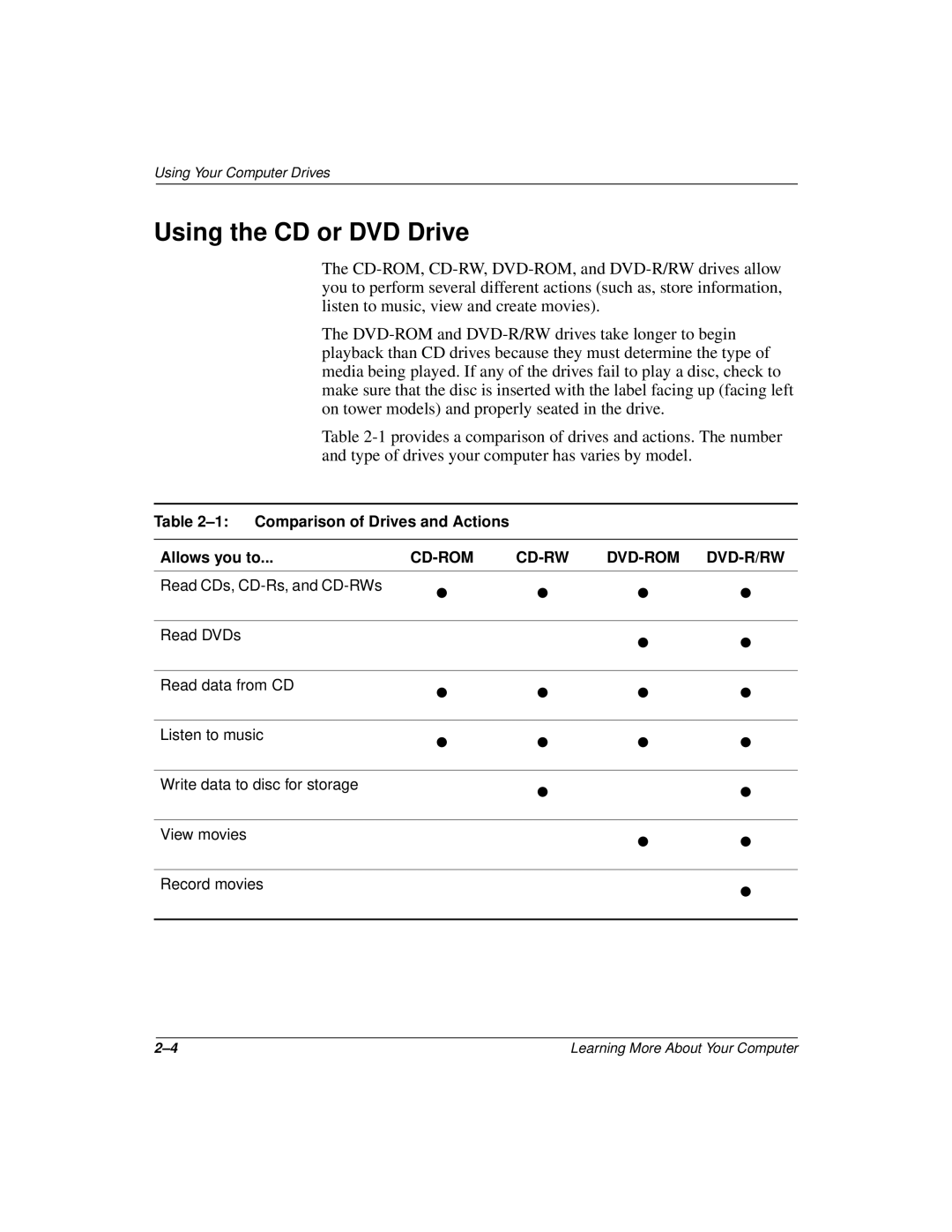
Table 2-1 provides a comparison of drives and actions. The number and type of drives your computer has varies by model.
Table 2–1: Comparison of Drives and Actions
Allows you to... | CD-ROM | CD-RW | DVD-ROM | DVD-R/RW |
Read CDs, CD-Rs, and CD-RWs | • | • | • | • |
|
| | | | |
Read DVDs | | | • | • |
| | |
| | | | |
Read data from CD | • | • | • | • |
|
| | | | |
Listen to music | • | • | • | • |
|
| | | | |
Write data to disc for storage | | • | | • |
| | |
| | | | |
View movies | | | • | • |
| | |
| | | | |
Record movies | | | | • |
| | | |
| | | | |
2–4 | Learning More About Your Computer |