Using Your Computer Drives
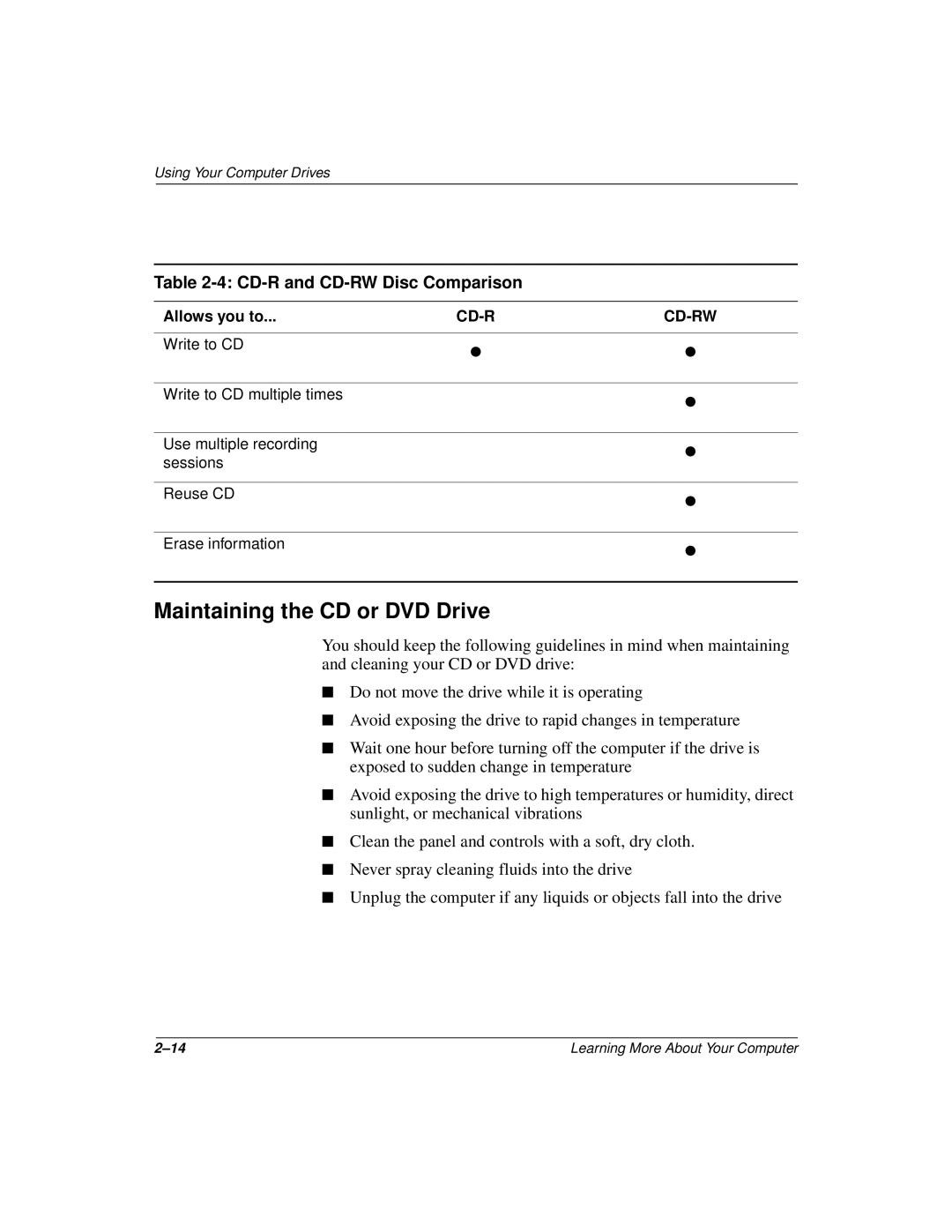
Table 2-4: CD-R and CD-RW Disc Comparison
Allows you to... |
|
|
|
|
|
Write to CD | • | • |
| ||
|
|
|
Write to CD multiple times |
| • |
|
| |
|
|
|
Use multiple recording |
| • |
sessions |
| |
|
|
|
Reuse CD |
| • |
|
| |
|
|
|
Erase information |
| • |
|
| |
|
|
|
Maintaining the CD or DVD Drive
You should keep the following guidelines in mind when maintaining and cleaning your CD or DVD drive:
■Do not move the drive while it is operating
■Avoid exposing the drive to rapid changes in temperature
■Wait one hour before turning off the computer if the drive is exposed to sudden change in temperature
■Avoid exposing the drive to high temperatures or humidity, direct sunlight, or mechanical vibrations
■Clean the panel and controls with a soft, dry cloth.
■Never spray cleaning fluids into the drive
■Unplug the computer if any liquids or objects fall into the drive
Learning More About Your Computer |