Stylus Color Service Manual
Adjustments
4.1.1 Destination Data Writing Operation
The setup value that specifies the destination setting is stored into the EEPROM on the C137 MAIN
board. Therefore, this setup value must be written into the EEPROM when the MAIN board or the
EEPROM chip is replaced.
r. . .
1. Comect the PC to the target printer and turn the printer on.
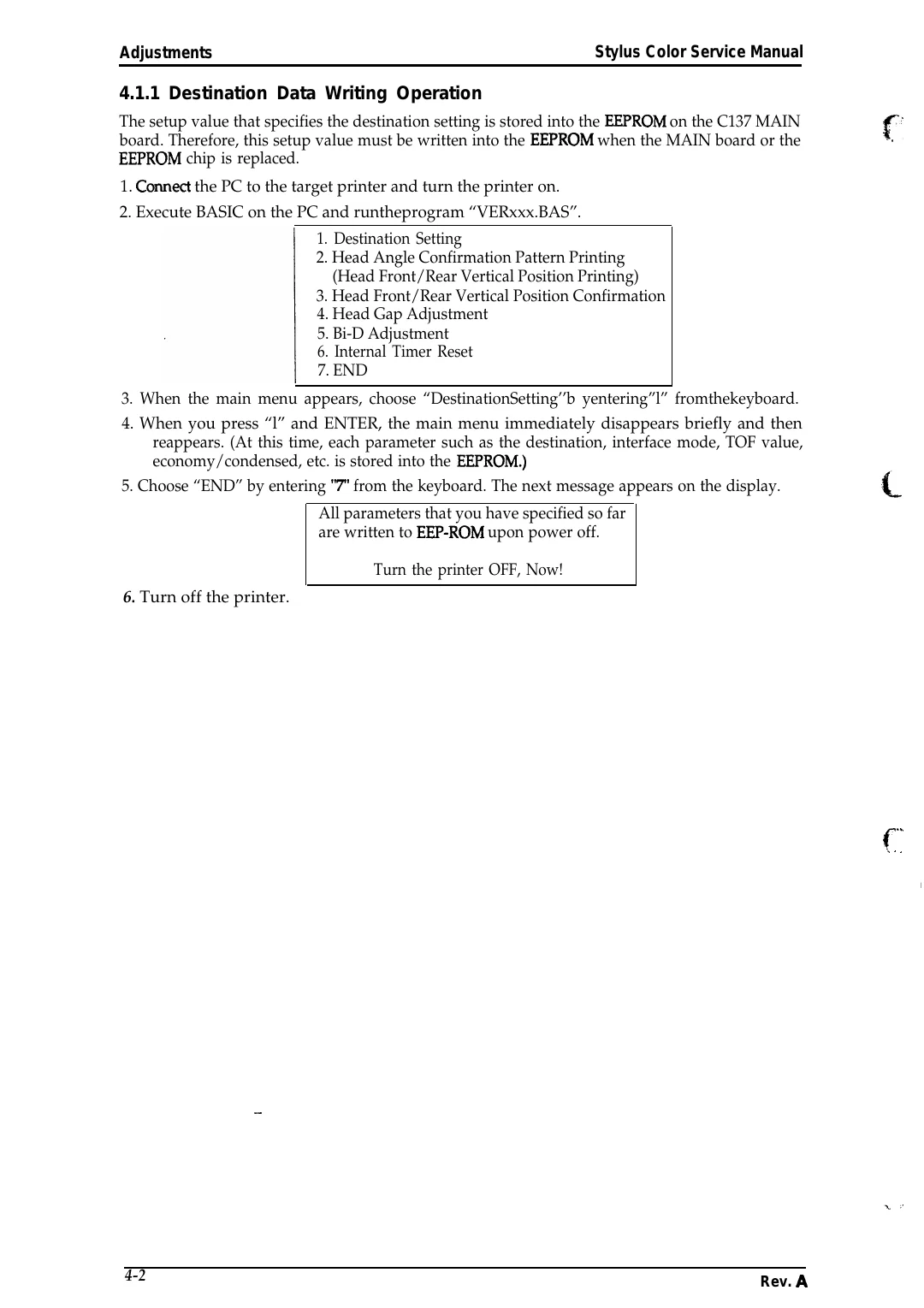
2. Execute BASIC on the PC and runtheprogram “VERxxx.BAS”.
1. Destination Setting
2. Head Angle Confirmation Pattern Printing
(Head Front/Rear Vertical Position Printing)
3. Head Front/Rear Vertical Position Confirmation
4. Head Gap Adjustment
5. Bi-D Adjustment
6. Internal Timer Reset
7. END
3. When the main menu appears, choose “DestinationSetting’’b yentering”l” fromthekeyboard.
4. When you press “l” and ENTER, the main menu immediately disappears briefly and then
reappears. (At this time, each parameter such as the destination, interface mode, TOF value,
economy/condensed, etc. is stored into the EEPROM.)
5. Choose “END” by entering “T’ from the keyboard. The next message appears on the display.
All parameters that you have specified so far
are written to EEP-ROM upon power off.
Turn the printer OFF, Now!
6. Turn off the printer.
. ,.
f“ .-. . ,
I
—
4-2
Rev. A