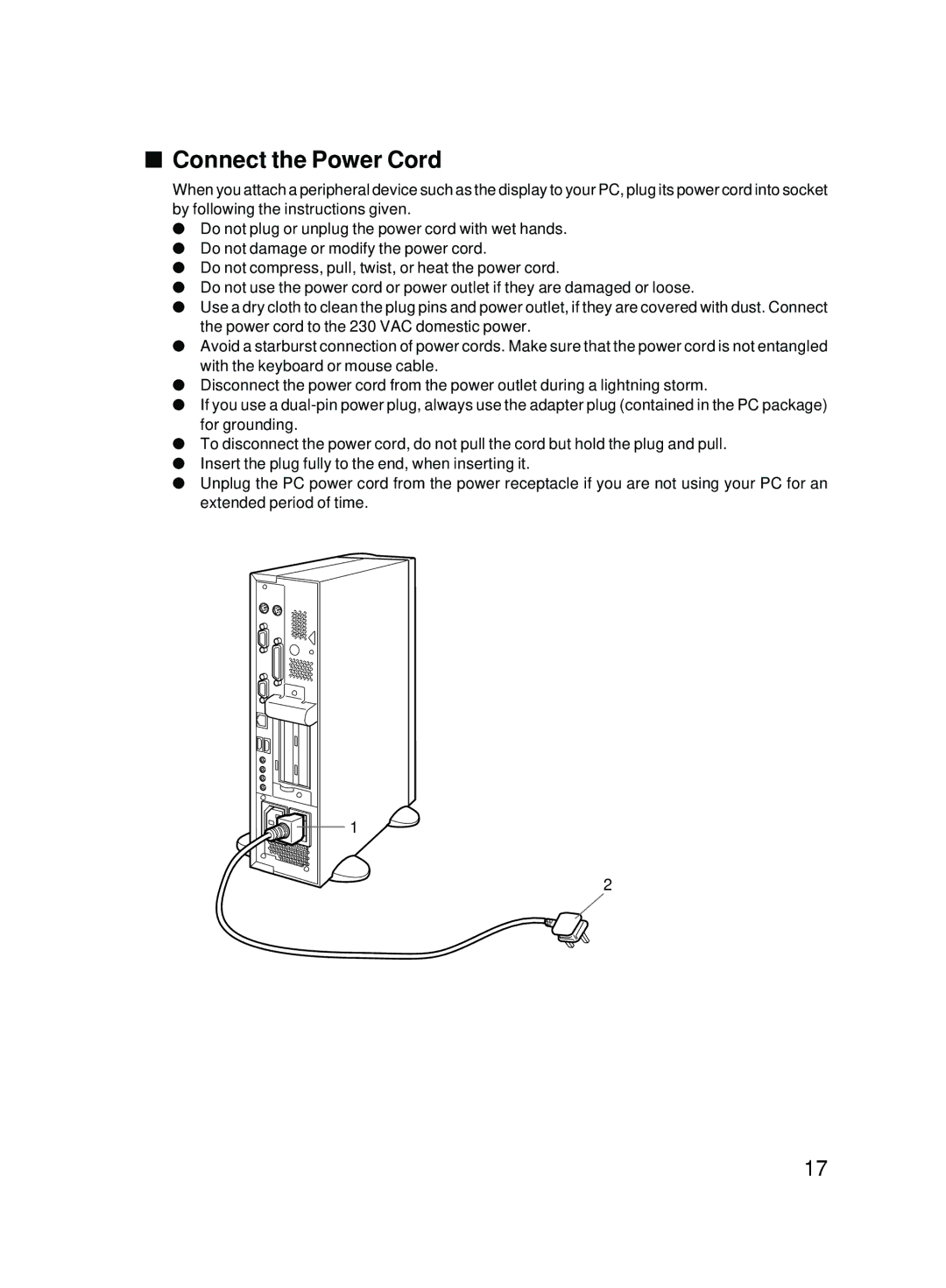
■Connect the Power Cord
When you attach a peripheral device such as the display to your PC, plug its power cord into socket by following the instructions given.
●Do not plug or unplug the power cord with wet hands.
●Do not damage or modify the power cord.
●Do not compress, pull, twist, or heat the power cord.
●Do not use the power cord or power outlet if they are damaged or loose.
●Use a dry cloth to clean the plug pins and power outlet, if they are covered with dust. Connect the power cord to the 230 VAC domestic power.
●Avoid a starburst connection of power cords. Make sure that the power cord is not entangled with the keyboard or mouse cable.
●Disconnect the power cord from the power outlet during a lightning storm.
●If you use a
●To disconnect the power cord, do not pull the cord but hold the plug and pull.
●Insert the plug fully to the end, when inserting it.
●Unplug the PC power cord from the power receptacle if you are not using your PC for an extended period of time.
1
2
17