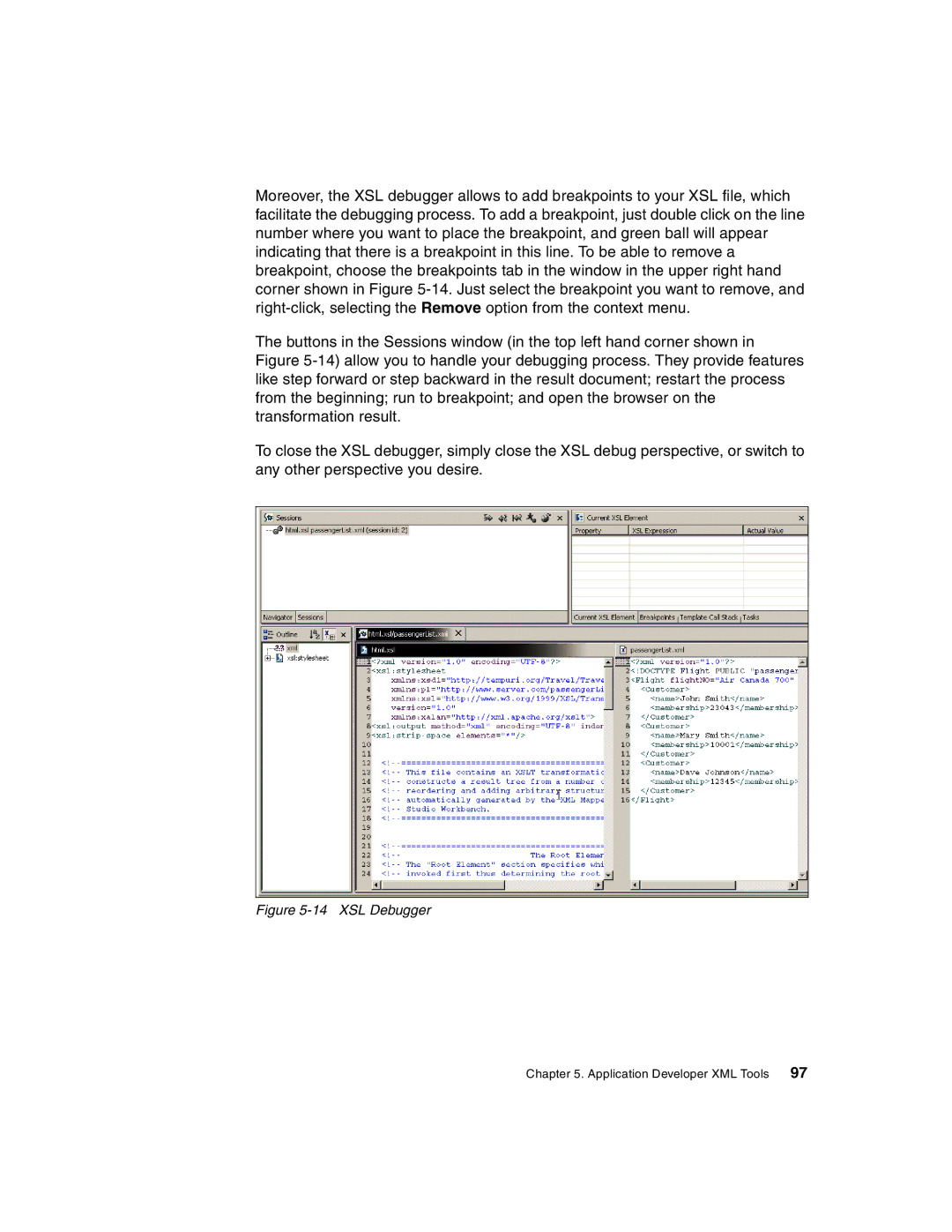
Moreover, the XSL debugger allows to add breakpoints to your XSL file, which facilitate the debugging process. To add a breakpoint, just double click on the line number where you want to place the breakpoint, and green ball will appear indicating that there is a breakpoint in this line. To be able to remove a breakpoint, choose the breakpoints tab in the window in the upper right hand corner shown in Figure
The buttons in the Sessions window (in the top left hand corner shown in Figure
To close the XSL debugger, simply close the XSL debug perspective, or switch to any other perspective you desire.
Figure 5-14 XSL Debugger
Chapter 5. Application Developer XML Tools 97