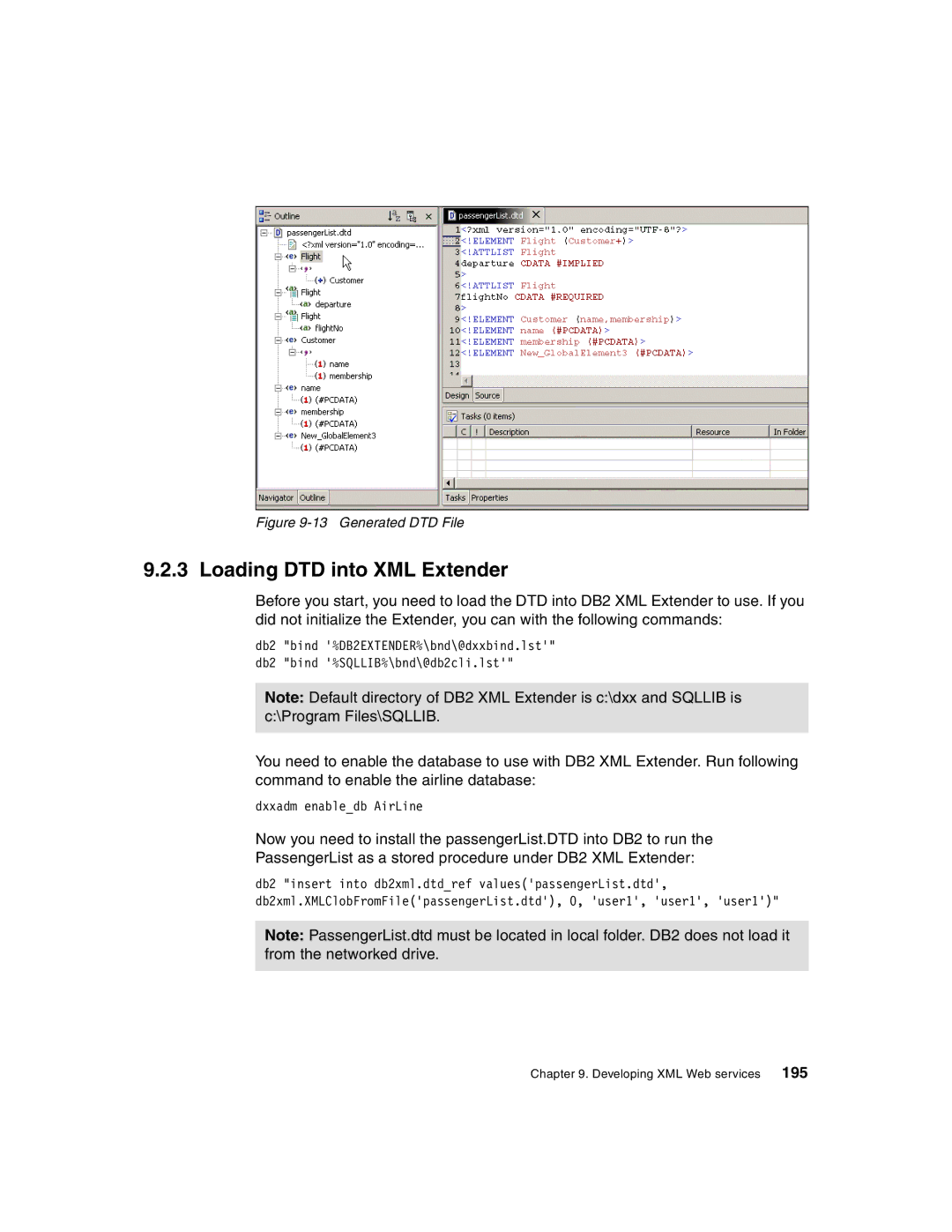
Figure 9-13 Generated DTD File
9.2.3 Loading DTD into XML Extender
Before you start, you need to load the DTD into DB2 XML Extender to use. If you did not initialize the Extender, you can with the following commands:
db2 "bind '%DB2EXTENDER%\bnd\@dxxbind.lst'" db2 "bind '%SQLLIB%\bnd\@db2cli.lst'"
Note: Default directory of DB2 XML Extender is c:\dxx and SQLLIB is c:\Program Files\SQLLIB.
You need to enable the database to use with DB2 XML Extender. Run following command to enable the airline database:
dxxadm enable_db AirLine
Now you need to install the passengerList.DTD into DB2 to run the
PassengerList as a stored procedure under DB2 XML Extender:
db2 "insert into db2xml.dtd_ref values('passengerList.dtd', db2xml.XMLClobFromFile('passengerList.dtd'), 0, 'user1', 'user1', 'user1')"
Note: PassengerList.dtd must be located in local folder. DB2 does not load it from the networked drive.
Chapter 9. Developing XML Web services 195