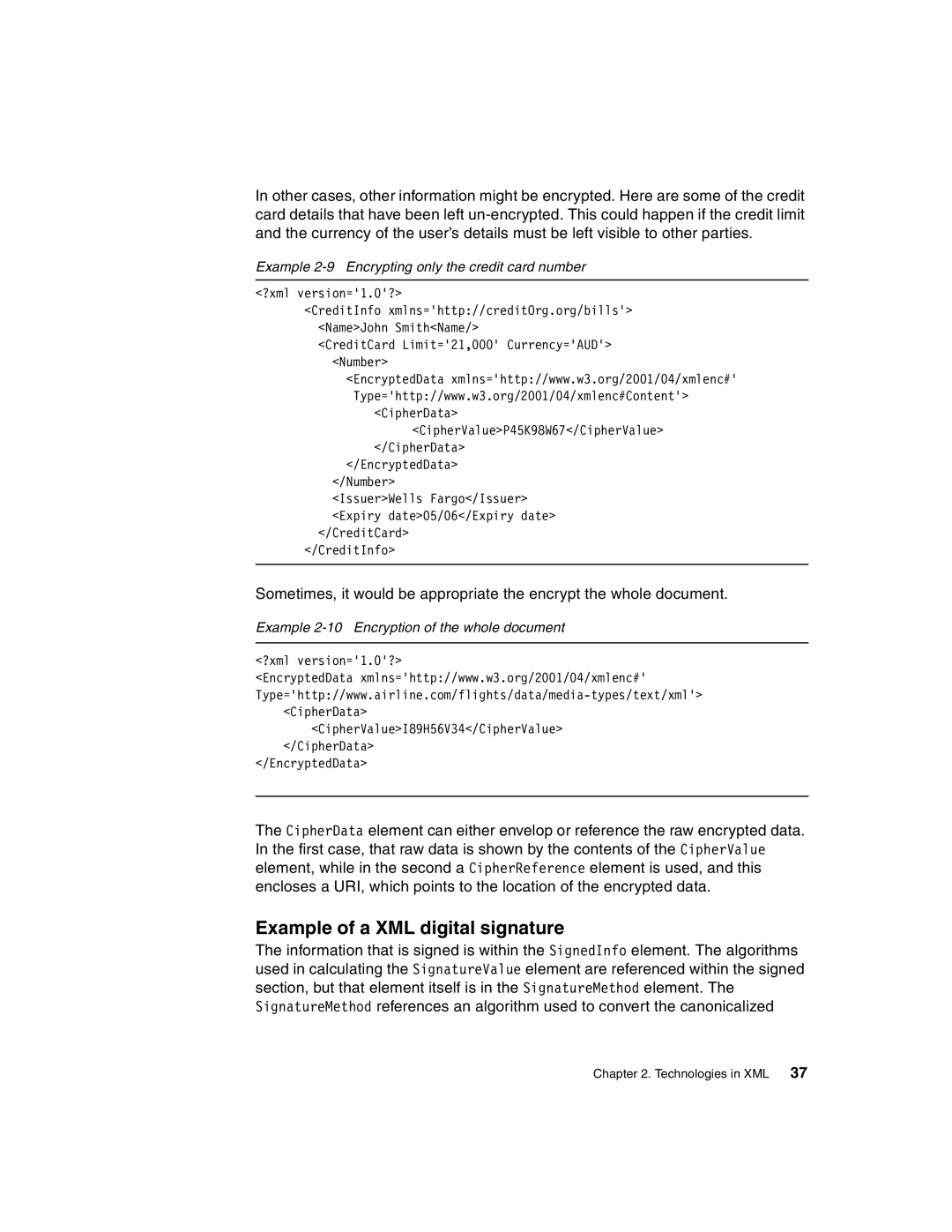
In other cases, other information might be encrypted. Here are some of the credit card details that have been left
Example 2-9 Encrypting only the credit card number
<?xml version='1.0'?>
<CreditInfo xmlns='http://creditOrg.org/bills'> <Name>John Smith<Name/>
<CreditCard Limit='21,000' Currency='AUD'> <Number>
<EncryptedData xmlns='http://www.w3.org/2001/04/xmlenc#' Type='http://www.w3.org/2001/04/xmlenc#Content'>
<CipherData>
<CipherValue>P45K98W67</CipherValue>
</CipherData>
</EncryptedData>
</Number>
<Issuer>Wells Fargo</Issuer> <Expiry date>05/06</Expiry date>
</CreditCard>
</CreditInfo>
Sometimes, it would be appropriate the encrypt the whole document.
Example 2-10 Encryption of the whole document
<?xml version='1.0'?>
<EncryptedData xmlns='http://www.w3.org/2001/04/xmlenc#'
<CipherData>
<CipherValue>I89H56V34</CipherValue>
</CipherData>
</EncryptedData>
The CipherData element can either envelop or reference the raw encrypted data. In the first case, that raw data is shown by the contents of the CipherValue element, while in the second a CipherReference element is used, and this encloses a URI, which points to the location of the encrypted data.
Example of a XML digital signature
The information that is signed is within the SignedInfo element. The algorithms used in calculating the SignatureValue element are referenced within the signed section, but that element itself is in the SignatureMethod element. The SignatureMethod references an algorithm used to convert the canonicalized