2.Create a template file that contains the annotation tags.
3.Invoke the Generation wizard.
One of Application Developer example is showing how to generate XSL from HTML using XHTML technology step by step. To see in detail, install HTMLToXSL Project using
9.1.7 Testing the XSL
To test the XSL, select passengerList.xml then, use Apply XSL as HTML from the context menu:
1.Select PassengerList.xml.
2.
3.Select workbench projects.
4.Select passengerList.xsl.
5.Click Finish.
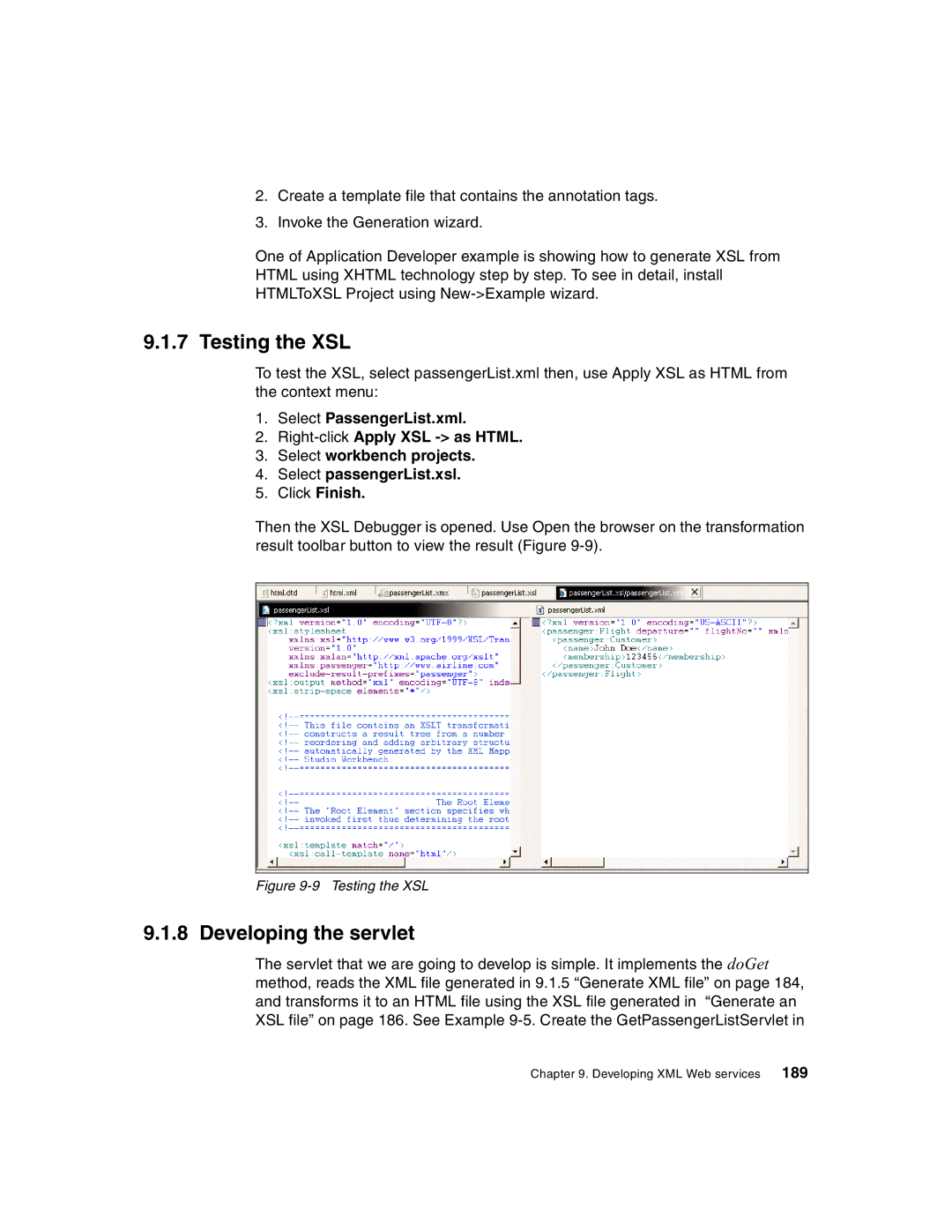
Then the XSL Debugger is opened. Use Open the browser on the transformation result toolbar button to view the result (Figure
Figure 9-9 Testing the XSL
9.1.8 Developing the servlet
The servlet that we are going to develop is simple. It implements the doGet method, reads the XML file generated in 9.1.5 “Generate XML file” on page 184, and transforms it to an HTML file using the XSL file generated in “Generate an XSL file” on page 186. See Example
Chapter 9. Developing XML Web services 189