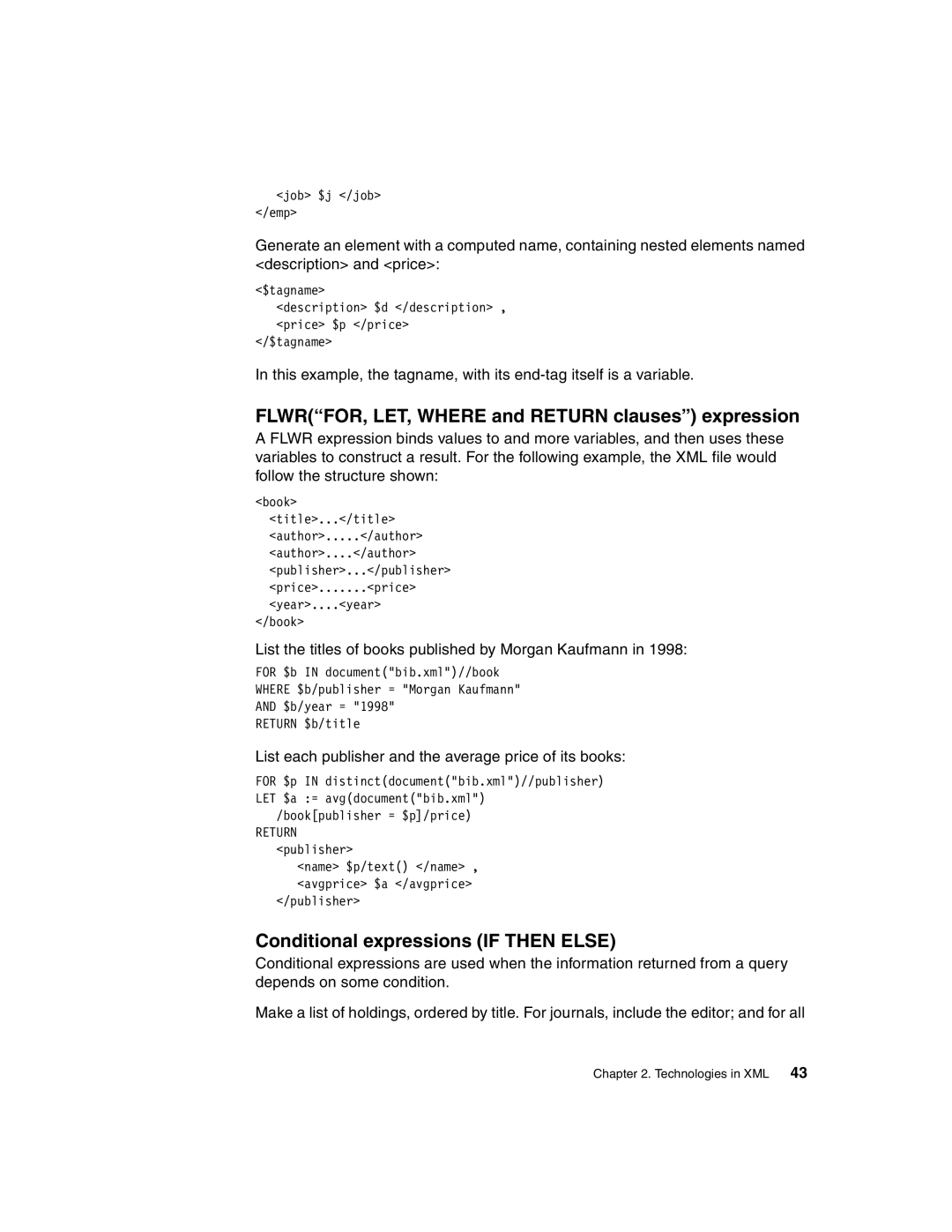
<job> $j </job> </emp>
Generate an element with a computed name, containing nested elements named <description> and <price>:
<$tagname>
<description> $d </description> , <price> $p </price>
</$tagname>
In this example, the tagname, with its
FLWR(“FOR, LET, WHERE and RETURN clauses”) expression
A FLWR expression binds values to and more variables, and then uses these variables to construct a result. For the following example, the XML file would follow the structure shown:
<book> <title>...</title> <author>.....</author>
<author>....</author>
<publisher>...</publisher> <price>.......<price>
<year>....<year>
</book>
List the titles of books published by Morgan Kaufmann in 1998:
FOR $b IN document("bib.xml")//book
WHERE $b/publisher = "Morgan Kaufmann"
AND $b/year = "1998"
RETURN $b/title
List each publisher and the average price of its books:
FOR $p IN distinct(document("bib.xml")//publisher) LET $a := avg(document("bib.xml")
/book[publisher = $p]/price)
RETURN <publisher>
<name> $p/text() </name> , <avgprice> $a </avgprice>
</publisher>
Conditional expressions (IF THEN ELSE)
Conditional expressions are used when the information returned from a query depends on some condition.
Make a list of holdings, ordered by title. For journals, include the editor; and for all