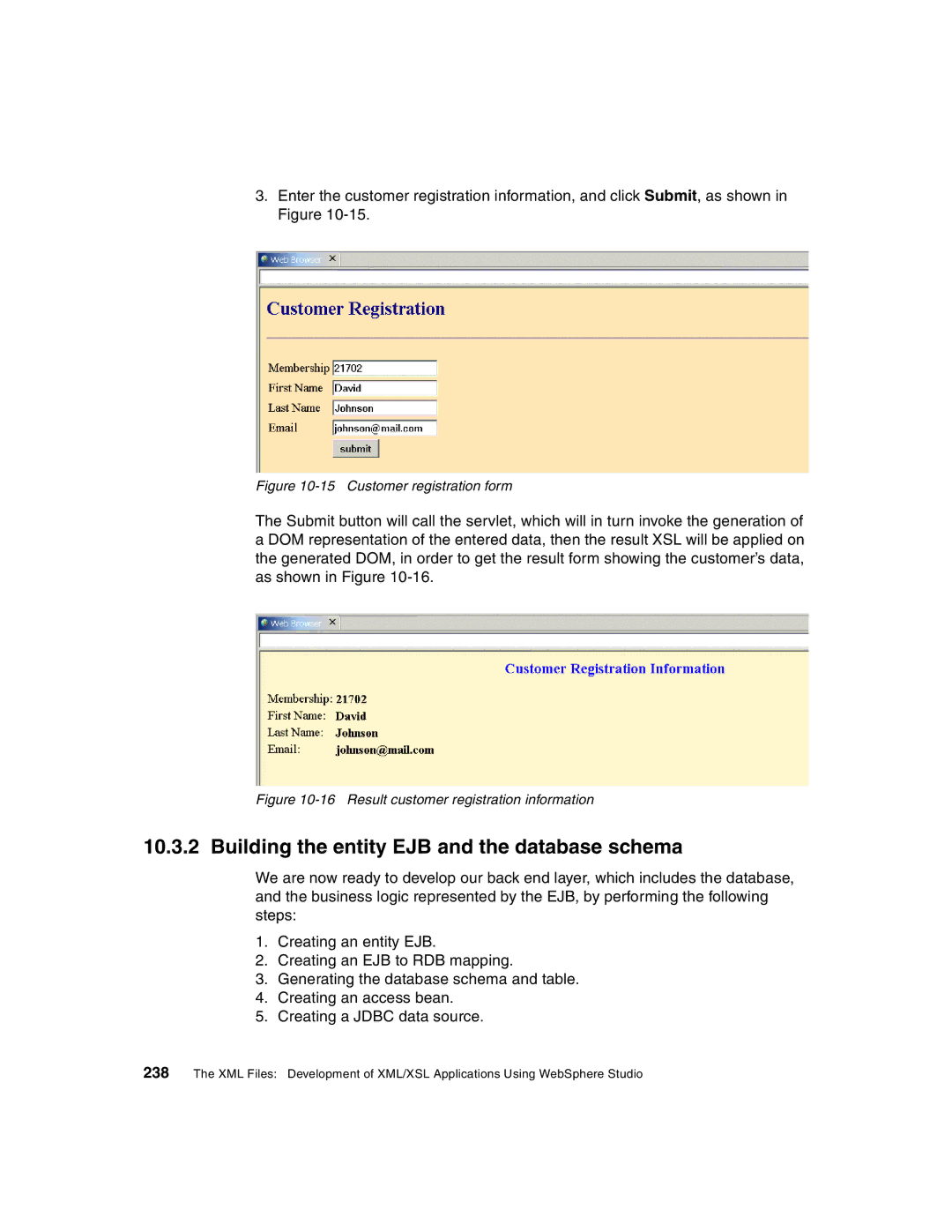
3.Enter the customer registration information, and click Submit, as shown in Figure
Figure 10-15 Customer registration form
The Submit button will call the servlet, which will in turn invoke the generation of a DOM representation of the entered data, then the result XSL will be applied on the generated DOM, in order to get the result form showing the customer’s data, as shown in Figure
Figure 10-16 Result customer registration information
10.3.2 Building the entity EJB and the database schema
We are now ready to develop our back end layer, which includes the database, and the business logic represented by the EJB, by performing the following steps:
1.Creating an entity EJB.
2.Creating an EJB to RDB mapping.
3.Generating the database schema and table.
4.Creating an access bean.
5.Creating a JDBC data source.
238 The XML Files: Development of XML/XSL Applications Using WebSphere Studio