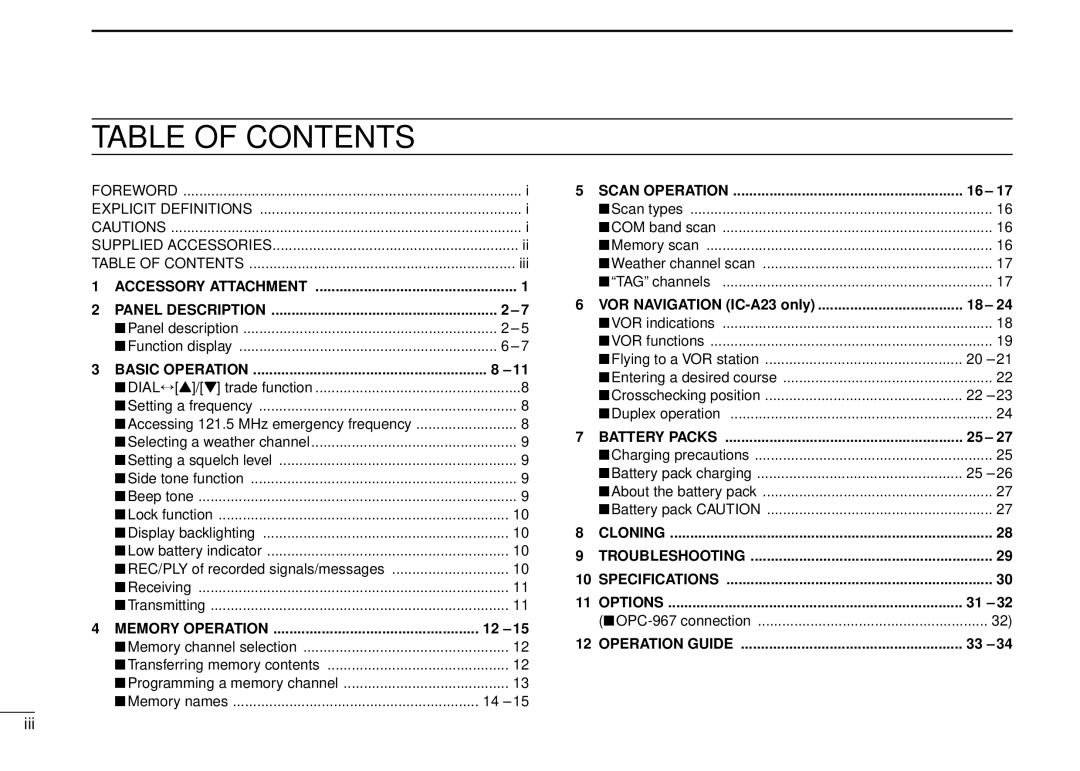
TABLE OF CONTENTS
FOREWORD | i | |
EXPLICIT DEFINITIONS | i | |
CAUTIONS | i | |
SUPPLIED ACCESSORIES | ii | |
TABLE OF CONTENTS | iii | |
1 | ACCESSORY ATTACHMENT | 1 |
2 | PANEL DESCRIPTION | 2 – 7 |
| ■Panel description | 2 – 5 |
| ■Function display | 6 – 7 |
3 | BASIC OPERATION | 8 – 11 |
| ■DIAL↔ [Y]/[Z] trade function | 8 |
| ■Setting a frequency | 8 |
| ■Accessing 121.5 MHz emergency frequency | 8 |
| ■Selecting a weather channel | 9 |
| ■Setting a squelch level | 9 |
| ■Side tone function | 9 |
| ■Beep tone | 9 |
| ■Lock function | 10 |
| ■Display backlighting | 10 |
| ■Low battery indicator | 10 |
| ■REC/PLY of recorded signals/messages | 10 |
| ■Receiving | 11 |
| ■Transmitting | 11 |
4 | MEMORY OPERATION | 12 – 15 |
| ■Memory channel selection | 12 |
| ■Transferring memory contents | 12 |
| ■Programming a memory channel | 13 |
| ■Memory names | 14 – 15 |
5 | SCAN OPERATION | 16 – 17 |
| ■Scan types | 16 |
| ■COM band scan | 16 |
| ■Memory scan | 16 |
| ■Weather channel scan | 17 |
| ■“TAG” channels | 17 |
6 | VOR NAVIGATION | 18 – 24 |
| ■VOR indications | 18 |
| ■VOR functions | 19 |
| ■Flying to a VOR station | 20 – 21 |
| ■Entering a desired course | 22 |
| ■Crosschecking position | 22 – 23 |
| ■Duplex operation | 24 |
7 | BATTERY PACKS | 25 – 27 |
| ■Charging precautions | 25 |
| ■Battery pack charging | 25 – 26 |
| ■About the battery pack | 27 |
| ■Battery pack CAUTION | 27 |
8 | CLONING | 28 |
9 | TROUBLESHOOTING | 29 |
10 | SPECIFICATIONS | 30 |
11 | OPTIONS | 31 – 32 |
| 32) | |
12 | OPERATION GUIDE | 33 – 34 |
iii