Utilities and Diagnostics
Chapter 14
Utilities and Diagnostics
A number of utilities and tests are available for system diagnostic and control purposes. This section covers the following topics:
■“Ping” on page
■“Trace Route” on page
■“Telnet client” on page
■“Disconnect Telnet console session” on page
■“Factory defaults” on page
■“Transferring configuration and firmware files with TFTP” on page
■“Transferring configuration and firmware files with XMODEM” on page
■“Restarting the system” on page
Note: These utilities and tests are accessible only through the
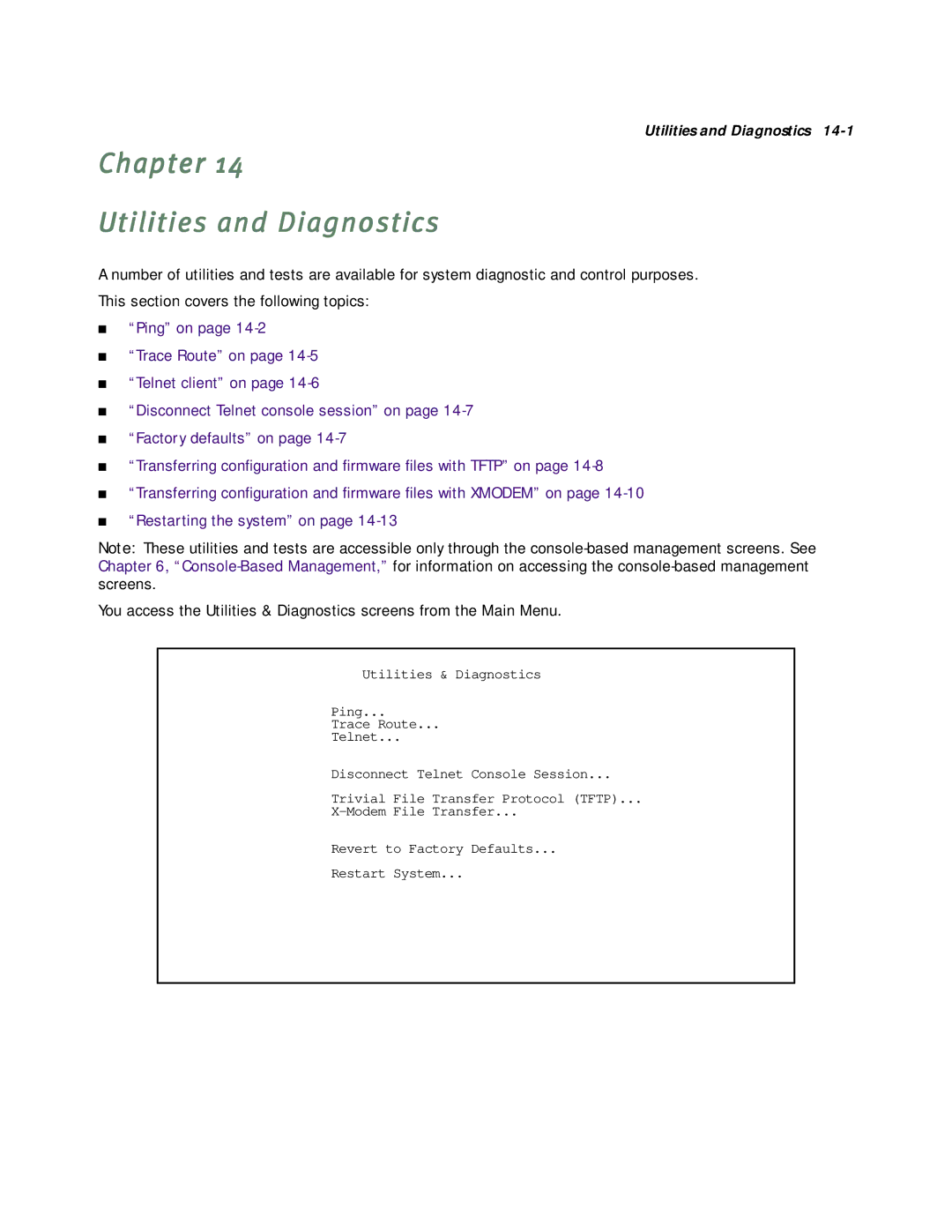
You access the Utilities & Diagnostics screens from the Main Menu.
Utilities & Diagnostics
Ping...
Trace Route...
Telnet...
Disconnect Telnet Console Session...
Trivial File Transfer Protocol (TFTP)...
Revert to Factory Defaults...
Restart System...