14-6 User’s Reference Guide
Telnet client
The Telnet client mode replaces the normal menu mode. Telnet sessions can be cascaded, that is, you can initiate a Telnet client session when using a Telnet console session. To activate the Telnet client, select Telnet from the Utilities & Diagnostics menu.
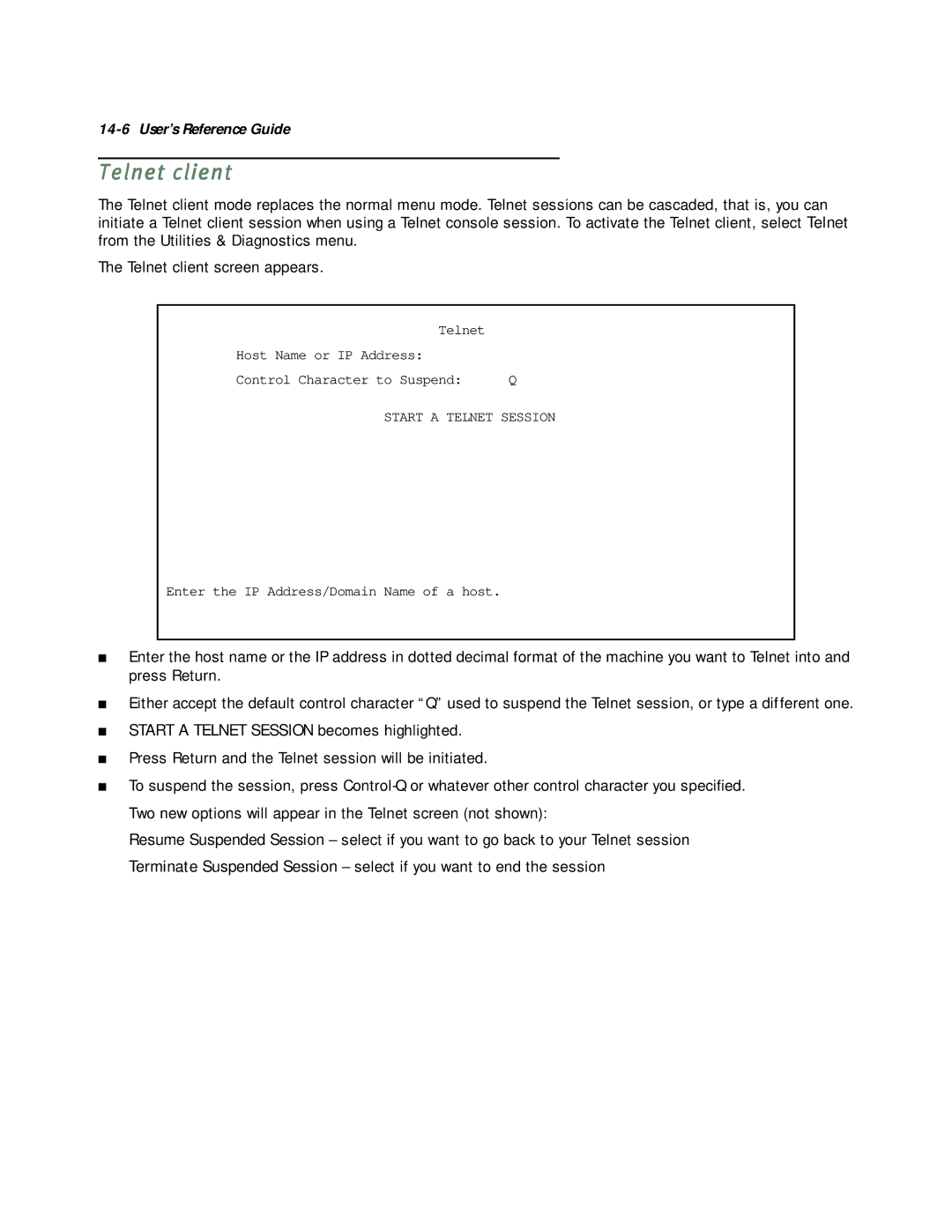
The Telnet client screen appears.
Telnet |
|
Host Name or IP Address: |
|
Control Character to Suspend: | Q |
START A TELNET SESSION
Enter the IP Address/Domain Name of a host.
■Enter the host name or the IP address in dotted decimal format of the machine you want to Telnet into and press Return.
■Either accept the default control character “Q” used to suspend the Telnet session, or type a different one.
■START A TELNET SESSION becomes highlighted.
■Press Return and the Telnet session will be initiated.
■To suspend the session, press
Resume Suspended Session – select if you want to go back to your Telnet session
Terminate Suspended Session – select if you want to end the session