Disc Operations
English
Playing MP3 disc
1In disc mode, load an MP3/WMA disc.
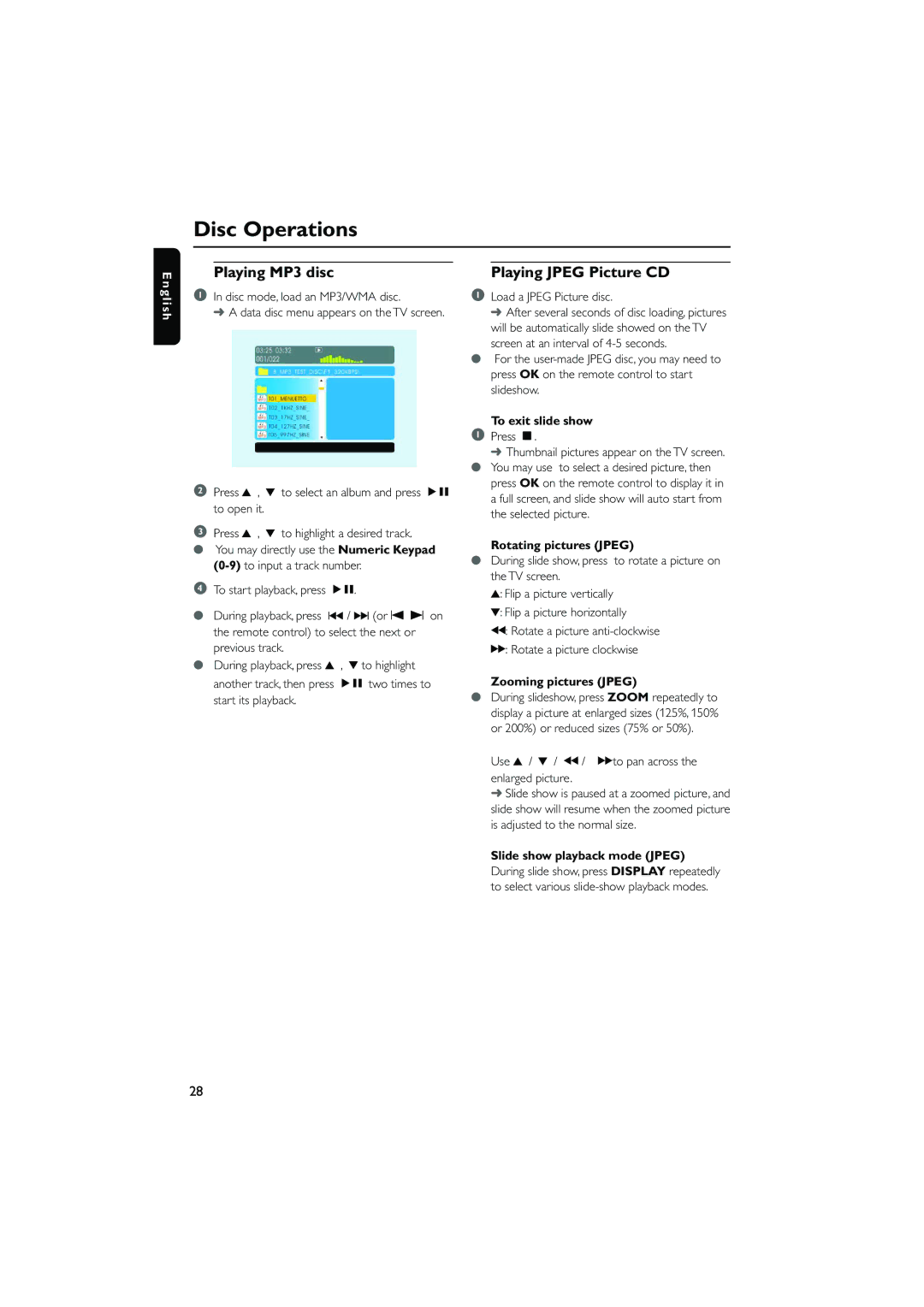
➜ A data disc menu appears on the TV screen.
2Press 3 , 4 to select an album and press ÉÅ to open it.
3Press 3 , 4 to highlight a desired track.
●You may directly use the Numeric Keypad
4To start playback, press ÉÅ.
●During playback, press ∞ / § (or O P on the remote control) to select the next or previous track.
●During playback, press 3 , 4 to highlight another track, then press ÉÅ two times to start its playback.
Playing JPEG Picture CD
1Load a JPEG Picture disc.
➜ After several seconds of disc loading, pictures will be automatically slide showed on the TV screen at an interval of
●For the
To exit slide show
1Press Ç.
➜Thumbnail pictures appear on the TV screen. ● You may use to select a desired picture, then
press OK on the remote control to display it in a full screen, and slide show will auto start from the selected picture.
Rotating pictures (JPEG)
●During slide show, press to rotate a picture on the TV screen.
3: Flip a picture vertically
4: Flip a picture horizontally
à: Rotate a picture
á: Rotate a picture clockwise
Zooming pictures (JPEG)
●During slideshow, press ZOOM repeatedly to display a picture at enlarged sizes (125%, 150% or 200%) or reduced sizes (75% or 50%).
Use 3 / 4 / à / áto pan across the enlarged picture.
➜Slide show is paused at a zoomed picture, and slide show will resume when the zoomed picture is adjusted to the normal size.
Slide show playback mode (JPEG)
During slide show, press DISPLAY repeatedly to select various
28