Setting Originals
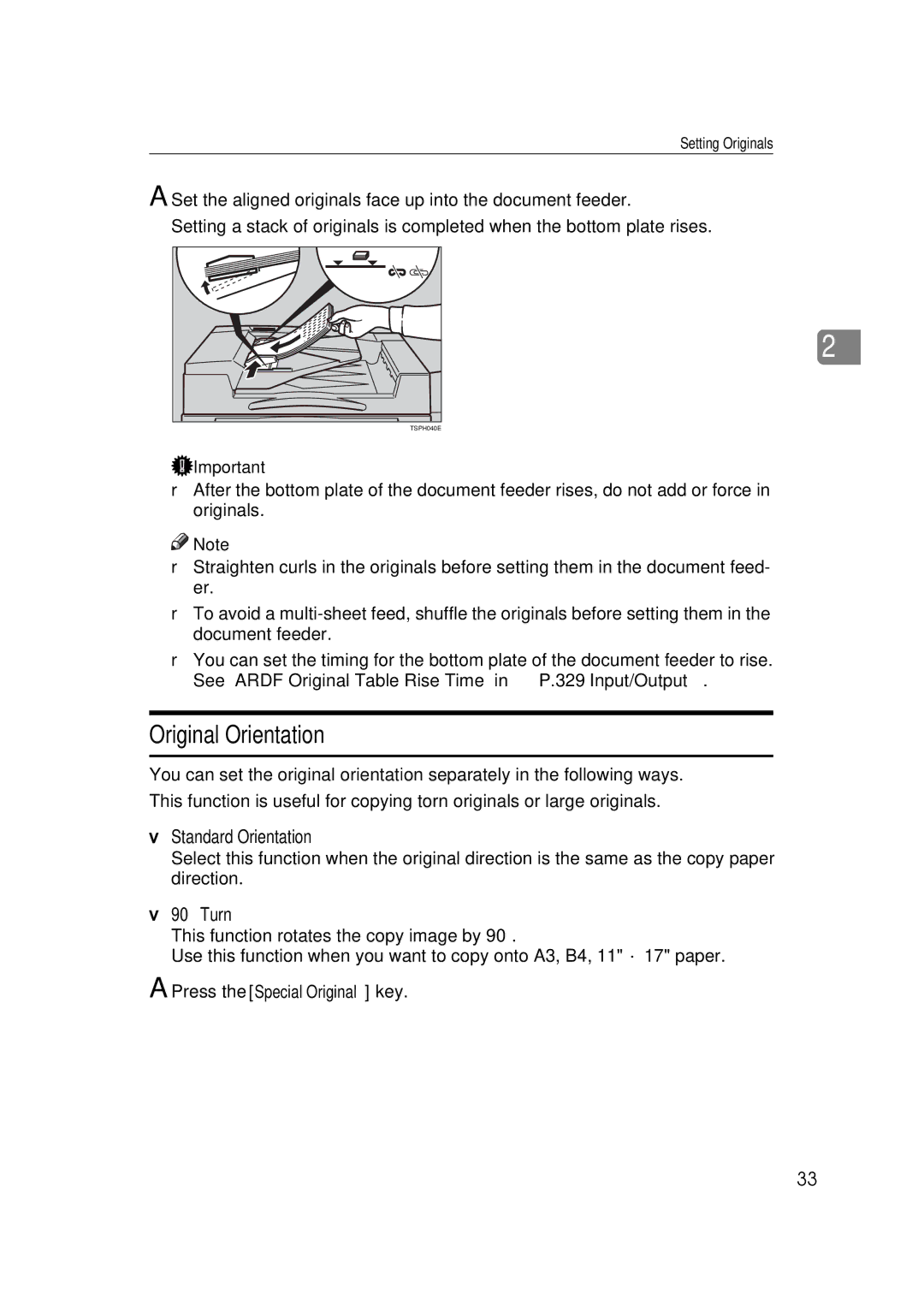
ASet the aligned originals face up into the document feeder. Setting a stack of originals is completed when the bottom plate rises.
2
TSPH040E
 Important
❒After the bottom plate of the document feeder rises, do not add or force in originals.

 Note
Note
❒Straighten curls in the originals before setting them in the document feed- er.
❒To avoid a
❒You can set the timing for the bottom plate of the document feeder to rise. See “ARDF Original Table Rise Time” in ⇒ P.329 “Input/Output”.
Original Orientation
You can set the original orientation separately in the following ways.
This function is useful for copying torn originals or large originals.
❖Standard Orientation
Select this function when the original direction is the same as the copy paper direction.
❖90° Turn
This function rotates the copy image by 90°.
Use this function when you want to copy onto A3, B4, 11" × 17" paper.
APress the [Special Original] key.
33