Basic Functions
2
 Preparation
Select “Tab Stock” in “Tray 2: Special Paper Indication” of the User Tools
(System Settings). See “Tray 2: Special Paper Indication” in the System Set- tings manual.
Specify the paper size in “Tray 2:Paper Size Setting” of the User Tools (System Settings) as follows:
•Metric version: A4K
•Inch version: 81/2" × 11"K
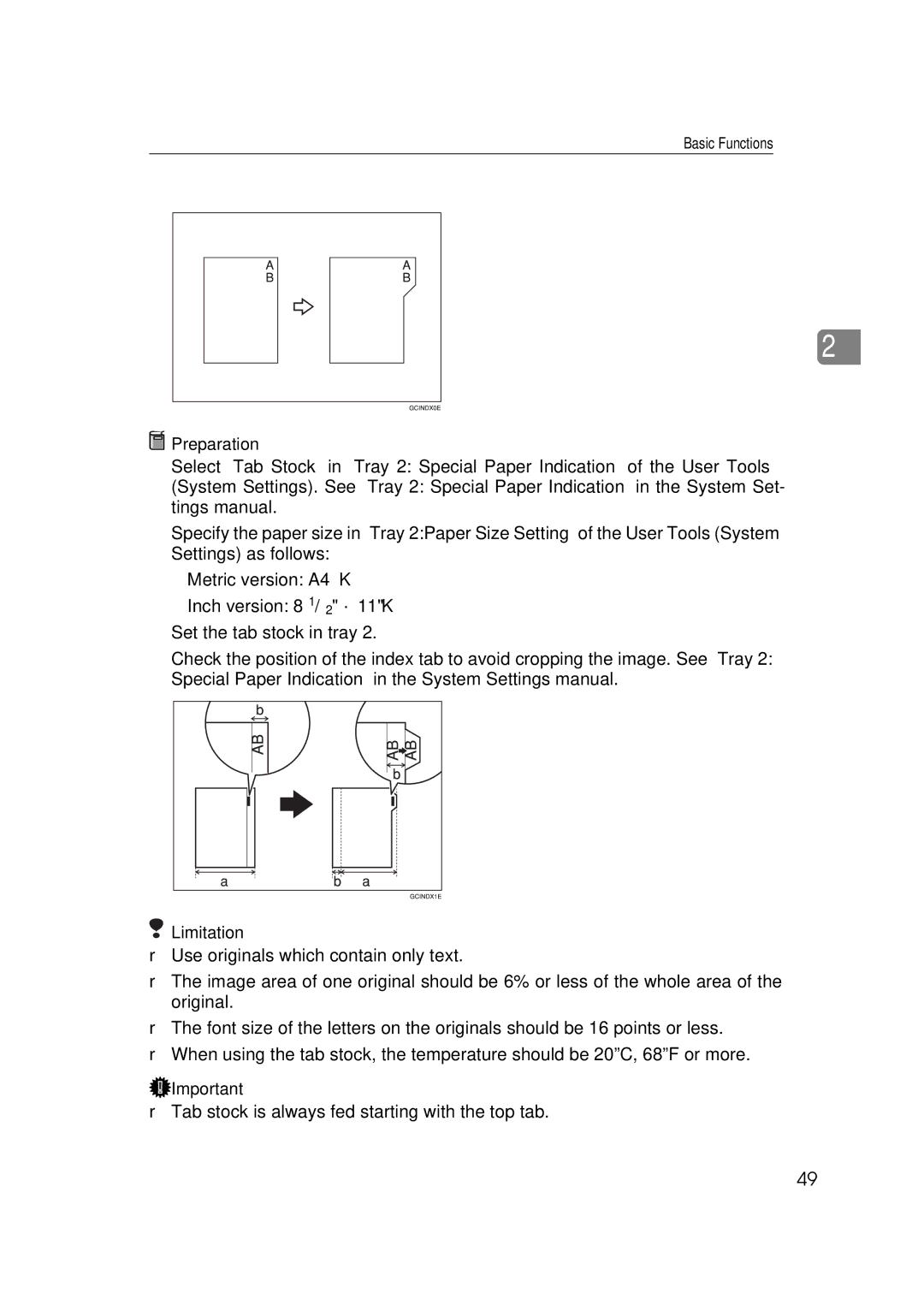
Set the tab stock in tray 2.
Check the position of the index tab to avoid cropping the image. See “Tray 2: Special Paper Indication” in the System Settings manual.
 Limitation
❒Use originals which contain only text.
❒The image area of one original should be 6% or less of the whole area of the original.
❒The font size of the letters on the originals should be 16 points or less.
❒When using the tab stock, the temperature should be 20ºC, 68ºF or more.
 Important
❒Tab stock is always fed starting with the top tab.
49