Image Projection
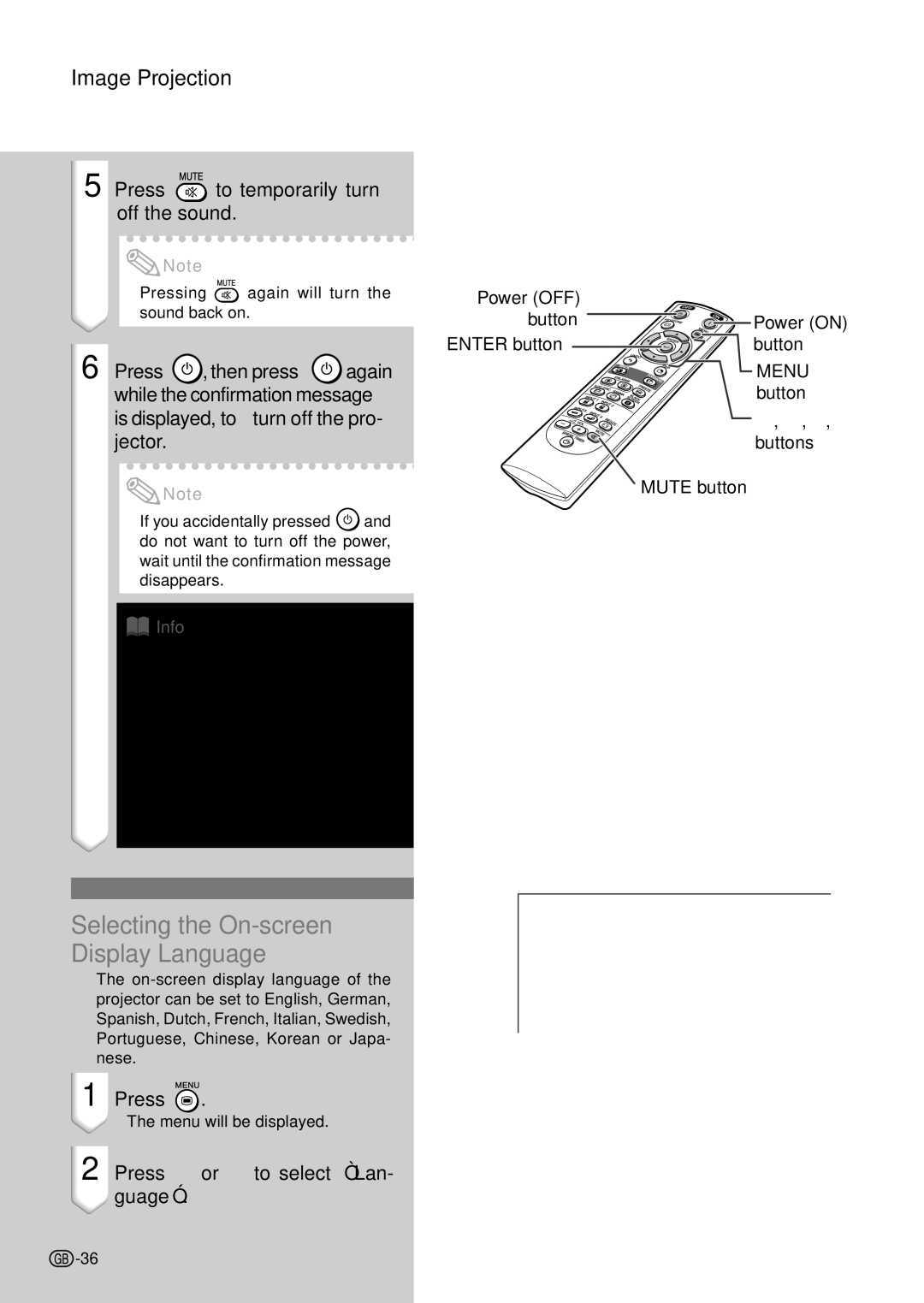
5 Press  to temporarily turn off the sound.
 Note
Note
•Pressing  again will turn the sound back on.
6 Press  , then press
  again while the confirmation message is displayed, to turn off the pro- jector.
 Note
Note
•If you accidentally pressed  and do not want to turn off the power, wait until the confirmation message disappears.
 Info
Info
•Do not unplug the power cord dur- ing projection or cooling fan opera- tion. This can cause damage due to the rise in internal temperature, as the cooling fan also stops.
•When connected to equipment such as an amplifier, be sure to turn off the power to the equipment con- nected first and then to the projec- tor.
Selecting the On-screen Display Language
•The
1 | Press . |
| • The menu will be displayed. |
2 | Press \ or to select “Lan- |
| guage”. |
Power (OFF) |
|
button | Power (ON) |
ENTER button | button |
| MENU |
| button |
| ', ", \, |
| buttons |
| MUTE button |
 -36
-36