Indication for SAT Receiver Mode | Indication for iPod Mode | ||
|
|
|
|
|
|
|
|
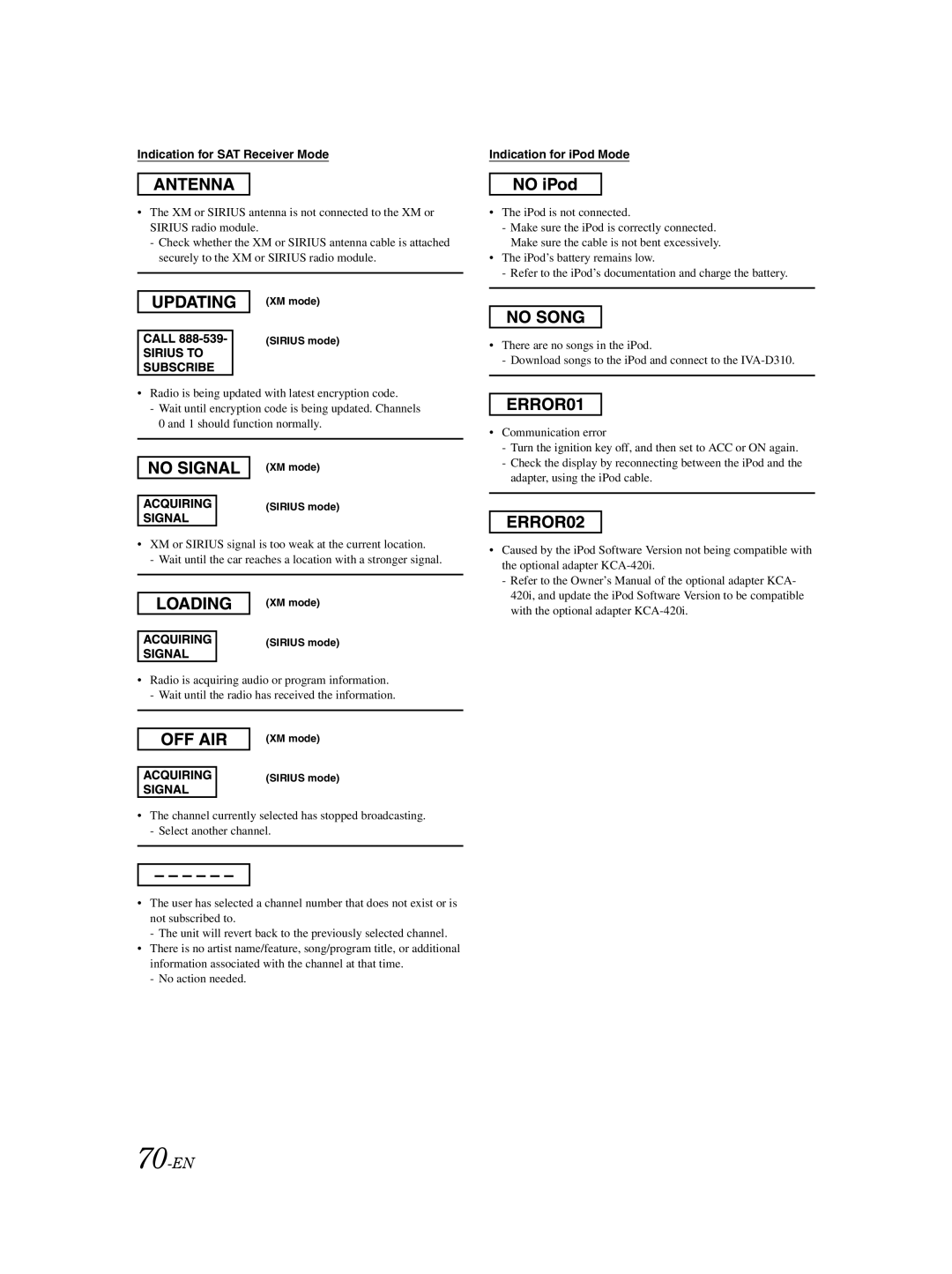
•The XM or SIRIUS antenna is not connected to the XM or SIRIUS radio module.
-Check whether the XM or SIRIUS antenna cable is attached securely to the XM or SIRIUS radio module.
(XM mode)
(SIRIUS mode)
•Radio is being updated with latest encryption code.
-Wait until encryption code is being updated. Channels 0 and 1 should function normally.
(XM mode)
(SIRIUS mode)
•XM or SIRIUS signal is too weak at the current location.
- Wait until the car reaches a location with a stronger signal.
(XM mode)
(SIRIUS mode)
•Radio is acquiring audio or program information. - Wait until the radio has received the information.
(XM mode)
(SIRIUS mode)
•The channel currently selected has stopped broadcasting.
-Select another channel.
•The user has selected a channel number that does not exist or is not subscribed to.
-The unit will revert back to the previously selected channel.
•There is no artist name/feature, song/program title, or additional information associated with the channel at that time.
-No action needed.
•The iPod is not connected.
-Make sure the iPod is correctly connected. Make sure the cable is not bent excessively.
•The iPod’s battery remains low.
-Refer to the iPod’s documentation and charge the battery.
•There are no songs in the iPod.
-Download songs to the iPod and connect to the
•Communication error
-Turn the ignition key off, and then set to ACC or ON again.
-Check the display by reconnecting between the iPod and the adapter, using the iPod cable.
•Caused by the iPod Software Version not being compatible with the optional adapter
-Refer to the Owner’s Manual of the optional adapter KCA- 420i, and update the iPod Software Version to be compatible with the optional adapter