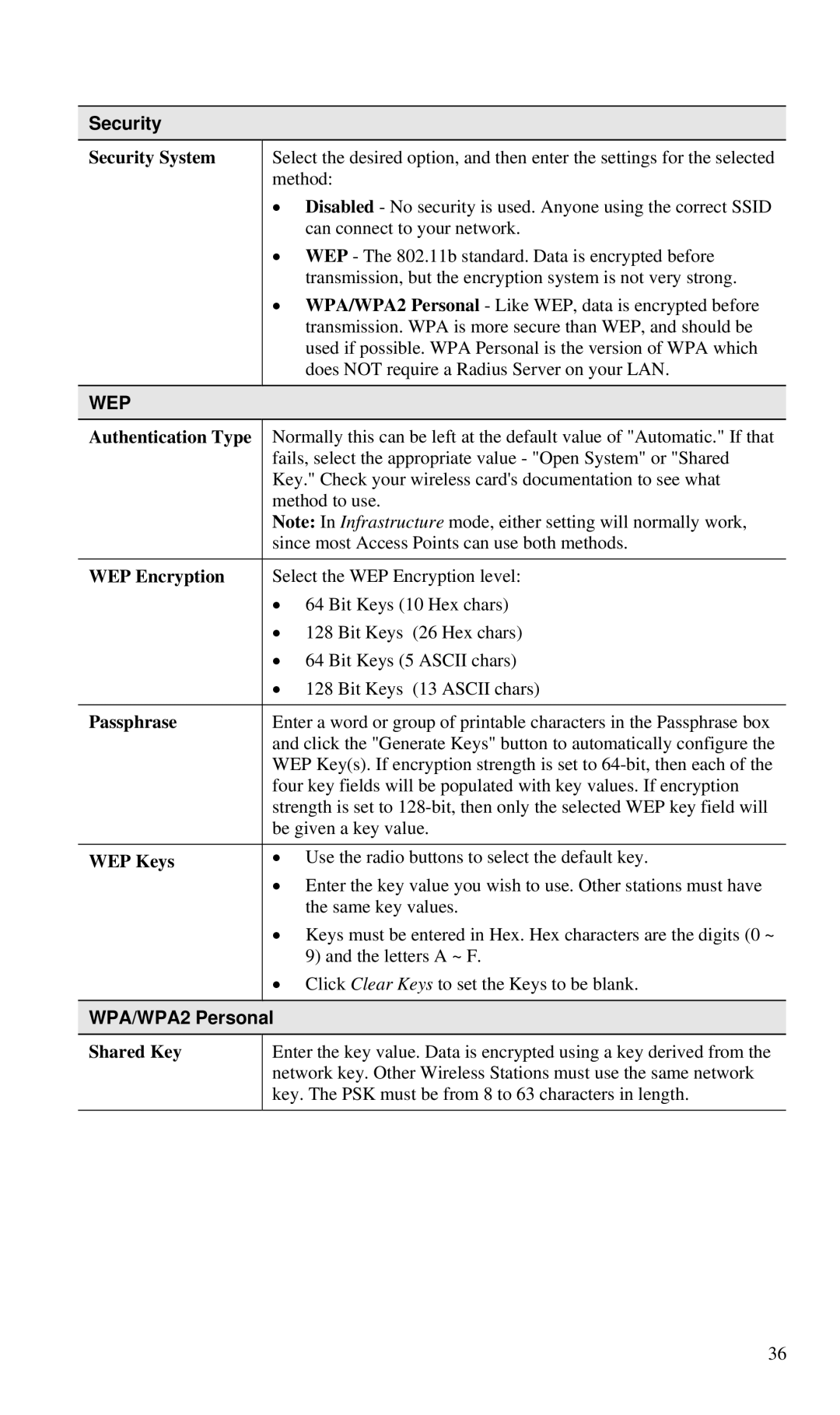
Security
Security System
Select the desired option, and then enter the settings for the selected method:
•Disabled - No security is used. Anyone using the correct SSID can connect to your network.
•WEP - The 802.11b standard. Data is encrypted before transmission, but the encryption system is not very strong.
•WPA/WPA2 Personal - Like WEP, data is encrypted before transmission. WPA is more secure than WEP, and should be used if possible. WPA Personal is the version of WPA which does NOT require a Radius Server on your LAN.
WEP
Authentication Type | Normally this can be left at the default value of "Automatic." If that | |
| fails, select the appropriate value - "Open System" or "Shared | |
| Key." Check your wireless card's documentation to see what | |
| method to use. | |
| Note: In Infrastructure mode, either setting will normally work, | |
| since most Access Points can use both methods. | |
|
| |
WEP Encryption | Select the WEP Encryption level: | |
| • 64 Bit Keys (10 Hex chars) | |
| • | 128 Bit Keys (26 Hex chars) |
| • 64 Bit Keys (5 ASCII chars) | |
| • | 128 Bit Keys (13 ASCII chars) |
|
| |
Passphrase | Enter a word or group of printable characters in the Passphrase box | |
| and click the "Generate Keys" button to automatically configure the | |
| WEP Key(s). If encryption strength is set to | |
| four key fields will be populated with key values. If encryption | |
| strength is set to | |
| be given a key value. | |
|
| |
WEP Keys | • Use the radio buttons to select the default key. | |
| • Enter the key value you wish to use. Other stations must have | |
|
| the same key values. |
| • Keys must be entered in Hex. Hex characters are the digits (0 ~ | |
|
| 9) and the letters A ~ F. |
| • Click Clear Keys to set the Keys to be blank. | |
|
|
|
WPA/WPA2 Personal
Shared Key
Enter the key value. Data is encrypted using a key derived from the network key. Other Wireless Stations must use the same network key. The PSK must be from 8 to 63 characters in length.
36