Chapter 6: MultiMonitor
Clicking once will cause the camera to pan right by 1 deg.
Click and hold and the camera will pan increasingly faster to the left.
Click once to tilt the camera up by 1 deg.
Click and hold and the camera will tilt increasingly faster upwards.
Click once to tilt the camera down by 1 deg.
Click and hold and the camera will tilt increasingly faster downwards.
Auto Pan (if camera which support this function)
2.2 View
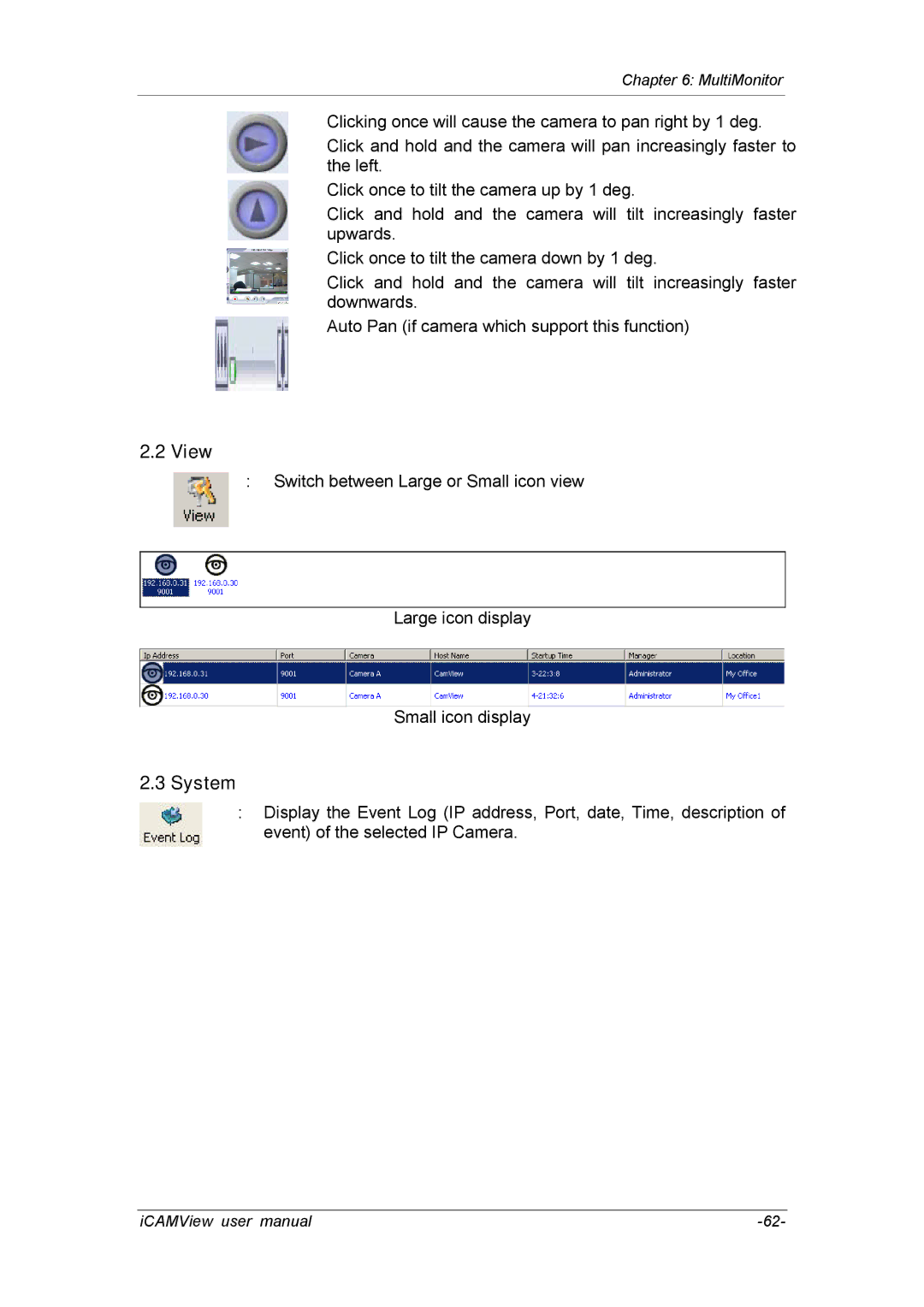
:Switch between Large or Small icon view
Large icon display
Small icon display
2.3 System
:Display the Event Log (IP address, Port, date, Time, description of event) of the selected IP Camera.
iCAMView user manual |