Chapter 4
Load A4 or 8.5 x 11 inch paper
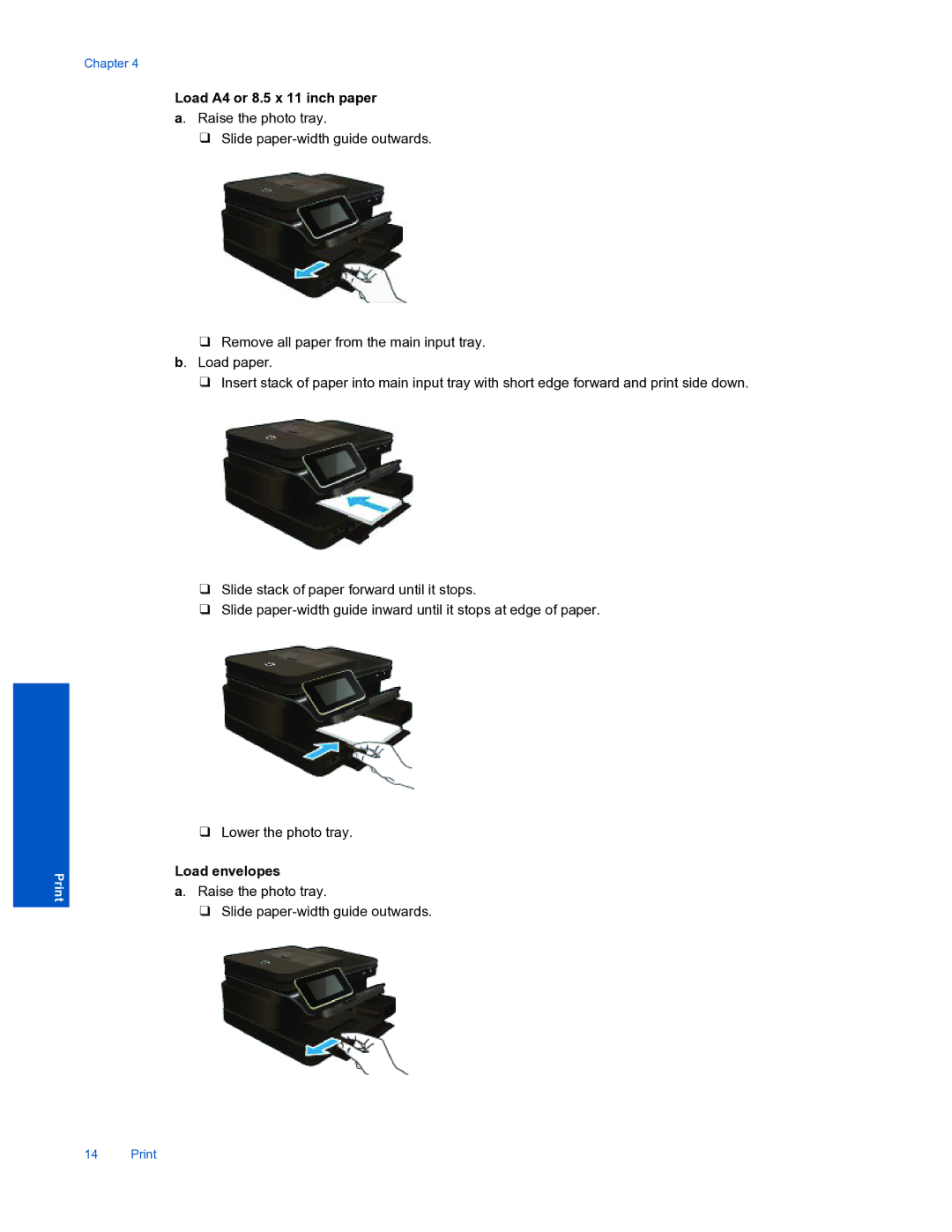
a. Raise the photo tray.
❑Slide
❑Remove all paper from the main input tray. b. Load paper.
❑Insert stack of paper into main input tray with short edge forward and print side down.
❑Slide stack of paper forward until it stops.
❑Slide
14 Print
❑Lower the photo tray.
Load envelopes
a. Raise the photo tray.
❑Slide