Advanced Setup—Continued
Assigning Listening Modes to Input Sources
You can assign a default listening mode to each input source that will be selected automatically when you select each input source. For example, you can set the default listening mode to be used with Dolby Digital input signals. You can select other listening modes dur- ing playback, but the mode specified here will be resumed once the AV receiver has been set to Standby.
1 Press the [RECEIVER] button followed by the [SETUP] button.
The main menu appears onscreen.
If the main menu doesn’t appear, make sure the appropriate external input is selected on your TV.
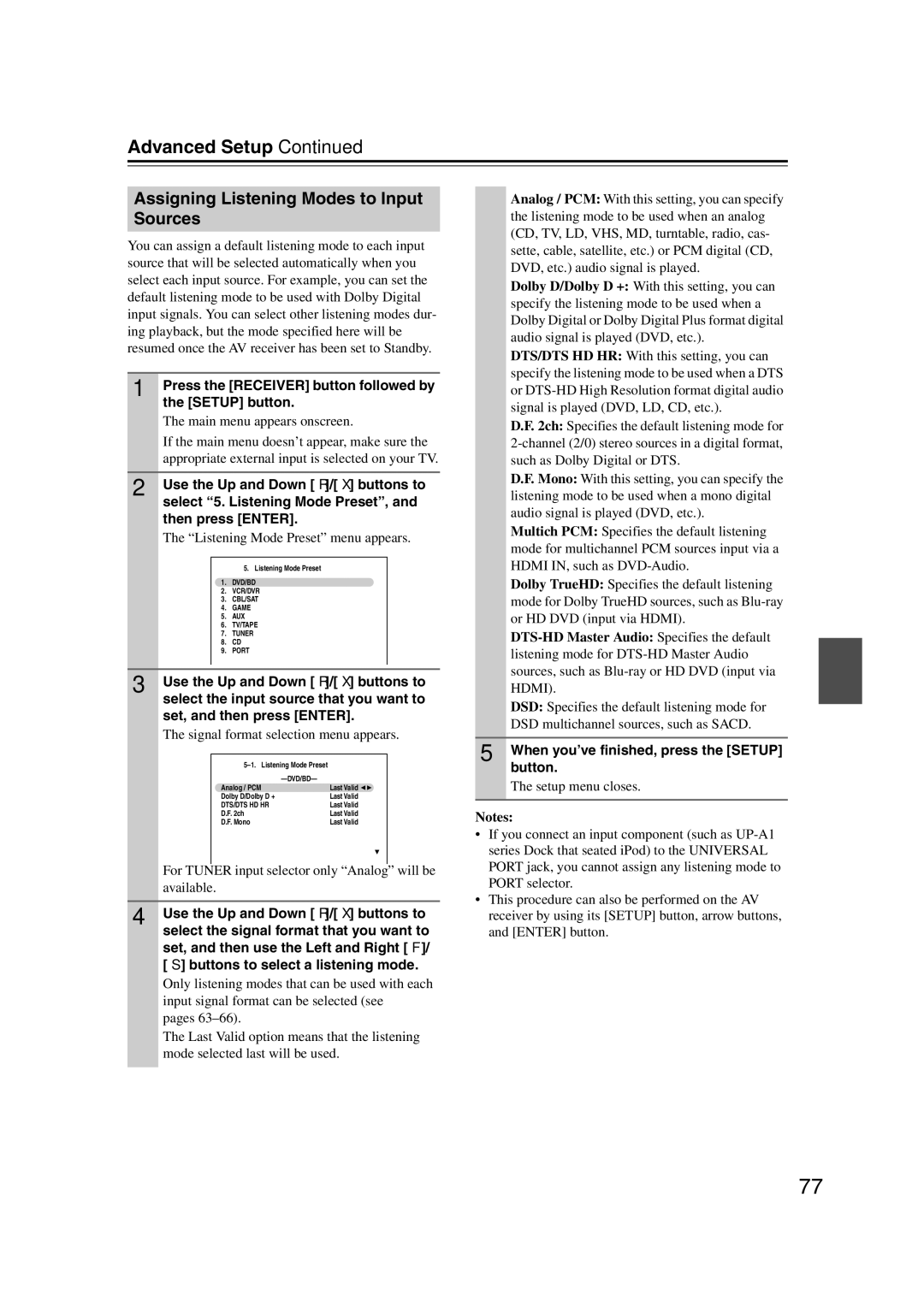
2 Use the Up and Down [q]/[w] buttons to select “5. Listening Mode Preset”, and then press [ENTER].
The “Listening Mode Preset” menu appears.
| 5. Listening Mode Preset |
1. | DVD/BD |
2. | VCR/DVR |
3. | CBL/SAT |
4. | GAME |
5. | AUX |
6. | TV/TAPE |
7. | TUNER |
8. | CD |
9. | PORT |
3 | Use the Up and Down [q]/[w] buttons to | |||
| select the input source that you want to | |||
| set, and then press [ENTER]. | |||
| The signal format selection menu appears. | |||
|
|
|
|
|
|
|
|
| |
|
|
|
| |
|
| Analog / PCM | Last Valid |
|
|
| Dolby D/Dolby D + | Last Valid |
|
|
| DTS/DTS HD HR | Last Valid |
|
|
| D.F. 2ch | Last Valid |
|
|
| D.F. Mono | Last Valid |
|
|
|
| will be | |
| For TUNER input selector only “Analog” | |||
| available. |
|
| |
|
|
|
| |
4 | Use the Up and Down [q]/[w] buttons to | |||
select the signal format that you want to set, and then use the Left and Right [e]/ [r] buttons to select a listening mode.
Only listening modes that can be used with each input signal format can be selected (see
pages
The Last Valid option means that the listening mode selected last will be used.
Analog / PCM: With this setting, you can specify the listening mode to be used when an analog (CD, TV, LD, VHS, MD, turntable, radio, cas- sette, cable, satellite, etc.) or PCM digital (CD, DVD, etc.) audio signal is played.
Dolby D/Dolby D +: With this setting, you can specify the listening mode to be used when a Dolby Digital or Dolby Digital Plus format digital audio signal is played (DVD, etc.).
DTS/DTS HD HR: With this setting, you can specify the listening mode to be used when a DTS or
D.F. 2ch: Specifies the default listening mode for
D.F. Mono: With this setting, you can specify the listening mode to be used when a mono digital audio signal is played (DVD, etc.).
Multich PCM: Specifies the default listening mode for multichannel PCM sources input via a HDMI IN, such as
Dolby TrueHD: Specifies the default listening mode for Dolby TrueHD sources, such as
DSD: Specifies the default listening mode for DSD multichannel sources, such as SACD.
5 When you’ve finished, press the [SETUP] button.
The setup menu closes.
Notes:
•If you connect an input component (such as
•This procedure can also be performed on the AV receiver by using its [SETUP] button, arrow buttons, and [ENTER] button.
77