(Continued)
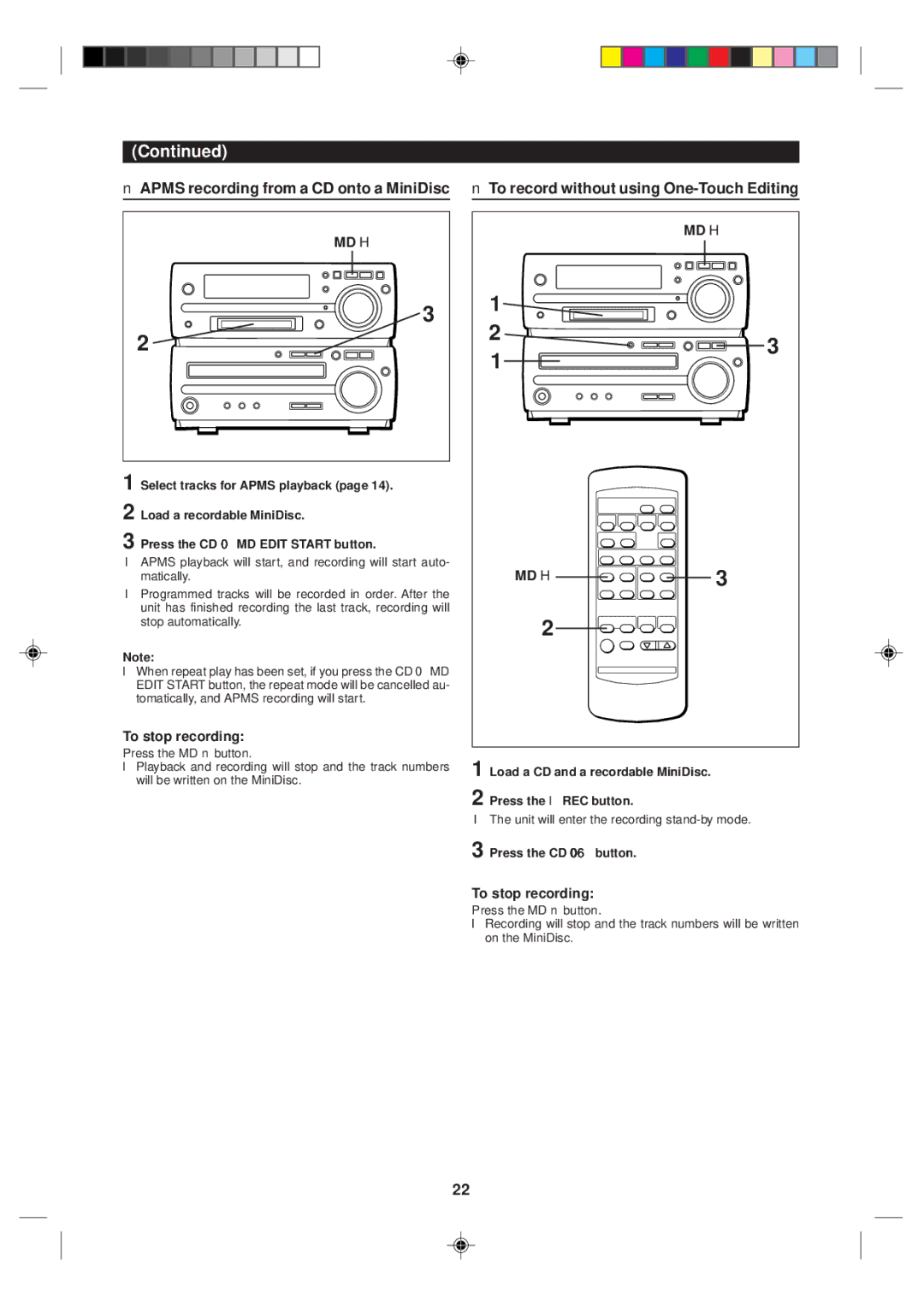
■APMS recording from a CD onto a MiniDisc
MD H

 3 2
3 2 

1 Select tracks for APMS playback (page 14).
2 Load a recordable MiniDisc.
3 Press the CD 0 MD EDIT START button.
●APMS playback will start, and recording will start auto- matically.
●Programmed tracks will be recorded in order. After the unit has finished recording the last track, recording will stop automatically.
Note:
●When repeat play has been set, if you press the CD 0 MD EDIT START button, the repeat mode will be cancelled au- tomatically, and APMS recording will start.
To stop recording:
Press the MD ■ button.
●Playback and recording will stop and the track numbers will be written on the MiniDisc.
■ To record without using | ||
| MD H | |
1 |
| |
2 | 3 | |
1 | ||
| ||
MD H | 3 | |
2 |
| |
1 Load a CD and a recordable MiniDisc. | ||
2 Press the ● REC button.
●The unit will enter the recording
3 Press the CD 06 button.
To stop recording:
Press the MD ■ button.
●Recording will stop and the track numbers will be written on the MiniDisc.
22