Administrator Manual
HiPath
Safety Precautions
For Your Safety
Safety Precautions
Protection of the Telephone
Location of the Telephone
Important Notes
Contents
Administration scenarios
Factory Default Settings
Alphabetical Reference
Editors
Data Visualisation optiPoint 410 entry only
Index
General Information
About the Manual
Product Identification
Echo Effect
Safety Precautions for IP Telephony
VoIP Security
General Information
Safety
Reference to operation steps
Operating the telephone
S o uor
OptiPoint 410/420 economy/economy plus/stan- dard/advance
OptiPoint 410 entry
Properties of the Telephone Models
VoIP Security
Model
Setting Up the Telephone
Installing the Telephone
Connectors on the bottom of the telephone
Installing the Telephone
Starting up the optiPoint 410/420
Entering the administration area
Preparing for Operation
Troubleshooting
All configuration types
Only if no Dhcp server
OptiPoint 410 entry
1st Function key
2nd Function key
Enter IP address of the optiPoint 410 entry to edit see Æ
Only if you are working in a Virtual LAN Vlan
Error handling
Other settings
Administration
Administration
Remote maintenance through LAN
Locally on the telephone
Access to the Administration Menu
OptiPoint 410/420 economy/ economy plus/standard/advance
Press keys simultaneously
Configurations
OptiPoint 410/420 economy/economy plus/standard/advance
Dhcp IP Assignment
Terminal IP Address
Default Route
Vlan Method
Vlan ID
LAN Port 1 Mode
QoS Layer Options
LAN Port 2 Mode
Subscriber Password
Subscriber Number
Diagnostics
Display Test
LED Test
Key Test
Audio Loop Test
Execute test
RAM Test
Ping Test
Ping change target
Line Status
SLK Test
By pulling the power plug
Restart
Web-based Management Tool
After restart
Error Messages
Other error messages
Entering the administration area
View settings
OptiPoint 410 entry
Function Codes
Reset factory settings
No Default Route
LEDs on the phone
No terminal screen
No IP Address is set
No Default Route is set
No Participant No. / password
No terminal screen is set
No network
No PBX address
PBX does not react
Log in failed
Firmware Update
Ldap Configuration
OptiPoint display module
Configuring the Ldap Server
Installing the Ldap Template
OptiPoint display module
OptiPoint application module
Installing an Ldap Template
OptiPoint application module
Web-based Management Tool
General
Preparation
Web-based Management Tool
Open web-based management tool
Http//IP of the telephone
Web-based Management structure
Administrator Actions
Change administrator password
General Information
General Information
Clear screenlock password
Restart terminal Factory Reset
Only for optiPoint 410/420 standard/advance available
Clear user data
Web-based Management ToolAdministration
Java Http Settings
Ldap settings
Applications
WAP gateway
WAP Favourites
Miscellaneous
Audio settings
Diagnostic Tests Test results
Audio
File transfer
Java FTP Settings
ENB FTP Settings
File Transfer optiPoint 410/420 entry/economy/economy plus
Network
Network and Routing
Quality of Service QoS
Snmp settings
QoS Data Collection
DLS Settings Gateway settings
System
Port Settings
Port Control
Srsr Settings
Time Settings Voip Encryption Settings
Alphabetical Reference
Description of functions
Alphabetical Reference
Action On Submit
Administration Password
Cancel Mobility Password
Application Filename
Application Version
Codec Audio Mode Use
Codec
Codec Independent Threshold Values
Compression
Compressing Codec Threshold Values
Daylight saving
Debug Interface
Default Sntp IP
Default Vlan ID
Dhcp
DLS Server Port
External Access Code
DNS Addresses
Domain Name
DSM Filename
FTP Password
Emergency Number
FTP Account Name
FTP Server Address
FTP Settings
FTP Username
G722 codec
Gateway Address
Https
Http Username
International Dial Prefix
IP Routing
Java Gateway
L2 Default
L2/L3 Voice/Signalling
Jitter Buffer
LAN Port Settings
Bandwith Possible application
Language
Ldap Server IP Address
Ldap template example
Template-String Declaration
Example for assumption Copy & Paste
Syntax of the Ldap template file
Ldap Template Filename
Port Function LEDs on optiPoint 410/420 right row
MIB-II Error Count
Local Area Code
Local Country Code
Local District Code
Minimal Session Length
National Dial Prefix
Non-Compressing Codec Threshold Values
Observation Interval
QCU Home Address
QCU Standby Address
QDC Server
QoS L2/L3
Report Mode
Service Agent
Restart Terminal
RTP Port Base
Snmp
Srsr Automatic Switch Back
Srsr Enabled
Srsr Switch To Home Expiry Timeout
Srsr Switch To Home Retry Count
Srsr Switch To Standby Retry Count
Srsr Tctest Expiry Timeout
Srsr Tctest Retry Count
System Type
Time Source
Time Window
Timezone offset
USB Keyboard
WAP Password
WAP Connection Type
WAP Username
WAP URL
Abbreviations and Specialized Terms
Cornet IP TS
DLS
DNS
ENB
FTP
HFA
Http
LAN
Ldap
LCD
LED
MIB
PBX
Ping
PSS
SIP
SLK
Vlan
Sntp
Switch
URL
VoIP
WAP
Administration scenarios
Setting up the FTP server
Setting up the FTP server
Installation and configuration
Administration scenarios
Check handset functionalities
Start up not successful
Check LAN connection
Determine the software version
Improve speech quality
Editors
Number Editor
IP Number Editor
Number Editor
Teminal Mask Editor
Editors
Bit Block
Text Editor
Text Editor
Key 10x 11x 12x 13x 14x 15x 16x 17x 18x 19x 20x 21x 22x 23x
OptiPoint 410/420 economy/economy plus/standard/advance
Factory Default Settings
Standard value
Function Standard value
Vlan Dhcp Vlan ID
Password Functions
Password Function setting
Key-Layout
Taste Funktion HiPath 3000/5000
Data Visualisation optiPoint 410 entry only
Status Messages
Binary encoded Ascii table
Data Visualisation optiPoint 410 entry only
Technical data
Binary encoded Ascii table
101
Technical data
102
Administration Interface
Operation Codes Summary
OptiPoint 410/420
OptiPoint 410/420Operation Codes Summary
Operation Codes SummaryoptiPoint 410/420
104
Further functions
OptiPoint 410 entryOperation Codes Summary
105
Menu structure
Menu structureoptiPoint 410/420
106
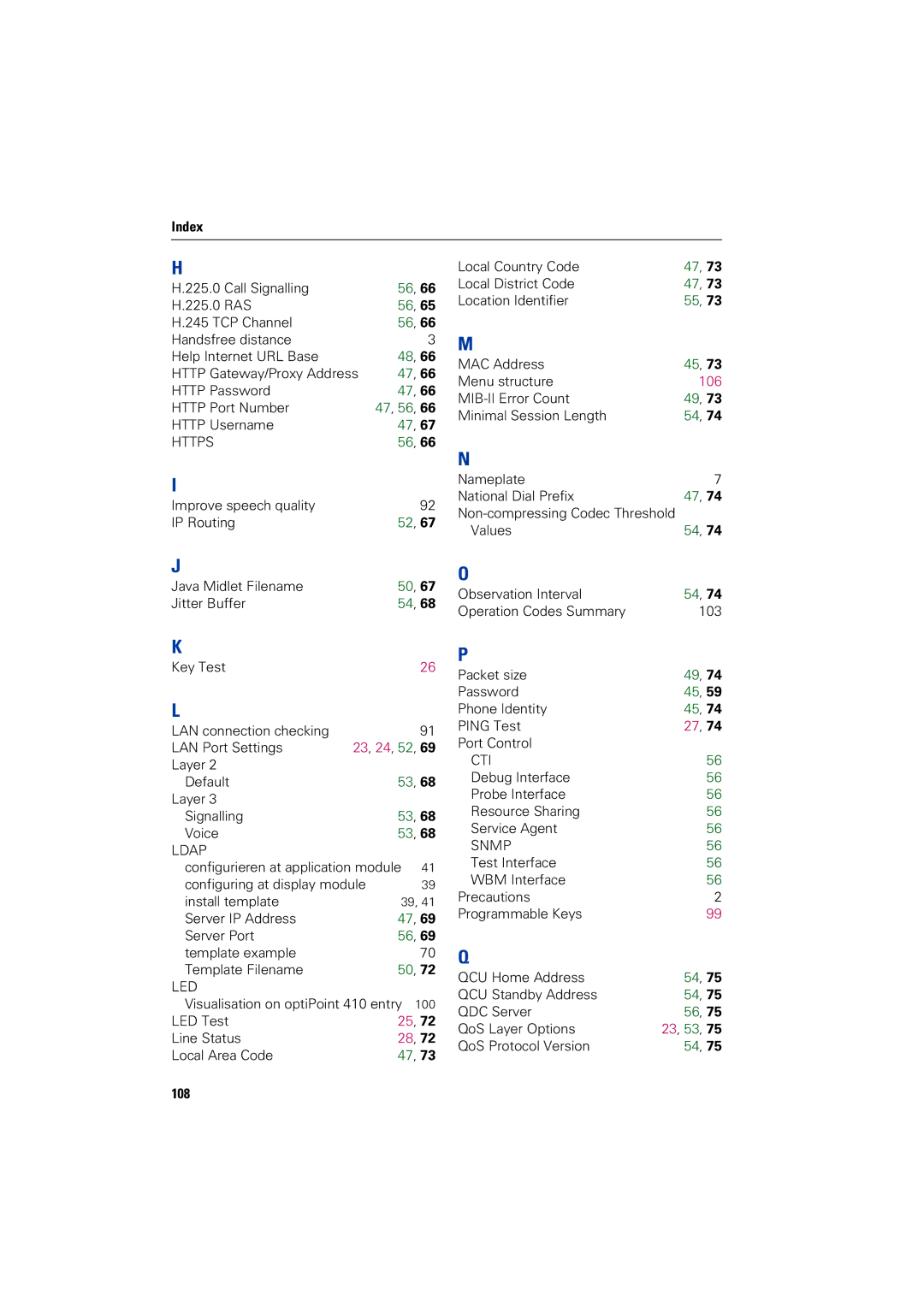
Index
Index
107
Https
108
Srsr
109
Bestell-Nr. A31003-A2056-B415-7-76A9