Archer C9 AC1900 Wireless Dual Band Gigabit Router
Allow Guest Network Access - If this checkbox is selected, guests are allowed to access the sharing file.
Enable Authentication - If this checkbox is selected, then the file sharing is need authentication.
Enable Write Access - If this checkbox is selected, then the sharing file is allowed write access.
Enable Media Sharing - Select this checkbox to enable media sharing.
To specify the folders:
i.Select the volume desired to share from the Volume Name
ii.Create a share name, e.g. Movie.
iii.Select the checkboxes according to your needs.
iv.Select the folder allowed to be shared, e.g. Movies.
v.Click the Save button.
4.4.2Print Server
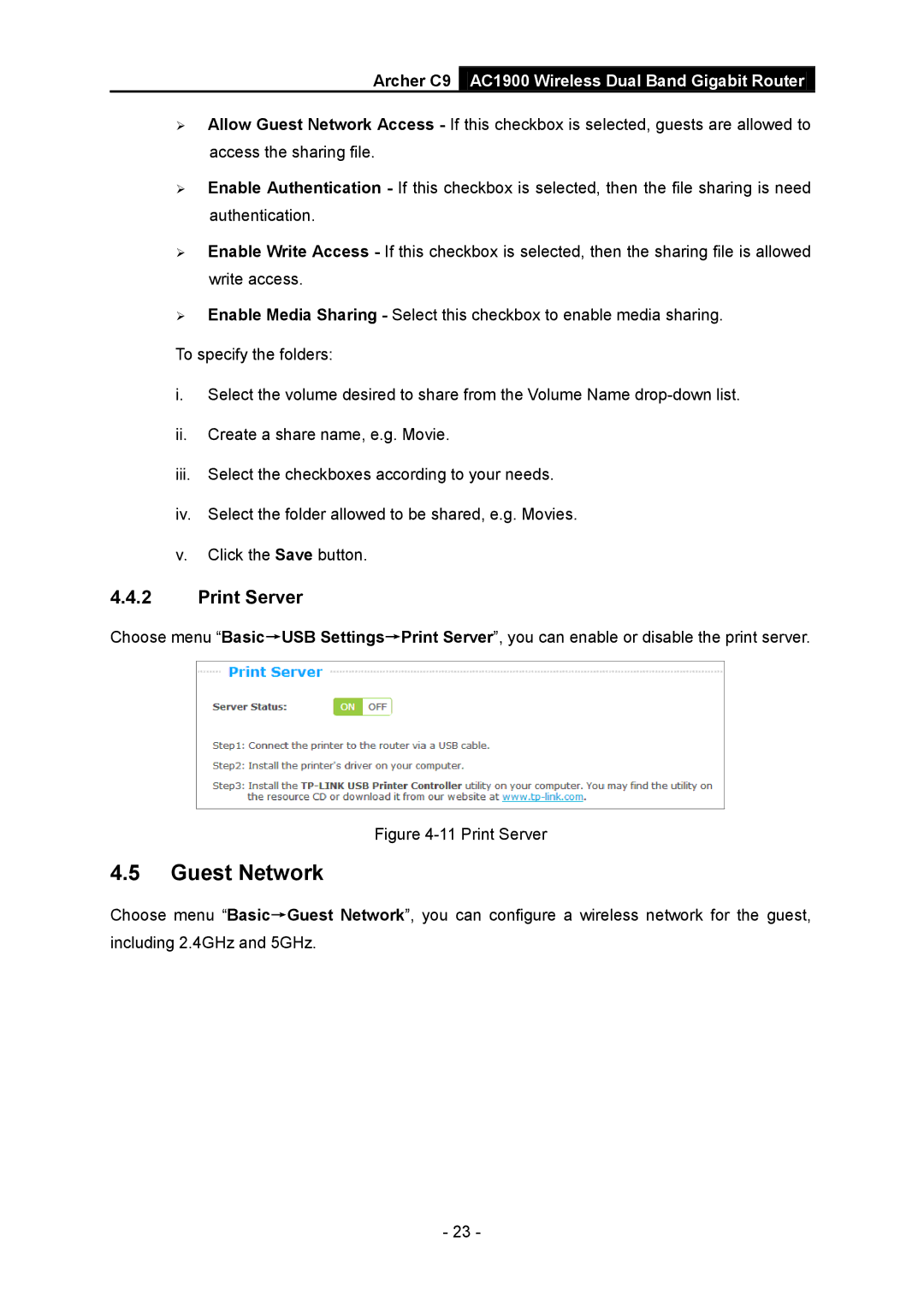
Choose menu “Basic→USB Settings→Print Server”, you can enable or disable the print server.
Figure 4-11 Print Server
4.5Guest Network
Choose menu “Basic→Guest Network”, you can configure a wireless network for the guest, including 2.4GHz and 5GHz.
- 23 -