INTRODUCTION
Caller ID Log
•Up to 99 telephone numbers will be stored in the Caller ID Log for re- view, redial, save to speed dial or deletion.
Message Waiting Indicator
•Message LED will indicate presence of network based voice messages. (You will need to subscribe to the Voice Messaging service provided by your local telephone company.)
Desktop Data Port
•Modular desktop connection for single line devices to line four (mo- dem, fax, answering machine, etc.)
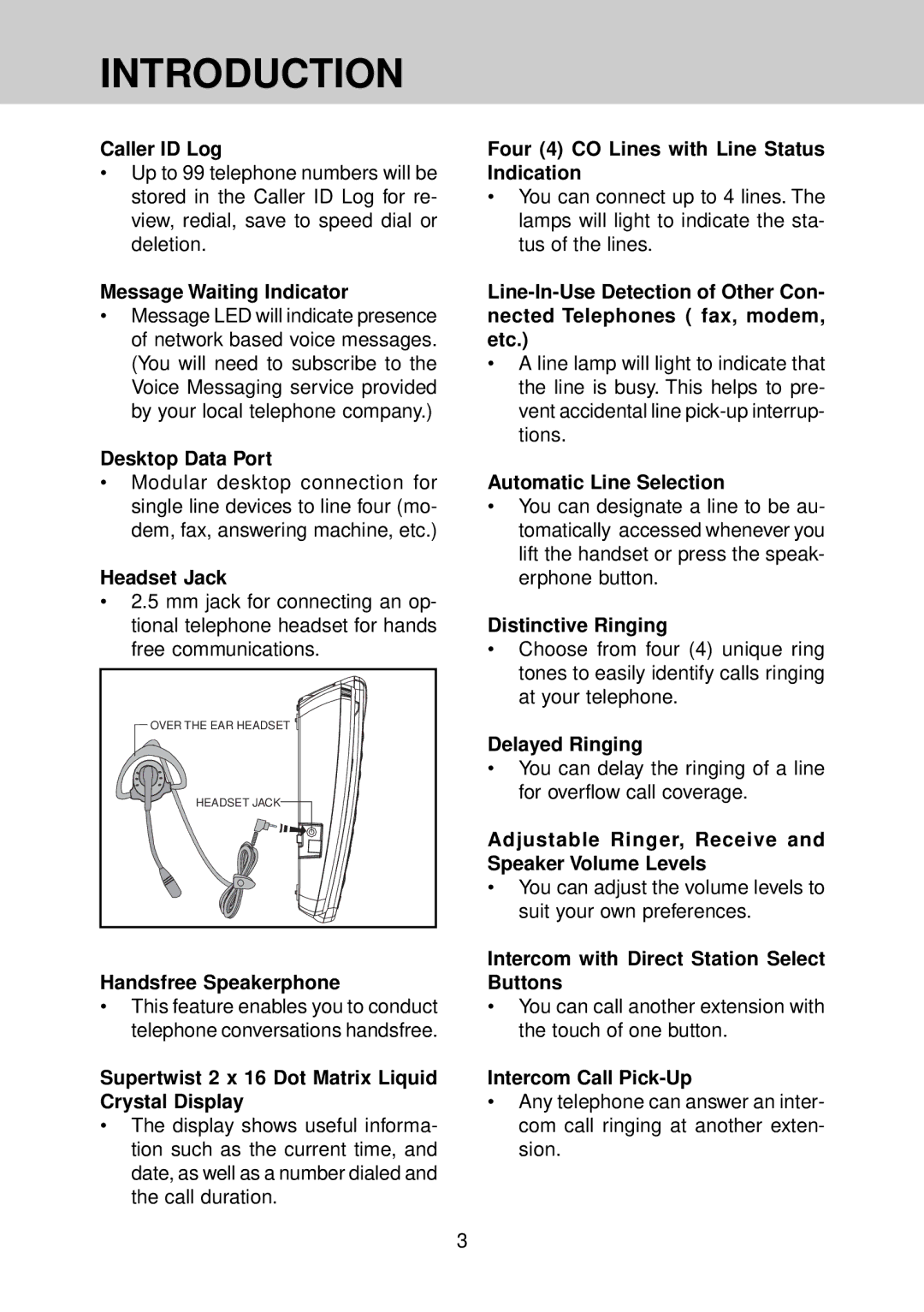
Headset Jack
•2.5 mm jack for connecting an op- tional telephone headset for hands free communications.
OVER THE EAR HEADSET |
HEADSET JACK |
Handsfree Speakerphone
•This feature enables you to conduct telephone conversations handsfree.
Supertwist 2 x 16 Dot Matrix Liquid Crystal Display
•The display shows useful informa- tion such as the current time, and date, as well as a number dialed and the call duration.
Four (4) CO Lines with Line Status Indication
•You can connect up to 4 lines. The lamps will light to indicate the sta- tus of the lines.
•A line lamp will light to indicate that the line is busy. This helps to pre- vent accidental line
Automatic Line Selection
•You can designate a line to be au- tomatically accessed whenever you lift the handset or press the speak- erphone button.
Distinctive Ringing
•Choose from four (4) unique ring tones to easily identify calls ringing at your telephone.
Delayed Ringing
•You can delay the ringing of a line for overflow call coverage.
Adjustable Ringer, Receive and Speaker Volume Levels
•You can adjust the volume levels to suit your own preferences.
Intercom with Direct Station Select Buttons
•You can call another extension with the touch of one button.
Intercom Call Pick-Up
•Any telephone can answer an inter- com call ringing at another exten- sion.
3