■Distinctive Ring Pattern Detection (DRPD) Feature
(See p. 21)
Some companies offer a distinctive ring pattern (DRP) service that allows you to as- sign two or more telephone numbers with distinctive ring patterns to a single tele- phone line. By subscribing to such a service, you can have both a fax number(s) and a telephone number(s) for your FAXPHONE using only one phone line.
When a call is made, the FAXPHONE checks the incoming ring pattern and knows if the call is from another fax unit or from a telephone.
Fax Only Mode __________________________________
The FAXPHONE is set up at the factory for both fax transmission and telephone calls. If you have a dedicated fax line, you need to set the FAXPHONE to Fax Only Mode.
■Setting Fax Only Mode
When you set the FAXPHONE to Fax Only Mode, the unit picks up every call and automatically treats it as a fax transmission.
The FAXPHONE cannot receive automatically if you are making copies, printing reports, or registering information. See p. 68.
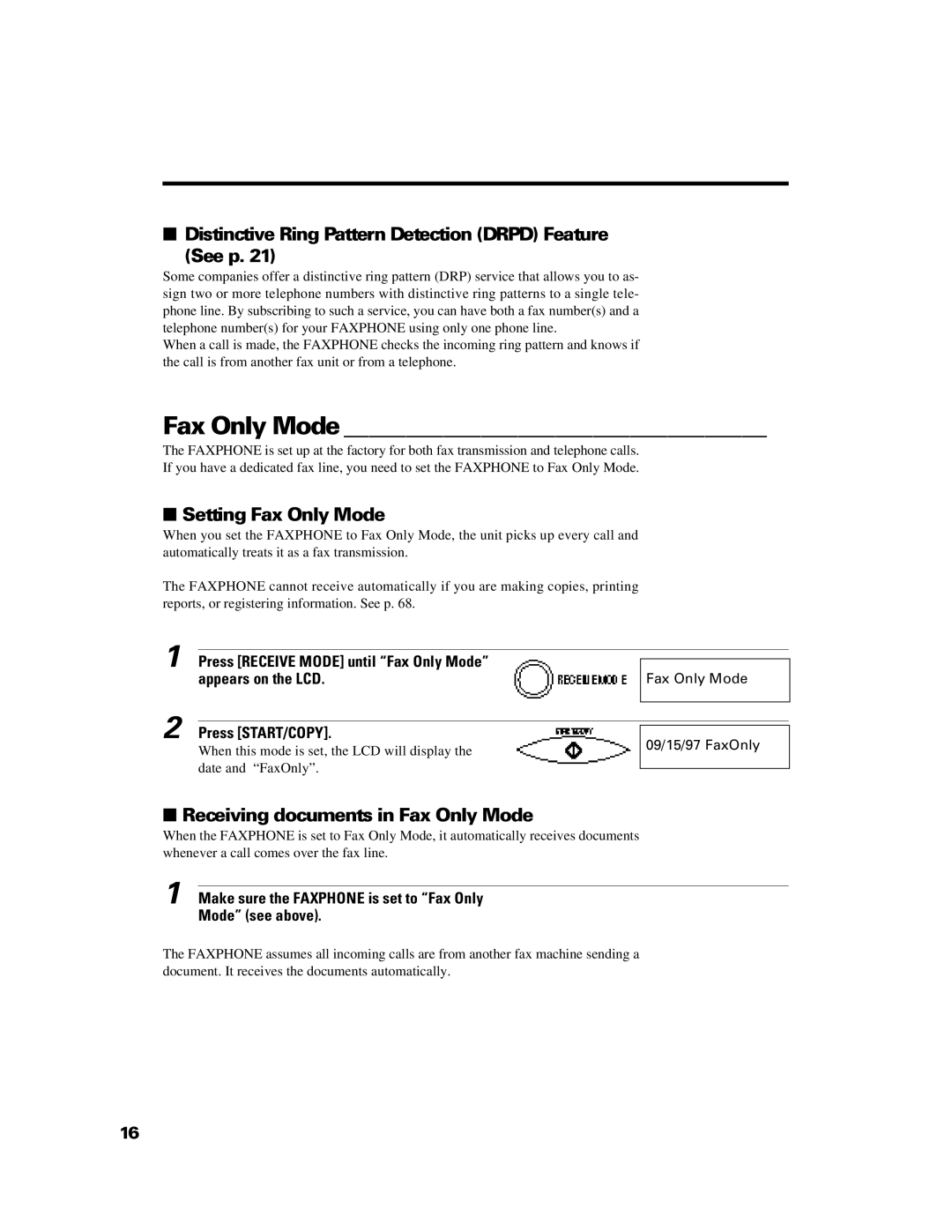
1 Press [RECEIVE MODE] until “Fax Only Mode” |
|
appears on the LCD. | Fax Only Mode |
2 Press [START/COPY].
When this mode is set, the LCD will display the date and “FaxOnly”.
09/15/97 FaxOnly
■Receiving documents in Fax Only Mode
When the FAXPHONE is set to Fax Only Mode, it automatically receives documents whenever a call comes over the fax line.
1 Make sure the FAXPHONE is set to “Fax Only Mode” (see above).
The FAXPHONE assumes all incoming calls are from another fax machine sending a document. It receives the documents automatically.
16