Button
Component | Description |
|
|
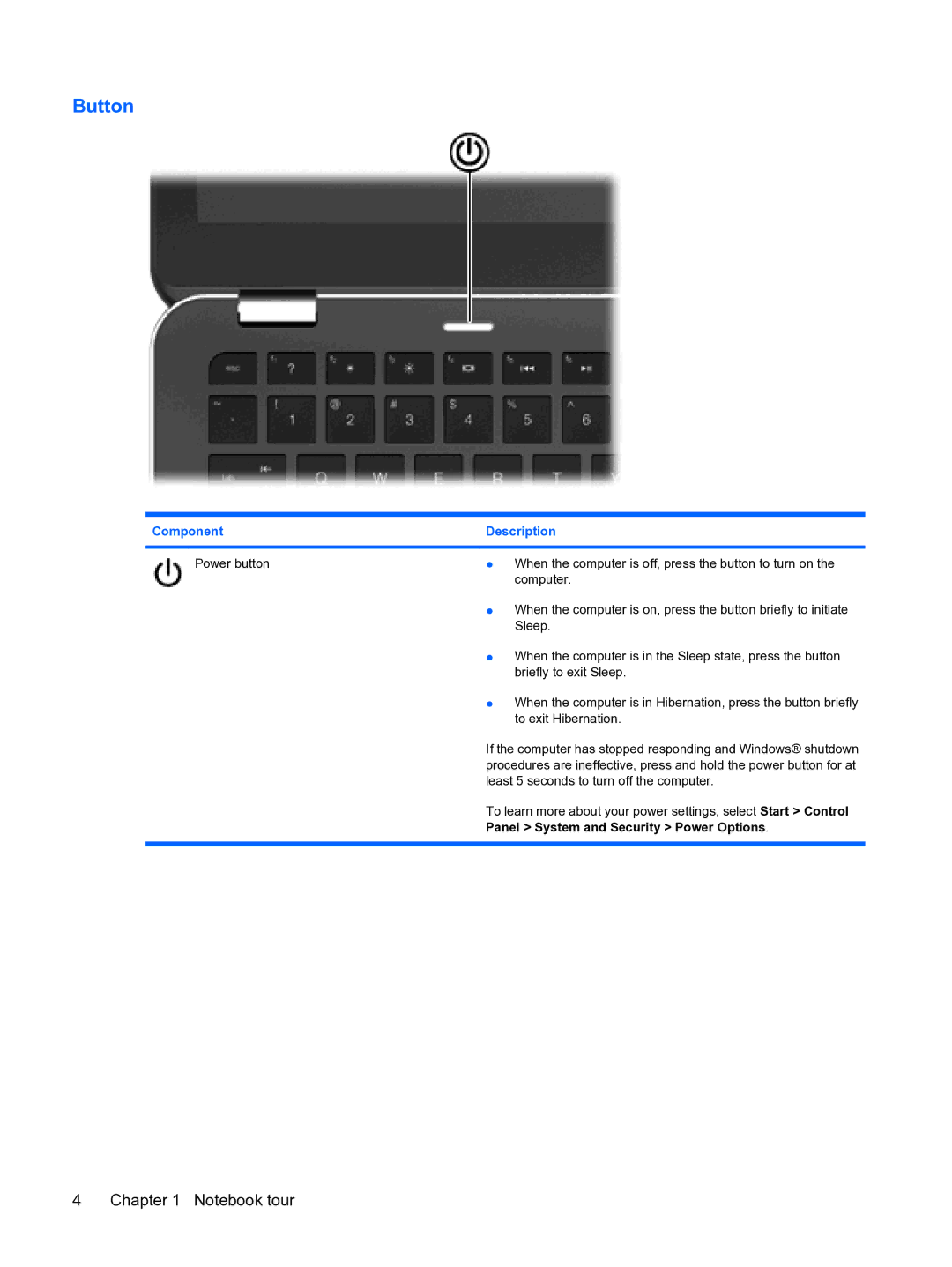
Power button | ● When the computer is off, press the button to turn on the |
| computer. |
| ● When the computer is on, press the button briefly to initiate |
| Sleep. |
| ● When the computer is in the Sleep state, press the button |
| briefly to exit Sleep. |
| ● When the computer is in Hibernation, press the button briefly |
| to exit Hibernation. |
| If the computer has stopped responding and Windows® shutdown |
| procedures are ineffective, press and hold the power button for at |
| least 5 seconds to turn off the computer. |
| To learn more about your power settings, select Start > Control |
| Panel > System and Security > Power Options. |
|
|
4 Chapter 1 Notebook tour