System Configuration menu
 NOTE: Some of the listed System Configuration options may not be supported by your computer.
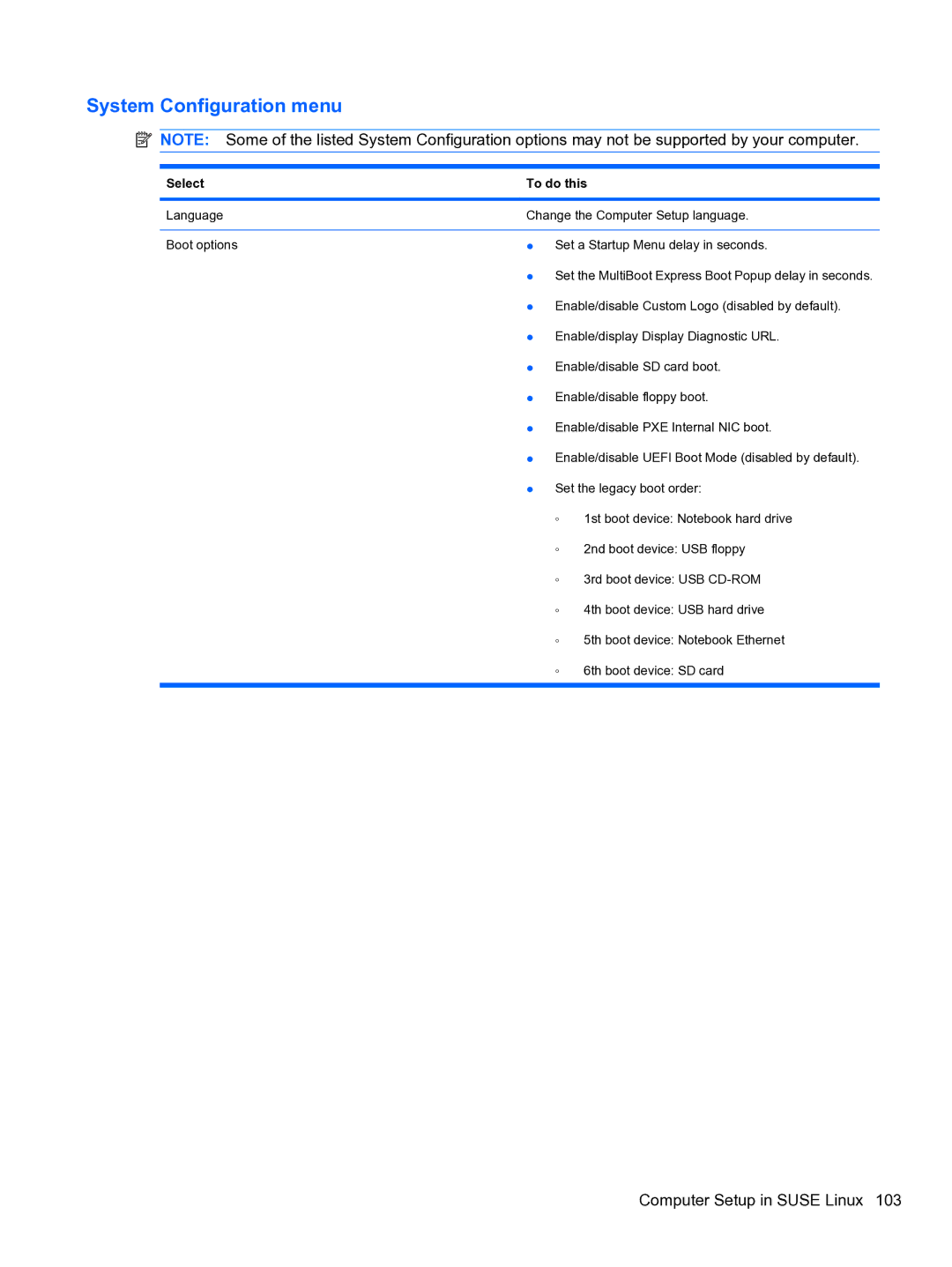
Select | To do this | |
|
| |
Language | Change the Computer Setup language. | |
|
| |
Boot options | ● Set a Startup Menu delay in seconds. | |
| ● Set the MultiBoot Express Boot Popup delay in seconds. | |
| ● Enable/disable Custom Logo (disabled by default). | |
| ● Enable/display Display Diagnostic URL. | |
| ● Enable/disable SD card boot. | |
| ● Enable/disable floppy boot. | |
| ● Enable/disable PXE Internal NIC boot. | |
| ● Enable/disable UEFI Boot Mode (disabled by default). | |
| ● Set the legacy boot order: | |
| ◦ | 1st boot device: Notebook hard drive |
| ◦ | 2nd boot device: USB floppy |
| ◦ | 3rd boot device: USB |
| ◦ | 4th boot device: USB hard drive |
| ◦ | 5th boot device: Notebook Ethernet |
| ◦ | 6th boot device: SD card |
|
|
|