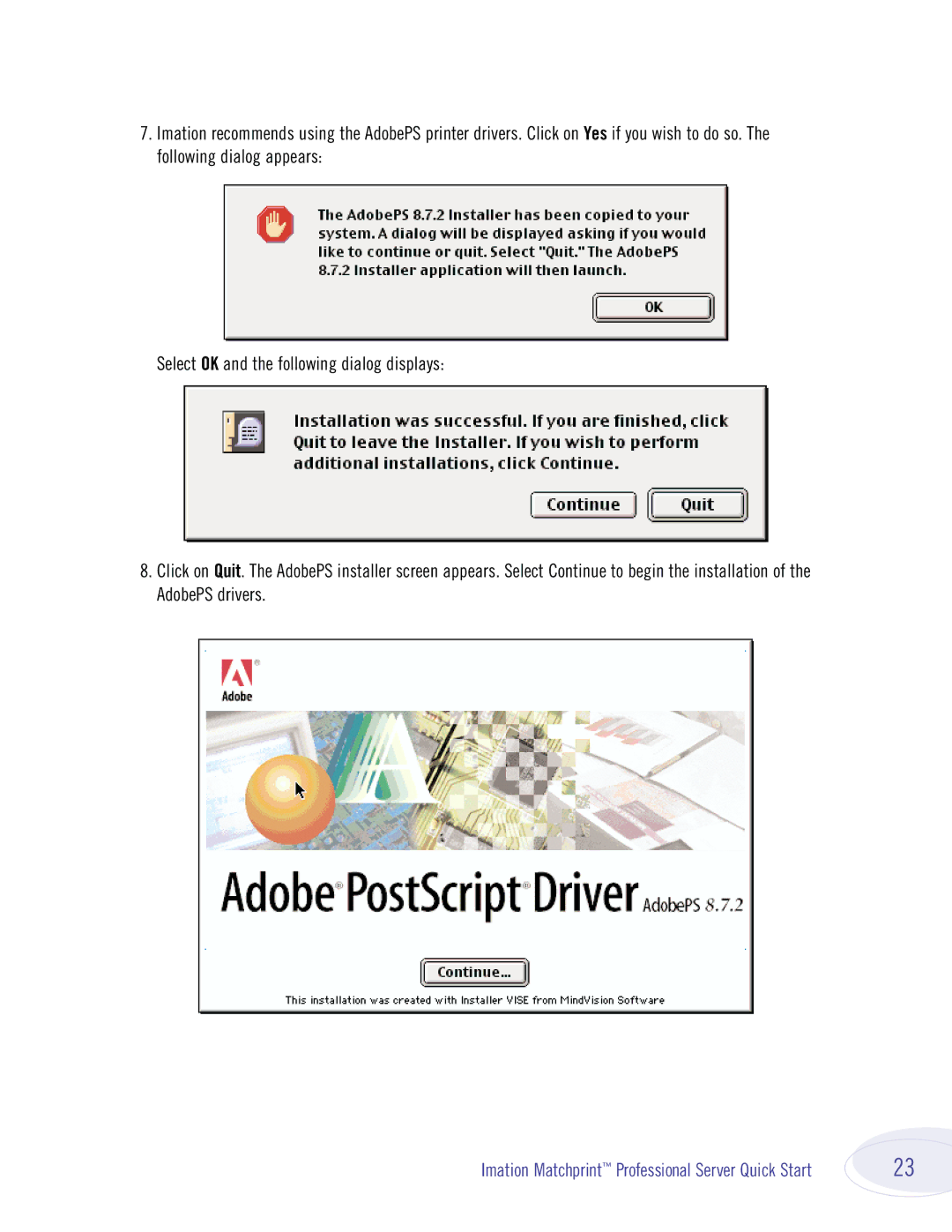
7.Imation recommends using the AdobePS printer drivers. Click on Yes if you wish to do so. The following dialog appears:
Select OK and the following dialog displays:
8.Click on Quit. The AdobePS installer screen appears. Select Continue to begin the installation of the AdobePS drivers.
Imation Matchprint™ Professional Server Quick Start | 23 |