Language
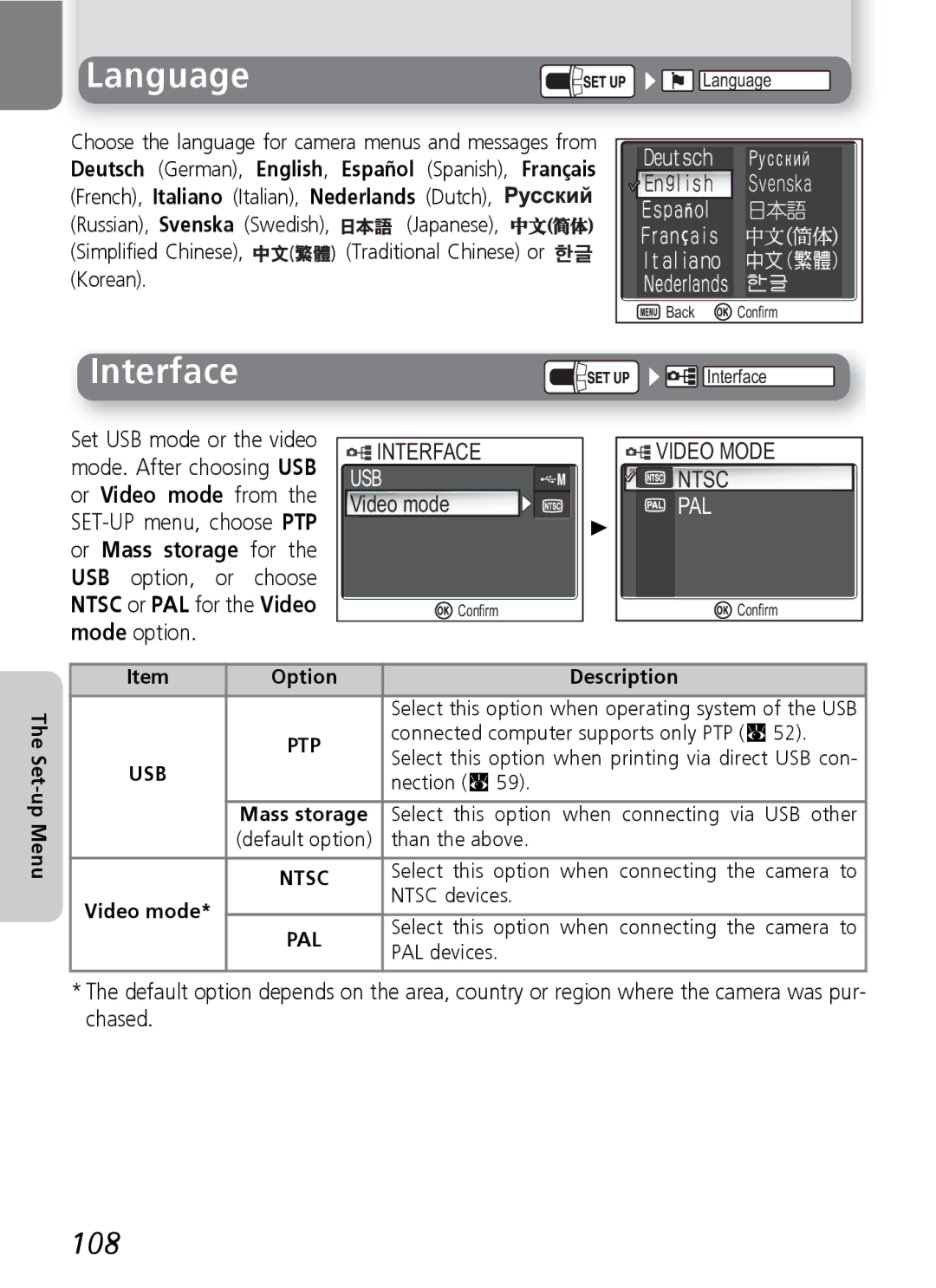
Choose the language for camera menus and messages from
Deutsch (German), English, Español (Spanish), Français
(French), Italiano (Italian), Nederlands (Dutch), 


(Russian), Svenska (Swedish), 
 (Japanese),


(Simplified Chinese), 

 (Traditional Chinese) or
  (Korean).

 Language
 Back
Back  Confirm
Interface


 Interface
Set USB mode or the video mode. After choosing USB or Video mode from the
INTERFACE | VIDEO MODE |
USB | NTSC |
Video mode | PAL |
| + |
Confirm | Confirm |
| Item | Option | Description |
The |
|
| Select this option when operating system of the USB |
| PTP | connected computer supports only PTP (Q 52). | |
|
| ||
Set- |
| Select this option when printing via direct USB con- | |
USB |
| ||
| nection (Q 59). | ||
up |
|
|
|
| Mass storage | Select this option when connecting via USB other | |
Menu |
| ||
| (default option) | than the above. | |
|
|
| |
| NTSC | Select this option when connecting the camera to | |
|
| NTSC devices. | |
| Video mode* |
| |
|
|
| |
| PAL | Select this option when connecting the camera to | |
|
| ||
|
| PAL devices. | |
|
|
| |
|
|
|
|
*The default option depends on the area, country or region where the camera was pur- chased.