Operation and setup of the picture frame
Set time:
You can use the navigation keys to change the time.
Exit: Exit Clock Application.
Alarm Menu
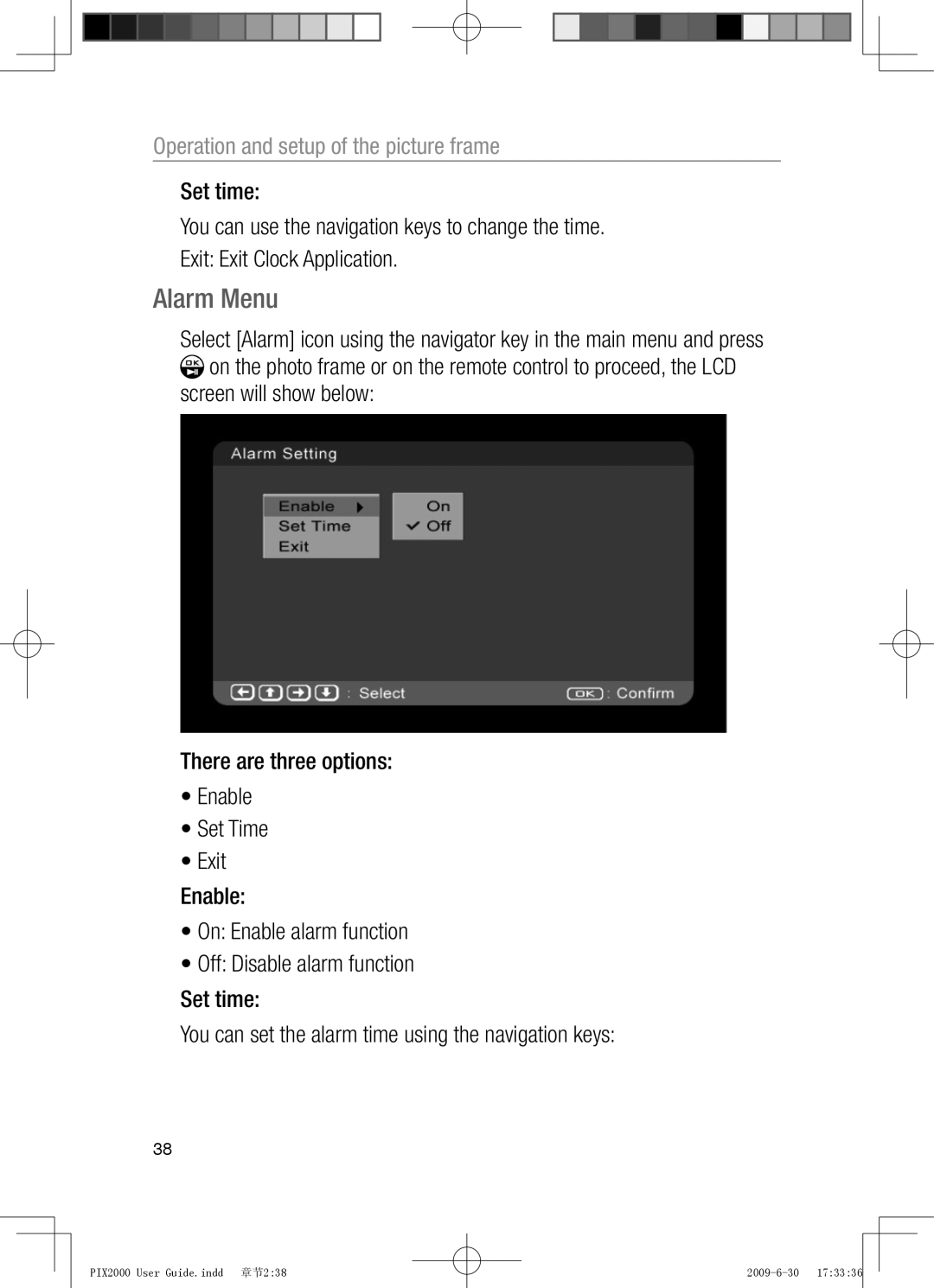
Select [Alarm] icon using the navigator key in the main menu and press  on the photo frame or on the remote control to proceed, the LCD screen will show below:
There are three options:
•Enable
•Set Time
•Exit
Enable:
•On: Enable alarm function
•Off: Disable alarm function
Set time:
You can set the alarm time using the navigation keys:
38
PIX2000 User Guide.indd 章节2:38