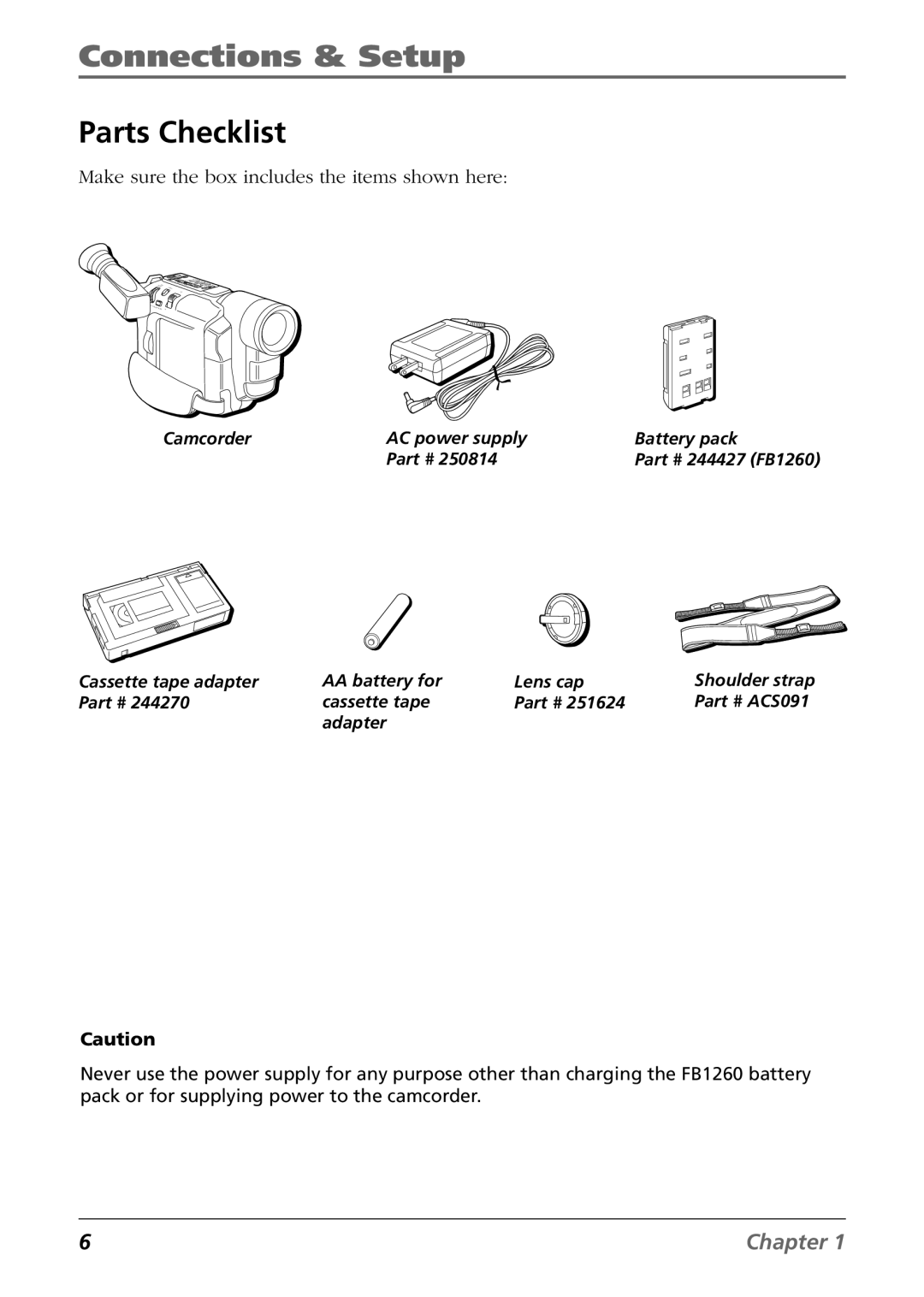
Using the Cassette Tape Adapter
Choose your Connection
Inserting the Tape into the Cassette Tape Adapter
Facing up
Removing the Tape from the Cassette Tape Adapter
Gently close the adapter’s tape compartment lid
Connecting to a TV or VCR with Audio/Video Input Jacks
Playback on a TV or VCR with Audio/Video Input Jacks
Tape Dubbing
Advanced Features
Advanced Features
Using the Menus For Advanced Adjustment
System Menu
Menu Definitions
Camera Menu
Display Full
Title Lang
Fades
Using the Advanced Features
Fade/Wipe Effects
Shutter
Wipes
Program AE With Special Effects
SD Shadow
Digital Effects
S1/2000 2000 sec. High Speed Shutter
Exposure Control
Focusing
Auto Focus
Manual Focus
White Balance Adjustment
MWB
Manual White Balance
Date/Time Insert
Display
Instant Titles
Animation
System Menu
Time-Lapse
Other Information
Troubleshooting
No power is supplied
Power suddenly goes off and does not come back on by itself
Some menus or features are not available
An error number i.e. E03 appears
Bright spots appear all over the viewfinder
Viewfinder and the lens are dirty
Image is out of focus
Picture is blurred in the Quick Review or Retake mode
Recording cannot be performed
Recording does not start
Animation or Time-Lapse is not available
Tape won’t eject
Date and time displays disappear
Wrong date and time are displayed/recorded
Final Notes
Power
Date/Time Settings
Video Recording
TBC Time Base Corrector
Tapes
Cleaning The Camcorder
Care and Cleaning
After Using the Camcorder
Proper Care and Storage
Tape Care and Storage
Traveling Tips
Things to Avoid
Specifications
AC Power Supply
Camcorder
Audio/Video Jacks
Customer Assistance and Service
Returning equipment to Thomson for repair or exchange
By Thomson
Limited Warranty
Option
What your warranty does not cover
How State Law relates to warranty
If you purchased your camcorder outside the United States
FCC and Industry Canada Information
Optional Accessories
244427 FB1260 Rechargeable Battery Pack
AC201A Soft Carrying Case
ACS091 Shoulder Strap
VH83 A/V Cable
Using the Optional AC088 Tripod
To order accessories, contact your local Dealer
Video Accessories PO Box Ronks, PA
United States and Canada Orders
Accessories Order Form
Description Price Qty Total
USE Your Credit Card
This Page Left Blank Intentionally
Index