Wireless Router | User Manual | |
|
|
|
|
|
|
3.2.2Quick Installation Guide – Detail and Explanation:
1.To access the configuration utility, open a
Figure 3-3 Log in the Router
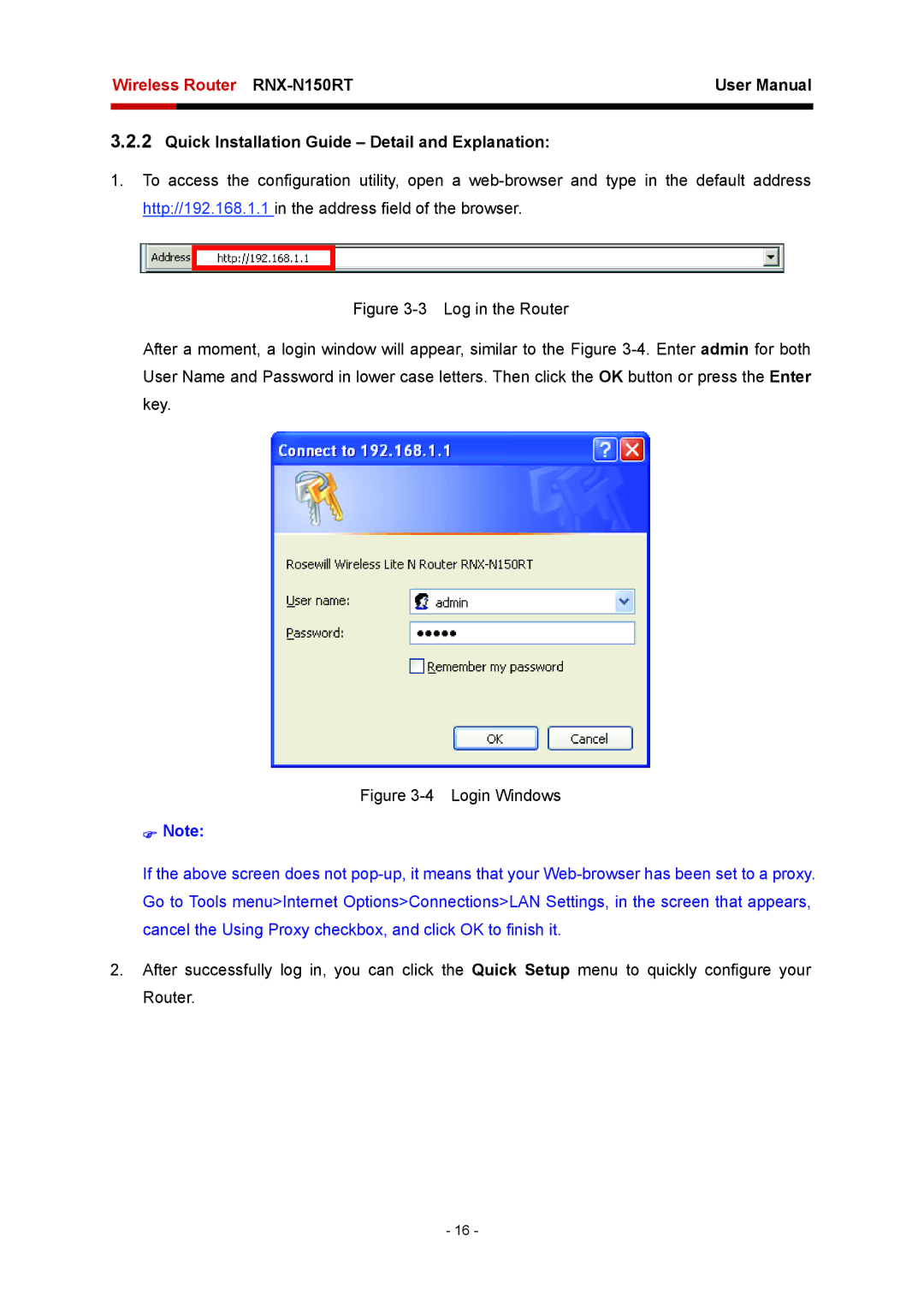
After a moment, a login window will appear, similar to the Figure 3-4. Enter admin for both User Name and Password in lower case letters. Then click the OK button or press the Enter key.
Figure 3-4 Login Windows
)Note:
If the above screen does not
2.After successfully log in, you can click the Quick Setup menu to quickly configure your Router.
- 16 -