Watching TV
Timer setup using EPG
The TV can be switched to a programme or start recording for
1Press GUIDE.
2Press a/b/c/dto select the programme you want to set, and then press ?.
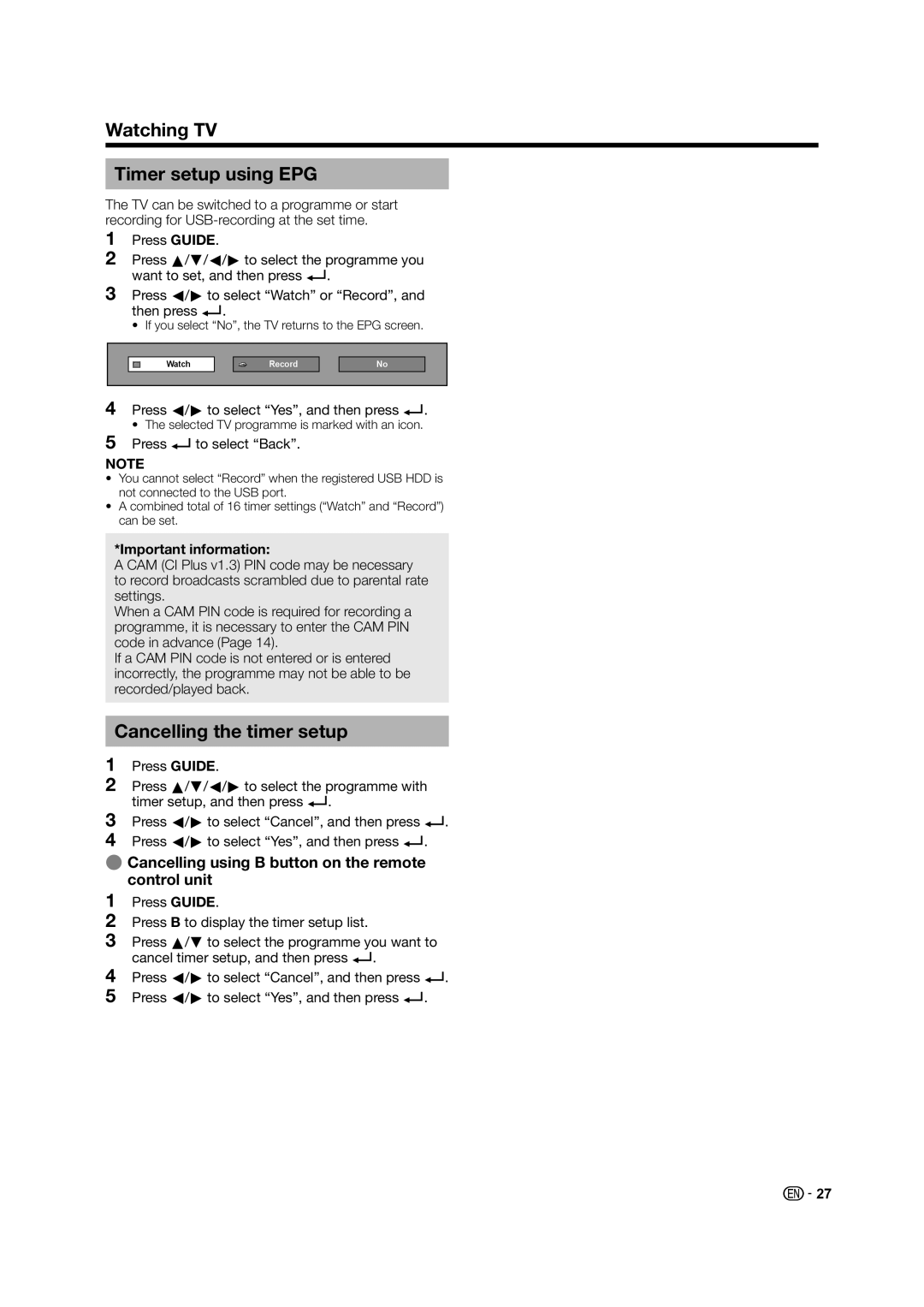
3Press c/dto select “Watch” or “Record”, and then press ?.
• If you select “No”, the TV returns to the EPG screen.
Watch
Record
No
4Press c/dto select “Yes”, and then press ?.
• The selected TV programme is marked with an icon.
5Press ?to select “Back”.
NOTE
•You cannot select “Record” when the registered USB HDD is not connected to the USB port.
•A combined total of 16 timer settings (“Watch” and “Record”) can be set.
*Important information:
A CAM (CI Plus v1.3) PIN code may be necessary to record broadcasts scrambled due to parental rate settings.
When a CAM PIN code is required for recording a programme, it is necessary to enter the CAM PIN code in advance (Page 14).
If a CAM PIN code is not entered or is entered incorrectly, the programme may not be able to be recorded/played back.
Cancelling the timer setup
1Press GUIDE.
2Press a/b/c/dto select the programme with timer setup, and then press ?.
3
4
Press c/dto select “Cancel”, and then press ?. Press c/dto select “Yes”, and then press ?.
ECancelling using B button on the remote control unit
1Press GUIDE.
2Press B to display the timer setup list.
3Press a/bto select the programme you want to cancel timer setup, and then press ?.
4
5
Press c/dto select “Cancel”, and then press ?. Press c/dto select “Yes”, and then press ?.
 27
27